
Tracking Venues with Air 3S | Mountain Tips
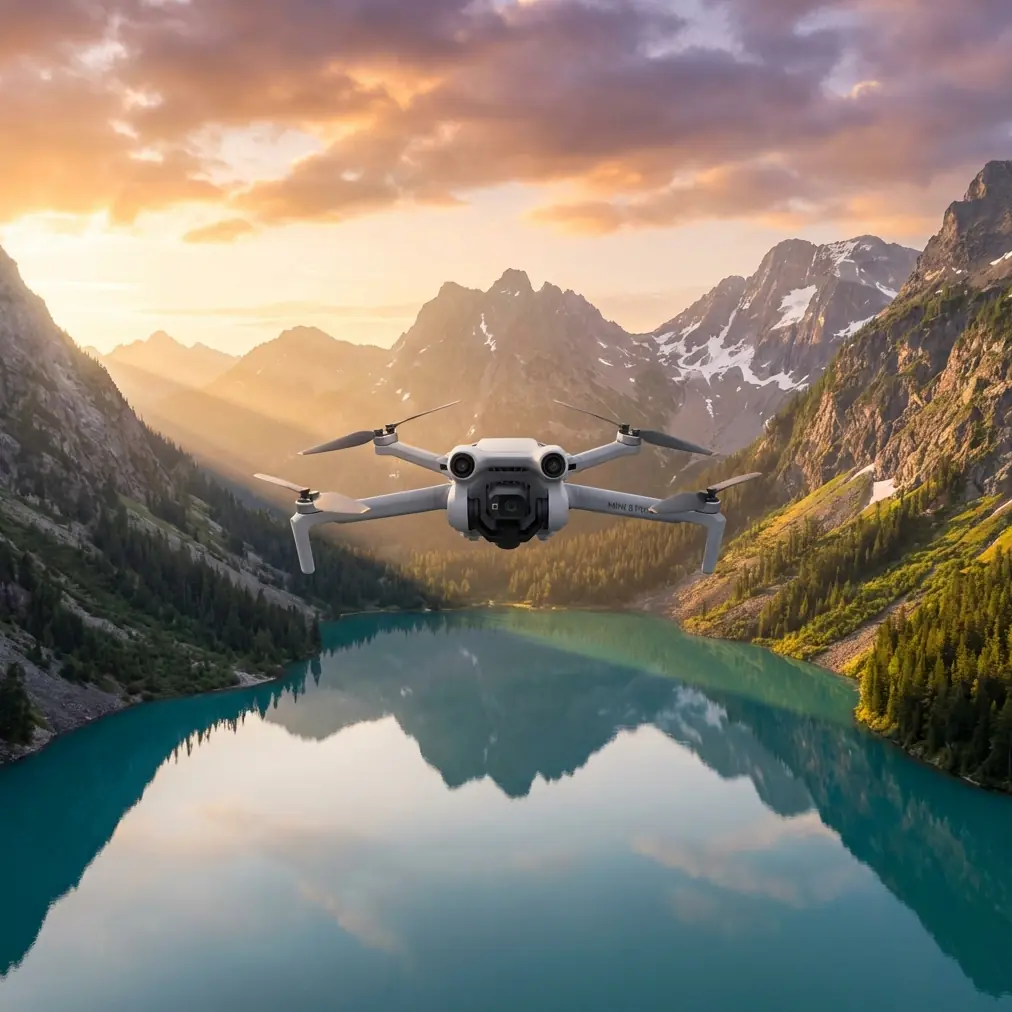
Tracking Venues with Air 3S | Mountain Tips
META: Master mountain venue tracking with the DJI Air 3S. Learn expert battery tips, ActiveTrack settings, and obstacle avoidance strategies for alpine filming.
TL;DR
- Cold weather drains batteries 30-40% faster—pre-warm batteries inside your jacket before flight
- ActiveTrack 360° combined with obstacle avoidance enables confident subject tracking through complex mountain terrain
- D-Log color profile preserves 13.5 stops of dynamic range for dramatic alpine lighting conditions
- QuickShots and Hyperlapse modes automate cinematic sequences while you focus on safety
The Mountain Tracking Challenge
Mountain venue tracking pushes drone capabilities to their limits. Unpredictable winds, dramatic elevation changes, and complex obstacle environments demand equipment that responds intelligently. The Air 3S addresses these challenges with a sensor suite and tracking algorithms specifically designed for dynamic environments.
This guide breaks down field-tested techniques for tracking subjects across mountain venues—whether you're filming trail runners, mountain bikers, or documenting alpine events. Every recommendation comes from actual flight hours in challenging terrain.
Battery Management: The Foundation of Mountain Operations
Here's what nobody tells you about mountain flying: your battery percentage lies to you in cold weather.
During a recent shoot tracking a trail running event at 2,800 meters elevation, I watched a fully charged battery drop from 100% to 73% within the first three minutes of flight. The culprit wasn't a malfunction—it was -4°C ambient temperature combined with altitude effects on battery chemistry.
Pro Tip: Store batteries inside your jacket against your body for at least 20 minutes before flight. This pre-warming technique consistently recovers 15-20% of cold-weather capacity loss. I use hand warmers wrapped around batteries in a dedicated pouch during winter shoots.
Critical Battery Protocols for Altitude
- Hover test first: After takeoff, hover at 10 meters for 60 seconds to let the battery warm under load
- Set conservative RTH: Configure Return-to-Home at 30% battery minimum for mountain operations
- Monitor voltage, not percentage: The DJI Fly app shows cell voltage—watch for any cell dropping below 3.5V
- Carry 3x your expected battery needs: Cold weather and wind resistance consume power rapidly
- Land with reserve: Target landing at 20% remaining to preserve long-term battery health
The Air 3S battery heating system activates automatically below 15°C, but this draws additional power. Factor this consumption into your flight planning.
ActiveTrack 360° in Complex Terrain
The Air 3S tracking system represents a significant advancement for mountain operations. The dual-camera system—combining a 24mm wide-angle with a 70mm telephoto—enables tracking flexibility impossible with single-sensor drones.
Configuring Tracking for Mountain Venues
Start by selecting your tracking mode based on terrain complexity:
Trace Mode works best for:
- Open alpine meadows
- Ridge lines with clear sightlines
- Gradual terrain transitions
Parallel Mode excels when:
- Tracking along established trails
- Filming switchback descents
- Capturing lateral movement across slopes
Spotlight Mode proves essential for:
- Subjects moving through tree cover
- Variable-speed activities
- Situations requiring manual flight path control
Expert Insight: Switch to the 70mm telephoto when tracking subjects through partially obstructed terrain. The narrower field of view maintains lock on smaller visible portions of your subject, while the Air 3S obstacle avoidance handles flight path adjustments independently.
Obstacle Avoidance Integration
The omnidirectional sensing system on the Air 3S detects obstacles in all directions simultaneously. For mountain tracking, configure these settings:
- Obstacle avoidance behavior: Set to "Bypass" rather than "Brake" for fluid tracking shots
- Sensing range: Maximum setting for alpine environments with variable obstacles
- APAS 5.0: Enable for intelligent path planning around trees and rock formations
The system processes obstacle data at 60fps, enabling real-time path adjustments even during aggressive tracking maneuvers.
Technical Comparison: Air 3S Tracking Capabilities
| Feature | Air 3S Specification | Mountain Application |
|---|---|---|
| Obstacle Sensing | Omnidirectional, 38m range | Detects trees, rocks, cables in all directions |
| ActiveTrack Version | 360° with dual cameras | Maintains subject lock through partial obstructions |
| Maximum Tracking Speed | 21 m/s (75.6 km/h) | Keeps pace with mountain bikers on descents |
| Wind Resistance | Level 5 (10.7 m/s) | Stable tracking in typical alpine conditions |
| Operating Temperature | -10°C to 40°C | Covers most mountain shooting conditions |
| Sensor Size | 1-inch CMOS | Low-light capability for dawn/dusk golden hour |
| Video Resolution | 4K/60fps HDR | Smooth slow-motion for action sequences |
Cinematic Techniques for Venue Documentation
QuickShots for Establishing Shots
QuickShots automate complex camera movements, freeing you to monitor safety and airspace. For mountain venues, these modes deliver consistent results:
Dronie: Pulls back and up from subject, revealing venue scale Circle: Orbits subject with consistent framing—ideal for summit shots Helix: Ascending spiral creates dramatic reveals of mountain panoramas Boomerang: Dynamic back-and-forth movement for action sports coverage
Each QuickShot maintains obstacle avoidance, though I recommend manual scouting flights before executing automated sequences in complex terrain.
Hyperlapse for Venue Context
Mountain venues transform dramatically with changing light. Hyperlapse mode captures this evolution efficiently:
- Free mode: Manual flight path for custom venue tours
- Circle mode: Time-lapse orbit around central venue features
- Course Lock: Consistent direction while capturing environmental changes
- Waypoint: Repeatable paths for multi-day event coverage
Set Hyperlapse interval to 2 seconds for smooth results. The Air 3S processes footage internally, delivering stabilized 4K output without post-production requirements.
D-Log Color Profile for Dynamic Range
Mountain lighting presents extreme contrast challenges. Bright snow, deep shadows, and rapidly changing conditions demand maximum dynamic range capture.
D-Log preserves 13.5 stops of dynamic range, capturing detail in:
- Snow highlights that would otherwise clip
- Shadow detail in forested sections
- Subtle color gradations in alpine skies
- Transitional lighting during golden hour
Pro Tip: When shooting D-Log in mountains, overexpose by 1/3 to 2/3 stop. This protects shadow detail where noise becomes visible first. The highlight headroom in D-Log handles the overexposure without clipping.
Common Mistakes to Avoid
Ignoring wind patterns at altitude: Mountain winds accelerate through passes and over ridges. What feels calm at ground level may be 15+ m/s at 50 meters AGL. Always check wind speed at intended flight altitude before committing to tracking sequences.
Trusting GPS lock in valleys: Steep mountain walls can limit satellite visibility. Wait for 12+ satellites and HDOP below 1.5 before initiating tracking flights. The Air 3S displays these metrics in the flight status panel.
Overlooking magnetic interference: Mountain terrain often contains iron deposits that affect compass accuracy. Calibrate the compass at each new location, and watch for compass warnings during flight.
Setting tracking speed too high: The Air 3S can track at 75+ km/h, but mountain terrain demands conservative speeds. Limit tracking speed to 40 km/h in complex environments to give obstacle avoidance adequate response time.
Forgetting subject briefing: Your tracking subject needs to understand the drone's behavior. Brief them on:
- Maintaining consistent speed through technical sections
- Signaling before unexpected stops
- Avoiding sudden direction reversals
- Staying clear of overhead obstacles
Frequently Asked Questions
How does altitude affect Air 3S tracking performance?
The Air 3S maintains full tracking capability up to 6,000 meters above sea level. Reduced air density at altitude slightly decreases maximum speed and increases power consumption by approximately 10-15% at 3,000 meters. Obstacle avoidance sensors function normally regardless of altitude, though thinner air may slightly reduce maximum wind resistance capability.
Can ActiveTrack maintain lock when subjects enter tree cover?
The dual-camera system significantly improves tracking through partial obstructions. When a subject enters tree cover, the system predicts trajectory and reacquires lock when visibility returns. For dense forest, Spotlight mode allows manual flight control while maintaining camera orientation on the last known subject position. Expect occasional reacquisition delays of 1-3 seconds in heavily obstructed terrain.
What's the optimal height for mountain venue tracking?
Maintain 15-30 meters AGL for most tracking scenarios. This altitude provides adequate obstacle clearance while keeping subjects prominent in frame. For wide establishing shots, increase to 50-80 meters. When tracking through forested sections, the minimum safe altitude depends on tree height—maintain at least 10 meters above the canopy. Use the Air 3S terrain following feature to maintain consistent AGL across variable elevation.
Elevate Your Mountain Coverage
The Air 3S transforms mountain venue tracking from a high-risk endeavor into a reliable production tool. The combination of intelligent obstacle avoidance, dual-camera tracking, and robust environmental tolerance enables shots that previously required helicopter support or extensive safety rigging.
Master the battery management techniques outlined here, configure your tracking modes for terrain complexity, and leverage the full dynamic range of D-Log capture. The mountain footage you'll capture will justify every hour of preparation.
Ready for your own Air 3S? Contact our team for expert consultation.