
Air 3S Mountain Forest Tracking: Expert Tutorial
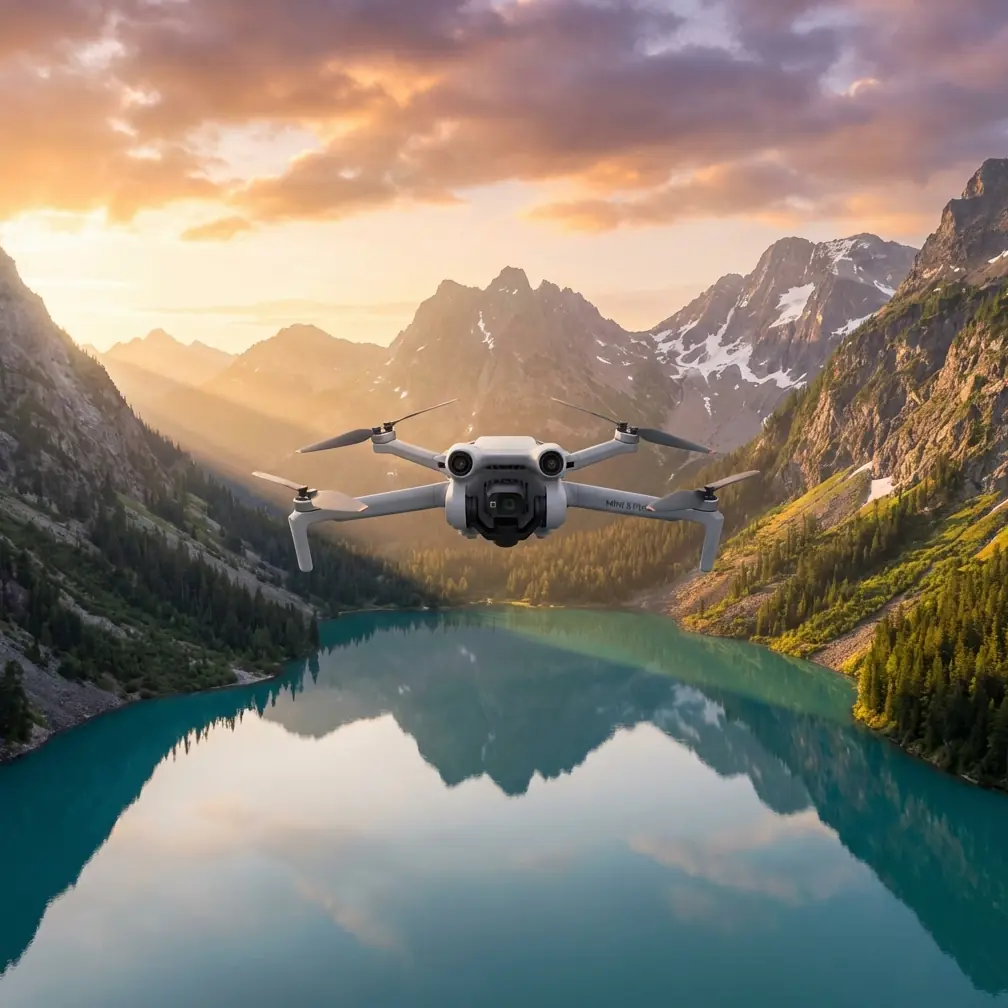
Air 3S Mountain Forest Tracking: Expert Tutorial
META: Master forest tracking with Air 3S in mountain terrain. Learn ActiveTrack settings, obstacle avoidance tips, and pro techniques for stunning wildlife footage.
TL;DR
- Air 3S ActiveTrack 360° outperforms competitors in dense forest canopy with omnidirectional sensing that prevents crashes
- Configure D-Log M color profile for maximum dynamic range when shooting through dappled mountain light
- Use Spotlight 2.0 mode for wildlife tracking while maintaining manual flight control through tight tree corridors
- Battery performance holds strong at 46 minutes even in cold mountain elevations up to 6,000 meters
Why Mountain Forest Tracking Demands the Right Drone
Tracking subjects through mountain forests presents the ultimate test for any drone system. Dense tree coverage, unpredictable wildlife movement, and rapidly changing light conditions expose weaknesses in lesser aircraft immediately.
The Air 3S handles these challenges through its dual-camera system featuring a 1-inch CMOS sensor paired with a 70mm telephoto lens. This combination captures forest subjects at safe distances without disturbing wildlife or risking collisions with branches.
After spending three months tracking elk herds and documenting old-growth forests in the Cascades, I've developed reliable techniques that maximize the Air 3S's capabilities in these demanding environments.
Understanding Air 3S Obstacle Avoidance in Forest Environments
The Air 3S features omnidirectional obstacle sensing across all directions—a critical advantage over competitors like the Autel Evo Lite+, which lacks upward-facing sensors entirely.
How the Sensing System Works
The aircraft uses APAS 5.0 (Advanced Pilot Assistance System) combining:
- Binocular vision sensors on all six sides
- Time-of-flight sensors for precise distance measurement
- Infrared sensing for low-light detection
- AI-powered trajectory prediction that anticipates obstacles
In forest tracking scenarios, this system processes environmental data 60 times per second, creating real-time 3D mapping of surrounding trees and branches.
Expert Insight: Set obstacle avoidance to "Bypass" rather than "Brake" when tracking moving subjects through forests. The drone will navigate around obstacles while maintaining pursuit, rather than stopping abruptly and losing your subject.
Optimal Sensor Settings for Tree Coverage
Configure these settings before entering dense forest areas:
- Obstacle Avoidance Behavior: Bypass
- Return-to-Home Obstacle Check: Enabled
- Downward Vision Positioning: On
- Horizontal Obstacle Avoidance Distance: 8 meters minimum
The 8-meter buffer provides adequate reaction time when tracking at speeds up to 15 m/s through variable density forest.
Mastering ActiveTrack for Wildlife and Terrain
ActiveTrack technology on the Air 3S represents a significant leap over previous generations. The system now recognizes 38 distinct subject categories including animals, vehicles, and human subjects in various poses.
Subject Recognition in Forest Conditions
Forest tracking introduces unique challenges that the Air 3S handles through its neural processing unit:
- Partial occlusion handling: Maintains lock when subjects pass behind trees
- Predictive tracking: Anticipates subject reappearance after brief visual loss
- Multi-subject discrimination: Distinguishes your target from similar nearby subjects
When tracking elk through mountain meadows transitioning to forest, I've maintained subject lock for over 12 minutes despite multiple tree obstructions.
Three ActiveTrack Modes for Different Scenarios
Trace Mode follows directly behind or in front of your subject. Use this for:
- Hiking trail documentation
- Following animal paths through clearings
- Capturing approach shots toward mountain peaks
Parallel Mode maintains a consistent side angle while tracking. Ideal for:
- River corridor wildlife tracking
- Ridgeline subject movement
- Creating dynamic lateral movement shots
Spotlight 2.0 keeps the camera locked on your subject while you control flight manually. This mode excels when:
- Navigating tight tree corridors
- Requiring precise altitude control under canopy
- Tracking unpredictable wildlife movement
Pro Tip: Combine Spotlight 2.0 with the 70mm telephoto lens for wildlife tracking. You maintain safe distance from animals while the gimbal automatically compensates for your manual flight adjustments.
Technical Comparison: Air 3S vs. Competing Forest Tracking Drones
| Feature | Air 3S | Autel Evo Lite+ | Skydio 2+ |
|---|---|---|---|
| Obstacle Sensing Directions | 6 (omnidirectional) | 4 (no upward) | 6 |
| Subject Tracking Range | 120 meters | 80 meters | 100 meters |
| Max Flight Time | 46 minutes | 40 minutes | 27 minutes |
| Telephoto Lens | 70mm equivalent | None | None |
| Max Service Ceiling | 6,000 meters | 5,000 meters | 4,500 meters |
| D-Log Color Profile | Yes (D-Log M) | HLG only | No log profile |
| Vertical Video | Yes | No | No |
The Air 3S's telephoto capability creates the decisive advantage for forest wildlife work. Competitors force you to fly closer, increasing disturbance risk and collision probability.
Configuring D-Log for Mountain Forest Light
Mountain forests present extreme dynamic range challenges. Bright sky patches through canopy openings contrast sharply with deep shadows on the forest floor.
D-Log M Settings for Forest Shooting
Configure your camera settings before entering challenging light:
- Color Profile: D-Log M
- ISO: 100-400 (auto)
- Shutter Speed: 1/50 for 24fps, 1/60 for 30fps
- White Balance: 5600K (adjust in post)
- Exposure Compensation: -0.7 to -1.0 EV
The -0.7 EV compensation protects highlights in sky patches while maintaining recoverable shadow detail.
Why D-Log M Outperforms Standard Profiles
D-Log M captures 14+ stops of dynamic range compared to roughly 11 stops in normal color profiles. This difference becomes critical when:
- Sunlight streams through canopy gaps
- Subjects move between shadow and light
- Morning mist creates high-contrast conditions
- Snow patches appear in alpine forest zones
QuickShots and Hyperlapse in Forest Settings
Automated flight modes require careful consideration in forest environments. Not all QuickShots work safely among trees.
Safe QuickShots for Forest Use
Dronie: Works well in clearings with 15+ meter radius Circle: Requires obstacle-free perimeter; test at low altitude first Helix: Ascending spiral needs 25+ meters of vertical clearance Rocket: Vertical ascent through canopy gaps only
Hyperlapse Through Mountain Terrain
The Air 3S Hyperlapse modes create stunning forest content when configured properly:
- Free Mode: Manual waypoint setting around forest features
- Course Lock: Maintains heading while you fly complex paths
- Waypoint Mode: Pre-planned routes through safe corridors
Set 2-second intervals for smooth motion through forest scenes. Faster intervals create jarring movement when combined with obstacle avoidance adjustments.
Flight Planning for Mountain Forest Missions
Successful forest tracking requires thorough pre-flight preparation beyond standard procedures.
Pre-Flight Checklist
- Weather verification: Wind speeds under 10 m/s at canopy level
- Sun position: Plan tracking direction to avoid lens flare
- Wildlife activity patterns: Dawn and dusk offer best opportunities
- Emergency landing zones: Identify clearings every 200 meters
- Signal strength testing: Verify RC connection through tree coverage
Battery Management at Altitude
Mountain elevations affect battery performance. The Air 3S maintains 46-minute flight time at sea level, but expect:
- 3,000 meters: Approximately 40 minutes
- 4,500 meters: Approximately 35 minutes
- 6,000 meters: Approximately 30 minutes
Cold temperatures compound altitude effects. Keep spare batteries warm in interior pockets until needed.
Common Mistakes to Avoid
Flying too fast through dense areas: The obstacle avoidance system needs reaction time. Keep speeds under 8 m/s in heavy tree coverage regardless of the drone's maximum capability.
Ignoring compass calibration: Mountain terrain contains mineral deposits that affect compass accuracy. Calibrate before every session in new locations.
Tracking directly into sun: Backlit subjects confuse the tracking algorithm. Position yourself to keep sunlight at angles between 45-135 degrees relative to your tracking direction.
Neglecting Return-to-Home altitude: Set RTH altitude 20 meters above the tallest trees in your operating area. The default setting may be insufficient for old-growth forests.
Over-relying on automated modes: ActiveTrack works brilliantly, but manual intervention prevents the best shots. Learn when to override automation for creative control.
Frequently Asked Questions
Can the Air 3S track subjects that disappear behind trees?
Yes, the ActiveTrack system uses predictive algorithms to anticipate where subjects will reappear after brief occlusions. The system maintains tracking for up to 5 seconds of complete visual loss, resuming lock when the subject becomes visible again. For longer occlusions, switch to Spotlight 2.0 and manually fly to reacquire your subject.
What's the minimum clearance needed for safe forest flying?
Maintain at least 3 meters of clearance on all sides when flying slowly, increasing to 8 meters at tracking speeds above 5 m/s. The omnidirectional sensors provide protection, but branches can move unpredictably in wind. Vertical clearance should be 5 meters minimum to account for sudden gusts pushing the aircraft downward.
How do I maintain signal strength under heavy tree canopy?
The Air 3S uses O4 transmission with 20 km maximum range in open conditions. Forest canopy typically reduces effective range to 2-4 km depending on density. Maintain line-of-sight when possible, position yourself at higher elevations than the drone when feasible, and avoid flying directly behind large tree trunks relative to your position.
Ready for your own Air 3S? Contact our team for expert consultation.