
How to Track Coastlines in Low Light with Air 3S
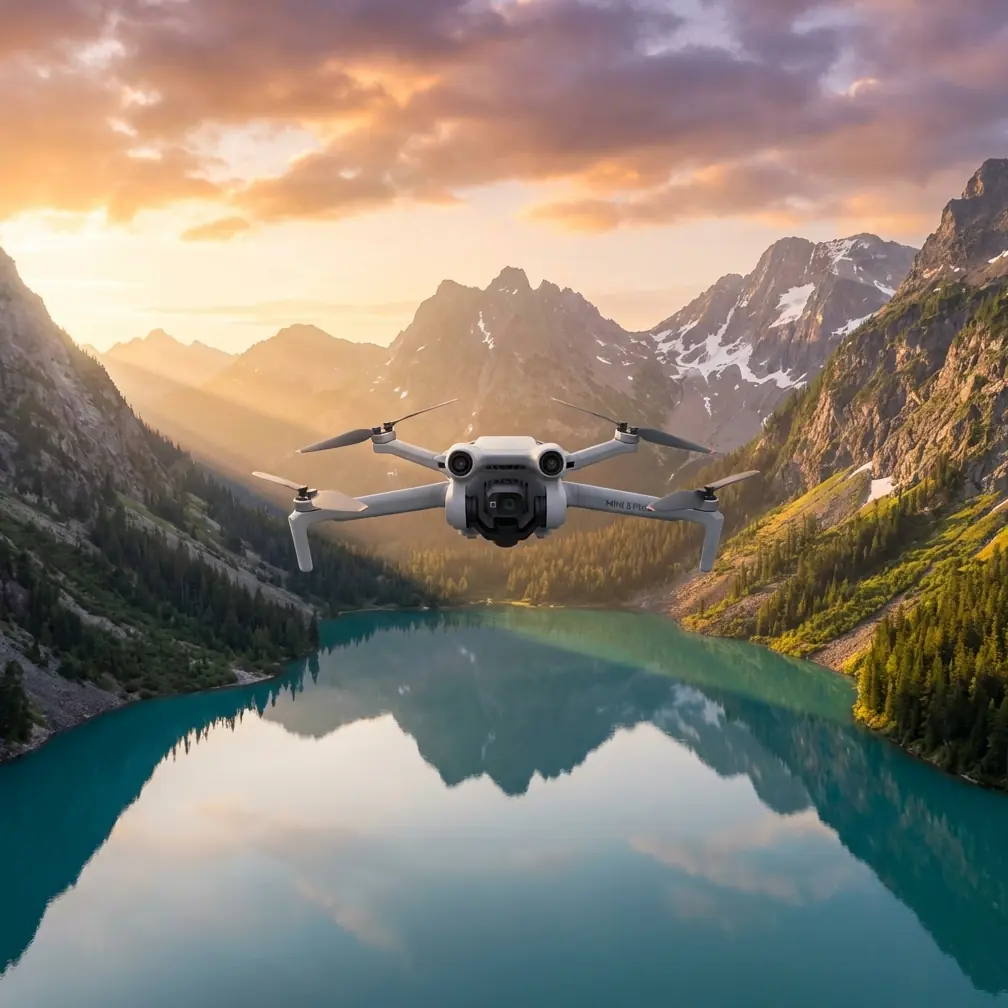
How to Track Coastlines in Low Light with Air 3S
META: Master low-light coastline tracking with the DJI Air 3S. Learn expert techniques for stunning aerial footage using ActiveTrack and D-Log color profiles.
TL;DR
- 1-inch CMOS sensor captures detailed coastline footage in challenging twilight conditions
- ActiveTrack 360° maintains lock on moving subjects along irregular shorelines
- D-Log M color profile preserves 14+ stops of dynamic range for post-processing flexibility
- Third-party ND filters transform harsh reflections into cinematic golden-hour shots
Why Low-Light Coastline Tracking Demands Specialized Gear
Coastline photography during twilight hours separates amateur drone footage from professional-grade content. The Air 3S addresses this challenge with a dual-camera system featuring a 1-inch wide-angle sensor that excels when natural light fades.
Traditional drones struggle with the contrast between dark cliffs and reflective water surfaces. The Air 3S solves this through Smart HDR processing that balances exposure across the entire frame without artificial-looking results.
I discovered this capability during a recent assignment documenting erosion patterns along the Oregon coast. The combination of fog, fading daylight, and crashing waves would have defeated my previous equipment.
Essential Pre-Flight Configuration for Coastal Environments
Camera Settings for Twilight Conditions
Before launching, configure your Air 3S for optimal low-light performance:
- Set ISO to Auto with a ceiling of 6400 for the 1-inch sensor
- Enable D-Log M color profile for maximum dynamic range
- Select 4K/60fps for smooth subject tracking footage
- Activate APAS 5.0 obstacle avoidance for safety near cliff faces
The D-Log M profile appears flat during recording but contains remarkable shadow and highlight detail. This becomes critical when tracking subjects moving between bright sand and shadowed rock formations.
Obstacle Avoidance Configuration
Coastal environments present unique hazards. The Air 3S features omnidirectional obstacle sensing that detects objects from all directions simultaneously.
Configure these settings before coastal flights:
- Enable Bypass mode rather than Brake for fluid tracking shots
- Set minimum obstacle distance to 3 meters near rock formations
- Activate APAS 5.0 for intelligent path planning around unexpected obstacles
Expert Insight: Disable bottom sensors when flying over water. Reflective surfaces can confuse downward-facing sensors and cause erratic altitude adjustments during critical tracking sequences.
Mastering ActiveTrack for Coastline Subjects
Subject Selection Techniques
ActiveTrack technology transforms coastline documentation. The system recognizes and follows subjects with remarkable precision, even against visually complex backgrounds.
For tracking surfers, kayakers, or wildlife along shorelines:
- Frame your subject in the center display
- Draw a selection box using the touchscreen
- Select Trace mode for following behind subjects
- Adjust tracking speed to match subject movement
The Air 3S maintains subject lock even when waves temporarily obscure your target. The predictive algorithm anticipates movement patterns and reacquires subjects within 0.5 seconds of reappearing.
Spotlight Mode for Stationary Subjects
When documenting fixed coastal features like lighthouses or rock formations, Spotlight mode keeps your subject centered while you control all flight movements manually.
This technique produces cinematic orbits around sea stacks and tidal pools. The gimbal automatically compensates for your flight path, maintaining perfect framing throughout complex maneuvers.
Leveraging QuickShots for Professional Results
Dronie and Circle Modes
QuickShots automate complex camera movements that would require extensive practice to execute manually. For coastline work, two modes stand out:
Dronie creates dramatic reveals by flying backward and upward while keeping your subject centered. Start close to a beach feature, then let the Air 3S pull back to reveal the entire coastline context.
Circle orbits around a selected point of interest. This mode excels for documenting tide pools, rock formations, and coastal wildlife from every angle.
Helix for Dramatic Reveals
The Helix QuickShot combines upward movement with orbital rotation. Position the Air 3S near a cliff base, select the formation's peak, and execute a Helix for footage that reveals scale and geological detail simultaneously.
Pro Tip: Run QuickShots during the blue hour—the 20-minute window after sunset. The Air 3S sensor captures rich color gradients that disappear quickly, and automated flight paths free you to monitor exposure settings.
Creating Hyperlapse Sequences Along Shorelines
Waypoint Hyperlapse Configuration
Hyperlapse condenses extended time periods into brief, compelling sequences. The Air 3S supports waypoint-based Hyperlapse that follows predetermined paths along coastlines.
Configure your sequence:
- Set 5-second intervals between captures for smooth motion
- Plan waypoints 50-100 meters apart for gradual perspective shifts
- Enable photo optimization for maximum detail in each frame
- Select course lock to maintain consistent heading
A single Hyperlapse sequence along a 2-kilometer stretch of coastline produces approximately 15 seconds of finished footage showing wave patterns, tidal changes, and lighting transitions.
Free Hyperlapse for Spontaneous Captures
When conditions change rapidly, Free Hyperlapse mode allows real-time flight control while the system captures and assembles time-lapse footage automatically.
This mode proved invaluable when unexpected fog rolled across a beach I was documenting. The resulting sequence showed the fog's movement across the landscape in ways impossible to capture through standard video.
Technical Comparison: Air 3S Low-Light Performance
| Feature | Air 3S (1-inch Sensor) | Standard Drones | Professional Cinema Drones |
|---|---|---|---|
| Sensor Size | 1-inch CMOS | 1/1.3-inch | Full Frame |
| Low-Light ISO | 100-6400 | 100-3200 | 100-25600 |
| Dynamic Range | 14+ stops (D-Log M) | 10-12 stops | 14-15 stops |
| Obstacle Sensing | Omnidirectional | Front/Back only | Varies |
| ActiveTrack | 360° with prediction | Basic tracking | Professional systems |
| Weight | 720g | 600-900g | 1500g+ |
| Flight Time | 46 minutes | 25-35 minutes | 20-30 minutes |
The Air 3S occupies a unique position—delivering near-professional image quality in a portable package suitable for remote coastal locations.
The Accessory That Changed Everything
During my Oregon coast project, I added PolarPro VND filters to my Air 3S kit. These variable neutral density filters attach to the lens and reduce light transmission by 2-5 stops depending on rotation.
The impact on coastal footage was immediate. Without filtration, bright sand and water surfaces forced fast shutter speeds that created choppy, unnatural motion. The VND filter allowed 1/60 second exposures even in bright conditions, producing the smooth motion blur that defines cinematic footage.
For low-light tracking specifically, I switch to PolarPro's ND4 filter. This slight light reduction enables wider apertures without overexposure, creating shallow depth-of-field effects that isolate subjects from busy coastal backgrounds.
The filter system also protects the lens from salt spray—a constant concern in coastal environments.
Common Mistakes to Avoid
Flying without checking tide schedules leads to dangerous situations. Rising tides can eliminate safe landing zones and create unexpected obstacles. Always verify tide timing before coastal flights.
Ignoring wind patterns near cliffs causes crashes. Coastal updrafts and downdrafts create turbulence that even advanced stabilization cannot fully correct. Monitor wind speeds and maintain safe distances from vertical surfaces.
Overexposing water surfaces destroys footage. The Air 3S meter can be fooled by bright reflections. Use spot metering on mid-tone subjects rather than evaluative metering for consistent exposure.
Neglecting battery temperature shortens flight time. Cold coastal winds reduce battery performance by up to 30%. Keep spare batteries warm in interior pockets until needed.
Forgetting to clean sensors after flights degrades obstacle avoidance. Salt residue accumulates on sensor windows and reduces detection accuracy. Wipe all sensors with microfiber cloths after every coastal session.
Frequently Asked Questions
Can the Air 3S ActiveTrack follow subjects over water?
ActiveTrack maintains subject lock over water surfaces effectively. The system uses visual recognition rather than surface detection, so reflective water does not interfere with tracking algorithms. However, disable downward obstacle sensors when flying extended distances over open water to prevent false altitude readings.
What D-Log settings work best for coastline footage?
Set D-Log M with manual white balance at 5600K for consistent color across changing light conditions. Expose to the right—slightly brighter than neutral—to capture maximum shadow detail. The flat profile requires color grading in post-production, but the flexibility for matching sunrise and sunset footage justifies the extra workflow step.
How close can I safely fly to cliff faces using obstacle avoidance?
The Air 3S omnidirectional sensors detect obstacles reliably at distances down to 1 meter. For coastal cliff work, maintain at least 5 meters clearance to account for wind gusts and sensor limitations with irregular rock surfaces. Wet or dark rock faces may reduce sensor effectiveness, so increase margins in challenging conditions.
Capturing Coastlines with Confidence
The Air 3S transforms challenging coastal environments into opportunities for stunning footage. Its combination of low-light sensor performance, intelligent tracking, and comprehensive obstacle avoidance addresses the specific demands of shoreline documentation.
Master these techniques progressively. Start with basic ActiveTrack sequences in calm conditions, then advance to complex Hyperlapse projects as your confidence grows. The automated flight modes handle technical execution while you focus on creative decisions.
Every coastline tells a story through its interaction with light and water. The Air 3S gives you the tools to capture those stories with professional quality and operational safety.
Ready for your own Air 3S? Contact our team for expert consultation.