
Scouting Venues with Air 3S | Essential Tips
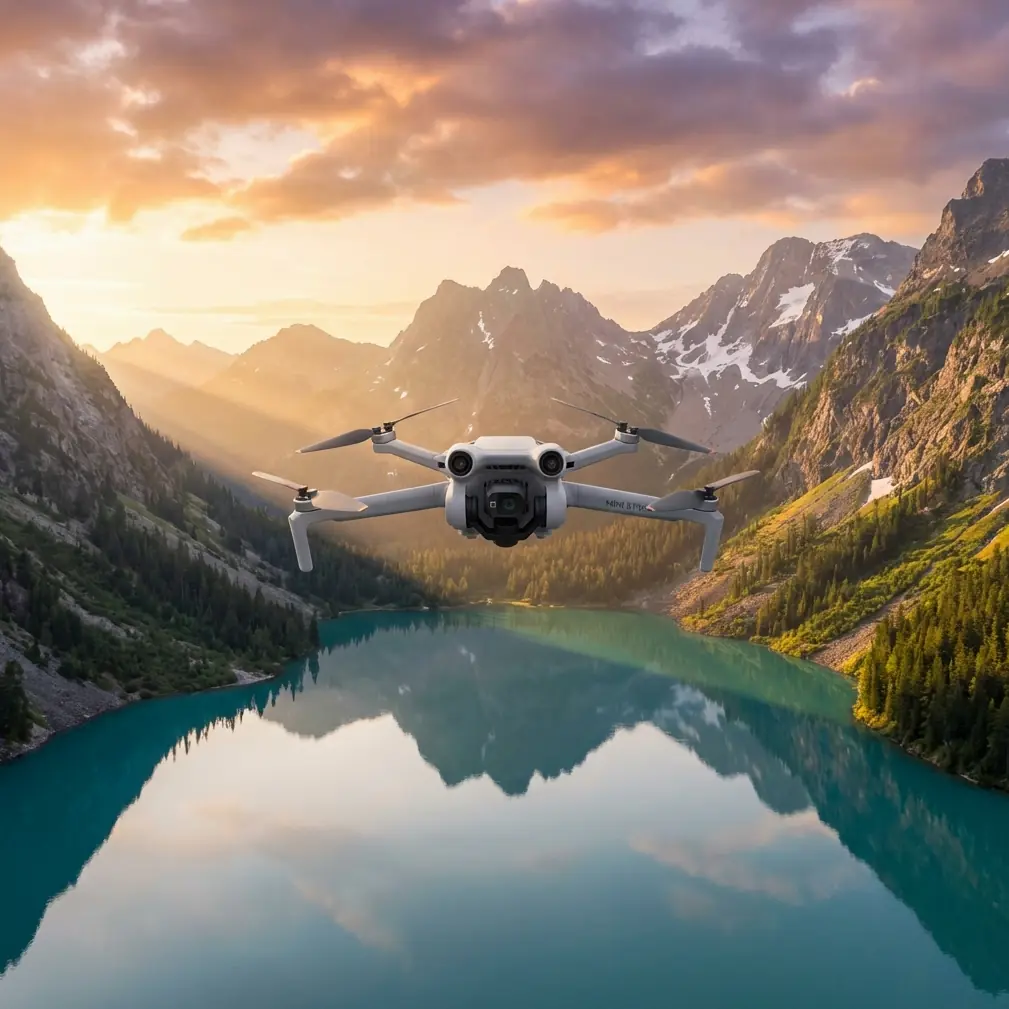
Scouting Venues with Air 3S | Essential Tips
META: Master venue scouting in complex terrain with the DJI Air 3S. Learn expert techniques for obstacle avoidance, subject tracking, and cinematic shots.
TL;DR
- Pre-flight sensor cleaning is critical for reliable obstacle avoidance in dusty or debris-heavy scouting locations
- The Air 3S's omnidirectional obstacle sensing enables confident navigation through tight spaces and complex architectural environments
- ActiveTrack 360° and QuickShots streamline solo scouting operations when you can't bring an assistant
- D-Log color profile captures 12.4 stops of dynamic range, preserving detail in challenging venue lighting conditions
The Challenge of Solo Venue Scouting
Scouting wedding venues, film locations, or event spaces in complex terrain presents unique challenges that ground-based photography simply can't solve. The Air 3S addresses these obstacles with intelligent flight systems designed for navigating tight courtyards, dense tree canopies, and multi-level architectural features.
Whether you're evaluating a cliffside ceremony spot or mapping out a historic estate with narrow pathways, this drone's combination of safety features and cinematic capabilities transforms how professional photographers approach location assessment.
Pre-Flight Preparation: The Cleaning Step That Saves Your Shot
Before discussing flight techniques, let's address the maintenance step that directly impacts your safety systems' reliability.
Why Sensor Cleaning Matters for Obstacle Avoidance
The Air 3S relies on vision sensors positioned across all six directions to detect and avoid obstacles. Dust, pollen, fingerprints, or moisture on these sensors degrades their effectiveness—sometimes catastrophically.
During venue scouting, you'll encounter:
- Kicked-up dust from gravel pathways
- Pollen in garden settings
- Salt spray at coastal locations
- Condensation during early morning shoots
Cleaning protocol before each scouting session:
- Use a rocket blower to remove loose particles from all sensor windows
- Wipe gently with a microfiber cloth dampened with lens cleaning solution
- Inspect the forward and downward sensors especially—these work hardest during complex navigation
- Check the infrared sensors on top for any debris affecting upward detection
Pro Tip: Carry a small cleaning kit in your drone bag. A 30-second sensor wipe before launch has prevented more crashes than any firmware update ever will.
Navigating Complex Terrain with Confidence
Venue scouting rarely happens in open fields. You're threading through archways, flying alongside cliff faces, and maneuvering around mature trees with unpredictable branch patterns.
Omnidirectional Obstacle Sensing in Action
The Air 3S detects obstacles in all directions simultaneously, creating a protective bubble around the aircraft. This system uses:
- Forward/backward sensors: Detect objects up to 44 meters ahead
- Lateral sensors: Cover left and right with 30-meter detection range
- Upward/downward sensors: Prevent collisions with ceilings, overhangs, and ground obstacles
For venue scouting specifically, this means you can:
- Fly through covered walkways without constant manual adjustment
- Navigate between closely spaced pillars or trees
- Ascend through canopy gaps while the system monitors branches above
APAS 5.0: Your Intelligent Co-Pilot
Advanced Pilot Assistance System 5.0 doesn't just detect obstacles—it actively plots alternative routes around them. When scouting a venue with dense landscaping, APAS allows you to focus on composition while the drone handles collision prevention.
Three operational modes serve different scouting needs:
| Mode | Behavior | Best For |
|---|---|---|
| Bypass | Automatically navigates around obstacles | General venue exploration |
| Brake | Stops when obstacles detected | Tight indoor-adjacent spaces |
| Off | Manual control only | Experienced pilots in controlled environments |
Expert Insight: When scouting venues with mixed open and confined spaces, keep APAS in Bypass mode but reduce your maximum speed to 8 m/s. This gives the system adequate reaction time while maintaining efficient coverage of the property.
Subject Tracking for Dynamic Location Assessment
Understanding how a venue photographs with movement—couples walking, guests mingling—requires more than static shots. ActiveTrack technology lets you simulate these scenarios during scouting.
ActiveTrack 360° Capabilities
The Air 3S tracks subjects with 360-degree awareness, meaning it won't lose your stand-in subject when they turn corners or move behind partial obstructions.
Practical scouting applications include:
- Walking ceremony processional routes to evaluate angles
- Testing reception entrance paths for videography potential
- Assessing how natural light interacts with moving subjects throughout the venue
The system maintains tracking even when subjects temporarily disappear behind obstacles, predicting their reemergence point based on trajectory analysis.
QuickShots for Rapid Venue Documentation
When time is limited—and it always is during scouting—QuickShots automate complex maneuvers that would otherwise require multiple passes.
Most useful QuickShots for venue scouting:
- Dronie: Reveals venue context by pulling back and up from a focal point
- Circle: Documents 360° views of ceremony spots or architectural features
- Helix: Combines ascending spiral for dramatic establishing shots
- Rocket: Vertical reveal of multi-story venues or landscape vistas
Each QuickShot completes in 10-30 seconds, allowing rapid documentation of multiple venue areas within a single battery cycle.
Capturing Cinematic Reference Footage
Scouting isn't just about logistics—it's about envisioning the final product. The Air 3S's imaging capabilities let you capture reference footage that accurately represents what's achievable on event day.
D-Log for Maximum Flexibility
Shooting in D-Log M color profile preserves 12.4 stops of dynamic range, critical when scouting venues with:
- Harsh midday sun creating deep shadows
- Mixed indoor/outdoor lighting scenarios
- Reflective surfaces like water features or glass architecture
This flat color profile captures detail in highlights and shadows simultaneously, letting you demonstrate to clients exactly how their venue will look after professional color grading.
Hyperlapse for Time-Based Assessment
Venue lighting changes dramatically throughout the day. Hyperlapse mode compresses hours into seconds, showing clients:
- How shadows move across ceremony spaces
- When golden hour light enters specific areas
- Potential lighting challenges at different event times
The Air 3S processes Hyperlapse footage in-camera, delivering stabilized results without post-production requirements.
Technical Specifications Comparison
| Feature | Air 3S | Previous Generation | Scouting Benefit |
|---|---|---|---|
| Obstacle Sensing | Omnidirectional | Forward/backward/downward | Navigate complex architecture |
| Max Flight Time | 45 minutes | 34 minutes | Cover larger venues per battery |
| Video Resolution | 4K/60fps HDR | 4K/60fps | Better reference footage quality |
| Low-Light Performance | f/1.8 aperture, Dual ISO | f/2.8 aperture | Scout during golden hour effectively |
| Transmission Range | 20 km O4 | 12 km O3 | Maintain connection in RF-challenging venues |
| Wind Resistance | Level 5 (10.7 m/s) | Level 5 | Reliable coastal/hilltop scouting |
Common Mistakes to Avoid
Skipping the sensor inspection: Obstacle avoidance systems fail silently when sensors are obscured. A dirty sensor won't trigger a warning—it simply won't detect that tree branch.
Flying too fast in confined spaces: APAS needs processing time. Aggressive stick inputs in tight areas can outpace the system's ability to calculate safe routes.
Ignoring wind patterns around structures: Buildings create turbulence. That calm courtyard may have violent downdrafts near rooflines. Ascend slowly and watch for unexpected drift.
Relying solely on automated modes: QuickShots and ActiveTrack are tools, not replacements for piloting skill. Know how to take manual control instantly if the system behaves unexpectedly.
Forgetting to document flight paths: When you find the perfect shot angle during scouting, record your GPS coordinates and altitude. Recreating that exact position on event day saves valuable time.
Neglecting to check local regulations: Historic venues, national parks, and urban locations often have specific drone restrictions. Verify permissions before your scouting visit, not during.
Frequently Asked Questions
Can the Air 3S fly indoors for venue scouting?
The Air 3S can operate indoors, but with important limitations. GPS positioning becomes unavailable, so the drone relies on vision positioning systems. Obstacle avoidance remains functional but performs best in well-lit spaces. For indoor scouting, enable Tripod mode to limit speed and increase control precision. Always maintain visual line of sight and avoid spaces with reflective floors that can confuse downward sensors.
How does ActiveTrack perform when subjects move behind obstacles?
ActiveTrack 360° uses predictive algorithms to maintain tracking when subjects temporarily disappear. The system analyzes movement trajectory and anticipates where the subject will reappear. Performance depends on obstruction duration—brief passages behind pillars or trees work reliably, while extended disappearances may require re-acquisition. For venue scouting, this means you can track walking paths through partially obstructed areas without constantly reselecting your subject.
What's the best approach for scouting venues with water features?
Water creates two challenges: reflective surfaces can confuse vision sensors, and crashes mean total equipment loss. Maintain minimum 5-meter altitude over water to ensure downward sensors read the actual surface, not reflections. Avoid hovering directly over water when possible—plan flight paths that cross water features at angles rather than lingering above them. The Air 3S floats briefly if ditched, but recovery must happen within seconds before submersion.
Ready for your own Air 3S? Contact our team for expert consultation.