
How to Scout Venues with Air 3S in Extreme Temps
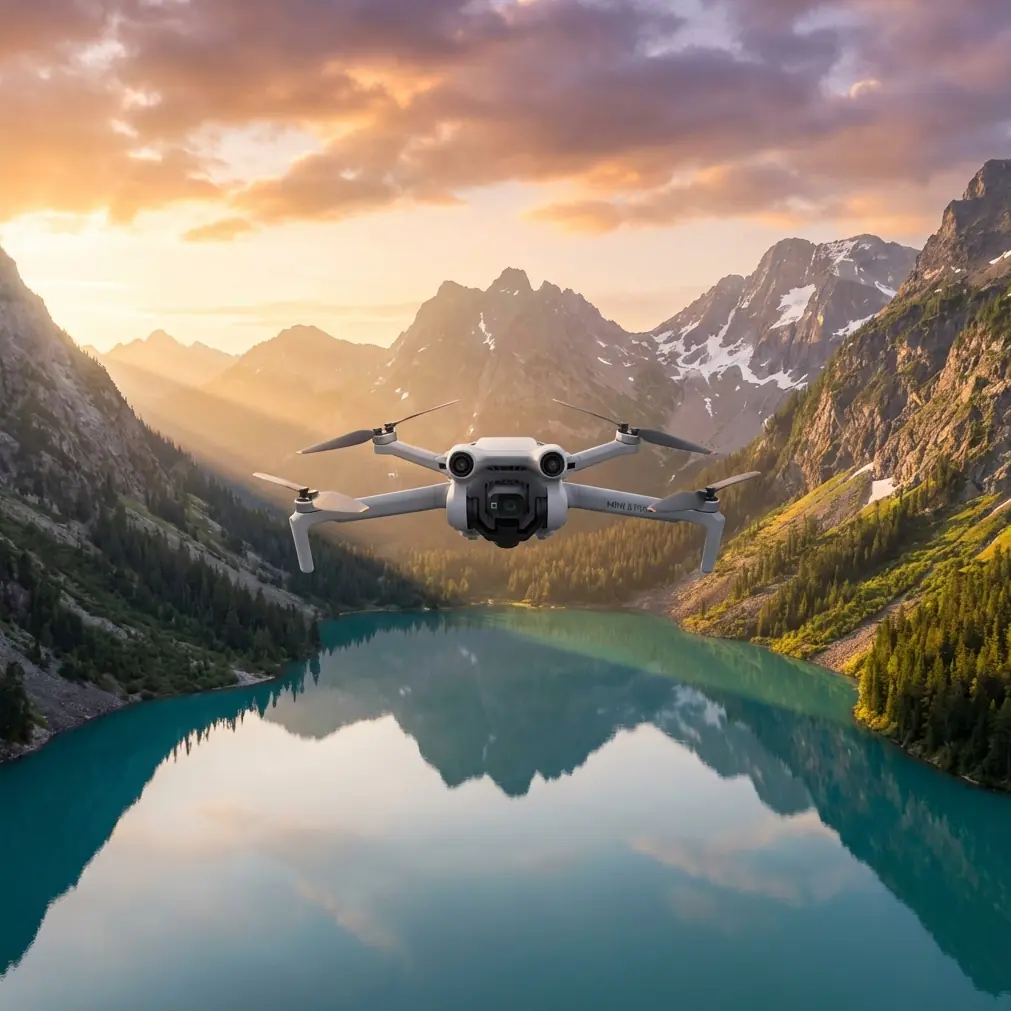
How to Scout Venues with Air 3S in Extreme Temps
META: Master venue scouting in extreme temperatures with the DJI Air 3S. Learn pro techniques for obstacle avoidance, subject tracking, and thermal management.
TL;DR
- Air 3S maintains reliable performance from -10°C to 40°C with proper battery management and flight protocols
- Electromagnetic interference at venues requires specific antenna positioning and channel selection strategies
- ActiveTrack 5.0 and omnidirectional obstacle avoidance make complex venue mapping safer in challenging conditions
- D-Log color profile preserves maximum detail for post-production venue analysis
The Reality of Extreme Temperature Venue Scouting
Venue scouting doesn't wait for perfect weather. Last month, I found myself mapping an outdoor amphitheater at -8°C while electromagnetic interference from nearby broadcast towers threatened to ground my entire operation. The Air 3S handled both challenges—but only because I understood exactly how to work with its systems.
This field report breaks down the techniques, settings, and real-world adjustments that keep the Air 3S performing when temperatures push boundaries and interference fills the airwaves.
Pre-Flight Protocol for Temperature Extremes
Cold Weather Preparation
Battery performance drops dramatically in freezing conditions. The Air 3S uses intelligent flight batteries rated to -10°C, but that rating assumes proper preparation.
Before any cold-weather venue scout, I follow this protocol:
- Warm batteries to 20°C minimum before insertion (body heat or vehicle heater)
- Keep spare batteries in an insulated bag with hand warmers
- Reduce expected flight time by 30% in sub-zero conditions
- Monitor battery temperature through the DJI Fly app—land immediately if it drops below 15°C
The Air 3S displays real-time battery temperature, a feature that's saved me from unexpected landings multiple times.
Hot Weather Considerations
Extreme heat creates different problems. At 38°C during a stadium scout in Phoenix, I watched my Air 3S's internal temperature climb toward warning thresholds within 12 minutes of flight.
Heat management strategies include:
- Launch from shaded areas whenever possible
- Avoid hovering for extended periods—movement creates airflow over motors and processors
- Plan flight paths that minimize time over heat-reflective surfaces (concrete, metal roofing)
- Use QuickShots for rapid automated captures rather than manual hovering
Expert Insight: The Air 3S's 1-inch CMOS sensor generates significant heat during video recording. In temperatures above 35°C, switch to photo mode for mapping shots and reserve video for essential sequences only.
Handling Electromagnetic Interference at Venues
The Antenna Adjustment Technique
Venues concentrate electromagnetic interference like few other environments. Broadcast equipment, security systems, LED walls, and wireless microphones create a soup of competing signals that can devastate drone control links.
During my amphitheater scout, interference from a nearby FM transmitter tower caused signal warnings at just 150 meters distance. Here's how I maintained control:
Step 1: Identify interference sources Walk the venue perimeter with the controller powered on. The DJI Fly app displays signal strength—note where interference peaks.
Step 2: Position your antenna correctly The Air 3S controller antennas transmit strongest perpendicular to their flat faces. Point the flat antenna surfaces directly at the drone, not the edges.
Step 3: Select optimal transmission channels In the DJI Fly app, navigate to Transmission settings and switch from Auto to Manual channel selection. Use the interference graph to identify the cleanest frequency band.
Step 4: Maintain line of sight Electromagnetic interference weakens direct signal paths. Position yourself where no structures block the path between controller and drone.
| Interference Source | Typical Frequency | Air 3S Impact | Mitigation |
|---|---|---|---|
| FM Radio Towers | 88-108 MHz | Moderate | Distance, antenna positioning |
| LED Video Walls | 2.4 GHz | Severe | Switch to 5.8 GHz transmission |
| Wireless Mics | 470-698 MHz | Low | Minimal adjustment needed |
| Security Systems | 900 MHz / 2.4 GHz | Moderate | Manual channel selection |
| WiFi Networks | 2.4 / 5 GHz | High | Use DJI's interference-resistant channels |
Pro Tip: The Air 3S supports O4 transmission with automatic frequency hopping. In high-interference environments, this system switches channels up to 1,000 times per second, maintaining connection where fixed-frequency drones fail.
Leveraging Obstacle Avoidance for Complex Venues
Omnidirectional Sensing in Tight Spaces
Venue scouting means navigating around rigging, scaffolding, seating structures, and architectural features that create obstacle-dense environments. The Air 3S's omnidirectional obstacle sensing uses vision sensors and a downward-facing ToF sensor to detect hazards in all directions.
For venue work, I configure obstacle avoidance with these settings:
- Obstacle Avoidance Behavior: Set to "Bypass" rather than "Brake" for smoother footage
- Sensing Distance: Maximum setting for complex environments
- APAS 5.0: Enabled for intelligent path planning around detected obstacles
The system detects obstacles from 0.5 to 40 meters in optimal lighting. In dim venue interiors, detection range decreases—account for this by reducing flight speed.
When to Disable Obstacle Avoidance
Certain venue shots require flying closer to structures than obstacle avoidance permits. For these situations:
- Switch to Cine mode for reduced maximum speed
- Disable forward/backward sensing only (maintain downward sensing)
- Never disable all sensing in unfamiliar venues
- Use a visual observer positioned to see obstacles you can't
Subject Tracking for Dynamic Venue Mapping
ActiveTrack 5.0 Configuration
When scouting venues with moving elements—staff walkthroughs, vehicle access testing, crowd flow simulation—ActiveTrack 5.0 transforms the Air 3S into an automated cinematography platform.
The system uses machine learning to predict subject movement, maintaining tracking even through brief occlusions. For venue work, configure:
- Tracking Mode: Trace (follows behind subject) for walkthrough documentation
- Tracking Mode: Parallel (maintains side angle) for access route mapping
- Spotlight Mode: Keeps subject centered while you control flight path manually
ActiveTrack integrates with obstacle avoidance, allowing the drone to navigate around venue structures while maintaining subject lock.
Capturing Venue Data with Hyperlapse and QuickShots
Hyperlapse for Venue Context
Hyperlapse mode creates time-compressed video that shows venue scale and surroundings efficiently. For scouting purposes, I use:
- Circle Hyperlapse: Orbits a venue's central point, capturing 360-degree context
- Course Lock Hyperlapse: Maintains heading while flying a set path—ideal for linear venues
- Waypoint Hyperlapse: Pre-programmed flight path for repeatable documentation
Each mode captures photos at set intervals, then assembles them into smooth video. The Air 3S processes this onboard, delivering finished files without post-production.
QuickShots for Rapid Documentation
When time pressure limits scouting duration, QuickShots automate complex maneuvers:
- Dronie: Flies backward and upward, revealing venue in context
- Helix: Ascending spiral around a point of interest
- Rocket: Straight vertical ascent with downward camera
- Boomerang: Elliptical path around subject
Each QuickShot completes in under 30 seconds, capturing footage that would require minutes of manual flying.
D-Log Configuration for Maximum Post-Production Flexibility
Why D-Log Matters for Venue Scouts
Venues present extreme dynamic range challenges. Bright sky through open roofs, dark seating areas, reflective stage surfaces—standard color profiles clip highlights and crush shadows.
D-Log captures over 12 stops of dynamic range, preserving detail across the entire brightness spectrum. This matters for venue scouting because:
- Clients can see detail in shadowed areas
- Bright signage and screens remain readable
- Color grading can match footage to brand guidelines
- Multiple exposures aren't required for HDR documentation
Configure D-Log in the camera settings menu. Pair it with manual exposure to maintain consistency across shots.
Common Mistakes to Avoid
Flying without temperature acclimation Moving a drone from a warm vehicle to freezing air causes lens fogging and battery voltage drops. Allow 5-10 minutes for acclimation before flight.
Ignoring interference warnings Signal warnings exist for safety. When the app shows degraded transmission, land and troubleshoot rather than pushing range limits.
Trusting obstacle avoidance completely Thin wires, guy cables, and transparent surfaces challenge vision-based sensing. Always maintain visual awareness beyond what sensors detect.
Recording in standard color profiles Venue lighting varies dramatically. D-Log provides flexibility that standard profiles cannot match—the extra post-production step is worth the quality gain.
Neglecting battery temperature in heat Hot batteries degrade faster and pose fire risks. If battery temperature exceeds 45°C, land immediately and allow cooling before storage.
Frequently Asked Questions
Can the Air 3S fly reliably below -10°C?
The Air 3S is rated to -10°C operating temperature, but battery performance degrades significantly below this threshold. In colder conditions, flight time may drop to 50% of normal, and sudden voltage drops can cause emergency landings. Pre-warming batteries and limiting flight duration extends operational capability, but I don't recommend venue scouting below -15°C regardless of preparation.
How does electromagnetic interference affect video transmission versus control signals?
The Air 3S uses O4 transmission for both video downlink and control uplink, but they respond differently to interference. Video quality degrades first—you'll see pixelation and latency before control becomes affected. If video shows interference artifacts, reduce distance to the drone immediately. Control signal loss follows video degradation by 3-5 seconds in most interference scenarios.
What's the best obstacle avoidance setting for indoor venue scouting?
For indoor venues, set obstacle avoidance to Bypass mode with maximum sensing distance. This allows the Air 3S to navigate around detected obstacles rather than stopping abruptly. Reduce flight speed to 3-5 m/s to give the system adequate reaction time. In venues with complex rigging or thin structural elements, consider flying with a visual observer who can warn of hazards the sensors might miss.
Ready for your own Air 3S? Contact our team for expert consultation.