
How to Scout Power Lines with Air 3S at Altitude
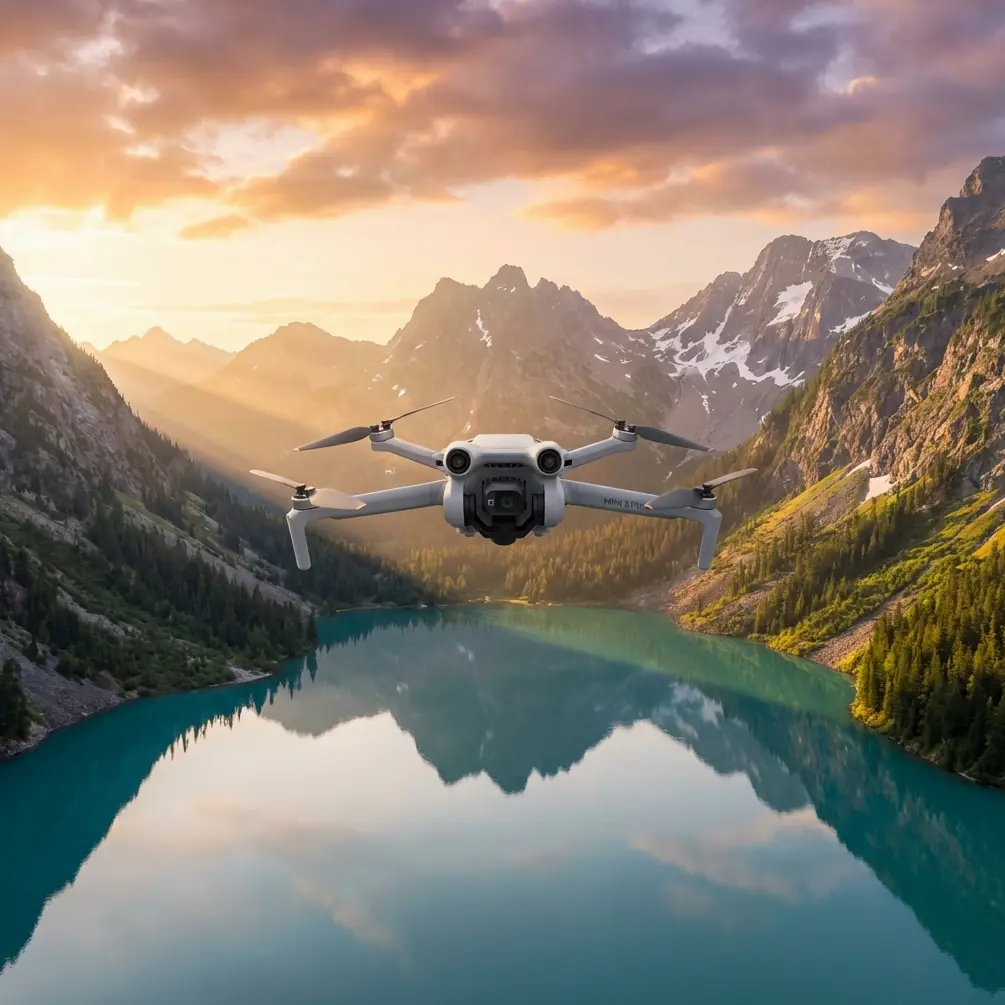
How to Scout Power Lines with Air 3S at Altitude
META: Learn expert techniques for scouting power lines at high altitude using the DJI Air 3S. Master obstacle avoidance, camera settings, and flight planning for safe inspections.
TL;DR
- Air 3S performs reliably at altitudes up to 6,000 meters, making it ideal for mountain power line corridors
- Omnidirectional obstacle sensing prevents collisions with cables, towers, and unexpected wildlife
- D-Log color profile captures maximum detail in high-contrast infrastructure scenes
- Flight planning and battery management become critical above 3,000 meters elevation
Why High-Altitude Power Line Inspection Demands Specialized Equipment
Power line inspections in mountainous terrain present unique challenges that ground crews simply cannot address efficiently. The Air 3S solves critical problems for utility companies and independent inspectors working in elevated corridors.
Traditional helicopter inspections cost thousands per hour. Ground crews face dangerous climbs and limited visibility. The Air 3S bridges this gap with professional-grade imaging at a fraction of the operational cost.
High-altitude environments thin the air, reducing lift efficiency. Temperature swings stress batteries. Unpredictable winds challenge stability. Understanding how the Air 3S handles these conditions separates successful missions from failed ones.
Essential Pre-Flight Planning for Mountain Corridors
Understanding Density Altitude Effects
Air density decreases approximately 3% per 300 meters of elevation gain. This directly impacts propeller efficiency and hover stability.
At 4,500 meters, expect:
- 15-20% reduction in flight time
- Increased motor temperatures
- Slower response to control inputs
- Reduced maximum payload capacity
Plan missions with 30% battery reserve rather than the standard 20% you might use at sea level.
Weather Window Selection
Mountain weather shifts rapidly. Schedule flights during:
- Early morning hours (6:00-9:00 AM) for calmest conditions
- Stable pressure systems with minimal frontal activity
- Wind speeds below 8 m/s at your operating altitude
- Visibility exceeding 5 kilometers for safe visual line of sight
Pro Tip: Download offline maps and elevation data before reaching remote sites. Cell coverage fails precisely when you need weather updates most.
Configuring Air 3S for Infrastructure Inspection
Camera Settings That Capture Critical Details
Power line defects hide in shadows and reflections. Proper camera configuration reveals problems invisible to casual observation.
Recommended settings for infrastructure work:
- ISO: 100-400 to minimize noise in detailed shots
- Shutter Speed: 1/500 or faster to freeze cable vibration
- Aperture: f/4-f/5.6 for optimal sharpness across the frame
- D-Log color profile for maximum dynamic range recovery
- 48MP photo mode for cropping flexibility during analysis
D-Log captures 2-3 additional stops of highlight and shadow detail compared to standard profiles. This proves essential when shooting against bright sky backgrounds while maintaining tower detail.
Obstacle Avoidance Configuration
The Air 3S omnidirectional sensing system becomes your primary safety net around energized infrastructure.
Configure these settings before approaching any power corridor:
- Enable all obstacle sensors including downward vision
- Set avoidance behavior to "Brake" rather than "Bypass"
- Reduce maximum speed to 8 m/s in inspection zones
- Activate Return-to-Home altitude above the highest obstacle plus 20 meters
During a recent inspection in the Colorado Rockies, the forward sensors detected a golden eagle perched on a transmission tower 47 meters ahead. The automatic brake engaged smoothly, preventing a collision that would have damaged both drone and bird. The eagle departed after 12 seconds, and the mission continued without incident.
Flight Patterns for Comprehensive Coverage
The Parallel Track Method
This systematic approach ensures complete documentation without gaps or redundant coverage.
Execution steps:
- Position the drone 30 meters perpendicular to the power line
- Fly parallel to the corridor at consistent altitude
- Maintain 60% image overlap for photogrammetry compatibility
- Reverse direction and offset 15 meters closer for the return pass
- Complete a third pass at 15 meters distance for detail shots
Tower Inspection Orbits
Individual tower assessment requires circular flight paths at multiple elevations.
Orbit parameters:
- Radius: 20-25 meters from tower center
- Speed: 3-4 m/s for stable video capture
- Elevation changes: 10-meter increments from base to peak
- Camera angle: 15-30 degrees downward tilt
Expert Insight: Subject tracking locks onto tower structures effectively, but disable ActiveTrack when cables enter the frame. The system may attempt to track moving cables in wind, causing erratic flight behavior.
Technical Comparison: Air 3S vs. Alternative Platforms
| Feature | Air 3S | Enterprise Mini | Mavic 3 Classic |
|---|---|---|---|
| Max Service Ceiling | 6,000m | 4,000m | 6,000m |
| Obstacle Sensing | Omnidirectional | Forward/Backward/Down | Omnidirectional |
| Max Flight Time | 46 minutes | 51 minutes | 46 minutes |
| Sensor Size | 1-inch | 1/1.3-inch | 4/3-inch |
| D-Log Support | Yes | No | Yes |
| Weight | 720g | 249g | 895g |
| Wind Resistance | 12 m/s | 10.7 m/s | 12 m/s |
The Air 3S occupies the optimal position for independent inspectors. It delivers professional imaging capabilities without enterprise-level complexity or cost.
Leveraging QuickShots and Hyperlapse for Documentation
QuickShots for Standardized Angles
Automated flight modes ensure consistent documentation across multiple inspection sites.
Useful QuickShots for infrastructure:
- Dronie: Establishes geographic context while retreating from the subject
- Circle: Creates comprehensive tower overviews
- Helix: Combines orbital and ascending motion for dramatic reveals
These automated sequences free the operator to monitor obstacle clearance rather than managing complex manual maneuvers.
Hyperlapse for Time-Based Analysis
Hyperlapse captures subtle changes invisible in single images.
Applications include:
- Cable sag variation under thermal load
- Vegetation encroachment progression
- Ice accumulation patterns
- Corona discharge visibility at dusk
Set 2-second intervals for infrastructure hyperlapse. Longer intervals miss transient phenomena while shorter ones create unnecessarily large files.
Common Mistakes to Avoid
Flying too close to energized lines. Electromagnetic interference affects compass accuracy within 5 meters of high-voltage conductors. Maintain minimum 15-meter separation from energized infrastructure.
Ignoring wind gradient effects. Wind speed increases dramatically with altitude in mountain valleys. Conditions at launch may differ significantly from conditions at operating height.
Neglecting battery temperature. Cold batteries deliver reduced capacity. Warm batteries to 20°C minimum before flight. Keep spares in insulated containers close to your body.
Skipping compass calibration. Metal towers create localized magnetic anomalies. Calibrate at least 50 meters from any steel structure.
Overrelying on automated return. Return-to-Home paths may intersect obstacles added since takeoff. Always maintain visual contact and manual override readiness.
Forgetting regulatory requirements. Power line inspection often requires utility company authorization and may fall under Part 107 waiver requirements for operations beyond visual line of sight.
Frequently Asked Questions
Can the Air 3S detect power lines automatically?
The obstacle avoidance system detects cables 8mm diameter and larger under good lighting conditions. Thin guy wires and fiber optic cables may not trigger avoidance. Always fly with visual confirmation of cable positions.
How does ActiveTrack perform around transmission towers?
ActiveTrack identifies tower structures reliably but struggles with consistent tracking when multiple similar objects appear in frame. Manual flight control provides superior precision for detailed infrastructure inspection.
What file formats work best for utility company deliverables?
Capture in DNG raw format for maximum flexibility. Export final deliverables as JPEG at 90% quality for reports and TIFF for archival purposes. Video deliverables typically require H.265 codec at 100Mbps minimum for detail preservation.
Maximizing Mission Success at Elevation
High-altitude power line inspection with the Air 3S requires methodical preparation and conservative flight planning. The platform delivers exceptional capability when operators respect environmental limitations.
Build experience gradually. Start with lower elevation sites before attempting mountain corridor work. Document your procedures and refine them based on actual field conditions.
The combination of reliable obstacle avoidance, professional imaging capabilities, and portable form factor makes the Air 3S an outstanding tool for infrastructure inspection professionals.
Ready for your own Air 3S? Contact our team for expert consultation.