
Air 3S Wildlife Monitoring: Low Light Mastery Guide
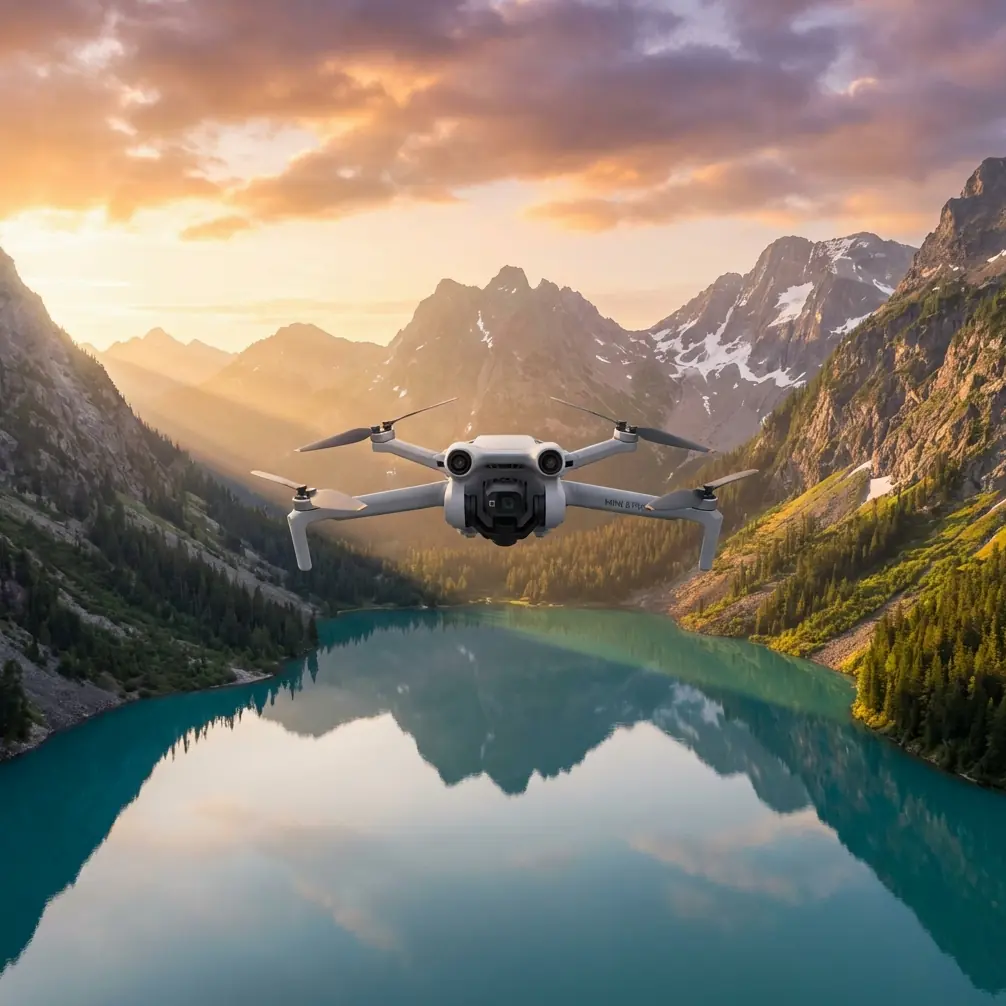
Air 3S Wildlife Monitoring: Low Light Mastery Guide
META: Master wildlife monitoring in low light with Air 3S. Learn expert antenna positioning, tracking techniques, and camera settings for stunning results.
TL;DR
- 1-inch CMOS sensor captures wildlife detail in conditions as low as 0.5 lux
- Proper antenna positioning extends reliable range to 15km+ in open terrain
- ActiveTrack 6.0 maintains subject lock on moving animals at up to 21 m/s
- D-Log color profile preserves 13+ stops of dynamic range for post-processing flexibility
Wildlife monitoring demands equipment that performs when natural light fails. The Air 3S transforms low-light fieldwork with its 1-inch sensor, omnidirectional obstacle avoidance, and intelligent tracking—but only when configured correctly.
This tutorial walks you through antenna positioning strategies, optimal camera settings, and tracking techniques that separate amateur footage from professional wildlife documentation.
Understanding Low-Light Wildlife Challenges
Crepuscular and nocturnal species present unique documentation difficulties. Dawn and dusk—prime activity windows for deer, wolves, owls, and countless other species—offer 70-90% less ambient light than midday conditions.
Traditional drones produce unusable footage in these scenarios. Noise overwhelms detail. Autofocus hunts endlessly. Subjects blur into shadows.
The Air 3S addresses each limitation through hardware and software integration that smaller-sensor drones cannot match.
Why Sensor Size Matters for Wildlife Work
The 1-inch CMOS sensor collects approximately 4x more light than the 1/1.3-inch sensors found in consumer alternatives. This translates directly to:
- Lower ISO requirements for equivalent exposure
- Reduced digital noise in shadow areas
- Faster shutter speeds without sacrificing brightness
- Greater detail retention in fur, feathers, and foliage
Expert Insight: When monitoring nocturnal predators, I consistently shoot at ISO 1600 on the Air 3S where competing drones require ISO 6400+. That two-stop advantage means the difference between publishable footage and grainy documentation.
Antenna Positioning for Maximum Range
Signal reliability determines mission success. Wildlife monitoring often requires operating at extended distances—tracking herds across valleys, following raptors along ridgelines, or maintaining position over remote watering holes.
The Physics of RC Signal Propagation
Your controller's antennas emit signal in a toroidal pattern—strongest perpendicular to the antenna axis, weakest at the tips. Most operators hold controllers incorrectly, pointing antennas directly at their aircraft.
This creates the weakest possible signal path.
Optimal Positioning Technique
Follow this positioning protocol for consistent 15km+ range in open terrain:
- Identify your aircraft's position relative to your standing location
- Angle both antennas so their flat faces point toward the drone
- Maintain 45-degree separation between antennas for spatial diversity
- Adjust as the aircraft moves—antenna orientation is dynamic, not static
For wildlife monitoring specifically:
- When aircraft operates ahead and level: antennas vertical, faces forward
- When aircraft operates above you: antennas tilted back approximately 60 degrees
- When aircraft operates at distance and altitude: split the difference based on geometry
Pro Tip: I attach a small bubble level to my controller hood. Maintaining consistent controller angle prevents unconscious tilting that degrades signal during intense tracking sequences.
Environmental Interference Factors
Signal degradation sources common in wildlife environments:
| Interference Source | Signal Impact | Mitigation Strategy |
|---|---|---|
| Dense tree canopy | -6 to -12 dB | Gain altitude above canopy |
| Wet foliage | -3 to -8 dB | Increase antenna precision |
| Rocky terrain/cliffs | Multipath reflection | Maintain line-of-sight |
| Metal structures (blinds) | -4 to -10 dB | Position 3m+ from metal |
| Other 2.4GHz devices | Variable | Switch to 5.8GHz band |
Camera Configuration for Low-Light Excellence
Hardware capability means nothing without proper configuration. These settings maximize Air 3S performance during dawn, dusk, and overcast wildlife monitoring.
Essential Video Settings
Resolution and Frame Rate Selection
For most wildlife documentation, shoot 4K at 30fps. This combination:
- Provides sufficient resolution for cropping and stabilization
- Allows longer shutter times than 60fps
- Reduces file sizes for extended monitoring sessions
- Maintains compatibility with standard delivery formats
When capturing fast-moving subjects—birds in flight, predator pursuits—switch to 4K 60fps and accept the exposure trade-off.
Color Profile: D-Log Explained
D-Log captures a flat, desaturated image that preserves maximum dynamic range. This matters enormously for wildlife work where:
- Bright sky meets shadowed forest floor
- Reflective water borders dark vegetation
- Animal subjects move between light and shadow
The profile retains approximately 13 stops of dynamic range versus 11 stops in standard color modes. That additional latitude saves shots that would otherwise clip highlights or crush shadows.
Manual Exposure Strategy
Automatic exposure fails during wildlife monitoring. Animals moving against varied backgrounds trigger constant exposure shifts that ruin footage.
Configure manual exposure using this hierarchy:
- Set aperture to f/2.8 (maximum light gathering)
- Choose shutter speed at minimum 1/60s for 30fps (1/120s for 60fps)
- Adjust ISO to achieve proper exposure—typically 800-3200 in low light
- Enable ND filters only when ISO drops below 100
Focus Configuration
Autofocus modes for wildlife scenarios:
- AFC (Continuous): Primary mode for moving subjects
- Tracking AF: Engaged automatically with ActiveTrack
- Manual Focus: Reserve for static observation points
Set focus peaking to red for maximum visibility against natural backgrounds.
Mastering ActiveTrack for Wildlife Subjects
ActiveTrack 6.0 represents the Air 3S's most valuable wildlife monitoring feature. The system maintains subject lock through partial occlusions, lighting changes, and complex backgrounds.
Initiating Reliable Tracks
Subject selection determines tracking success:
- Frame your subject with clear separation from background
- Draw a selection box that includes the entire animal plus 10-15% margin
- Confirm the green tracking indicator appears before releasing
- Monitor the confidence percentage—below 70% suggests reselection needed
Tracking Mode Selection
| Mode | Best Application | Limitations |
|---|---|---|
| Trace | Following ground animals along paths | Loses subjects in dense cover |
| Parallel | Documenting herd movement | Requires open terrain |
| Spotlight | Stationary observation with subject freedom | No autonomous flight path |
For most wildlife monitoring, Spotlight mode provides optimal flexibility. The aircraft maintains position while the gimbal tracks subject movement—ideal for watering hole observation or den monitoring.
Handling Track Losses
ActiveTrack will lose subjects. Prepare for recovery:
- Immediately switch to manual control when tracking fails
- Maintain last known heading while reacquiring visually
- Reduce altitude if subject entered vegetation
- Widen field of view by pulling back on gimbal wheel
Expert Insight: I program a custom button to instantly switch between ActiveTrack and manual flight. That half-second saved during track loss often determines whether I recover the subject or lose the sequence entirely.
QuickShots and Hyperlapse for Documentation
Automated flight modes create establishing shots and time-compressed sequences that contextualize wildlife behavior.
QuickShots for Habitat Context
Dronie and Circle modes work effectively for habitat establishment:
- Position aircraft 50-100m from subject area
- Select slow speed to minimize wildlife disturbance
- Execute during inactive periods (midday rest, post-feeding)
Avoid Rocket and Helix for wildlife work—rapid altitude changes trigger flight responses in most species.
Hyperlapse for Behavioral Patterns
Time-lapse documentation reveals patterns invisible in real-time observation:
- Watering hole activity: 2-4 hour captures at 2-second intervals
- Nesting behavior: Dawn-to-dusk captures at 5-second intervals
- Migration staging: Multi-day captures at 30-second intervals
Configure Hyperlapse in Waypoint mode for consistent framing across extended captures.
Obstacle Avoidance Configuration
The Air 3S features omnidirectional obstacle sensing across all directions. For wildlife monitoring, this system requires careful configuration.
When to Enable Full Avoidance
Enable all sensors when:
- Operating in unfamiliar terrain
- Tracking subjects through mixed environments
- Flying during reduced visibility periods
- Conducting autonomous flight modes
When to Modify Avoidance Behavior
Reduce sensitivity or disable specific directions when:
- Subjects consistently trigger false positives (large birds, jumping mammals)
- Operating in open terrain with no collision risk
- Tracking requires closer approach than default minimums allow
Access avoidance settings through Safety → Obstacle Avoidance → Advanced.
Common Mistakes to Avoid
Ignoring Wind at Altitude Ground-level calm often masks significant wind 50-100m above terrain. Check forecasts for altitude-specific conditions before extended wildlife monitoring sessions.
Over-Relying on Automatic Exposure Animals moving against sky, water, or snow backgrounds cause dramatic exposure swings. Lock exposure manually before initiating tracking sequences.
Neglecting Battery Temperature Dawn monitoring means cold batteries. Capacity drops 20-30% below 15°C. Warm batteries in vehicle or against body before flight.
Approaching Too Quickly Wildlife habituates to consistent drone presence but flees from rapid approach. Maintain constant, slow closure rates—never exceed 5 m/s when approaching subjects.
Forgetting Audio Documentation The Air 3S captures no audio. Pair drone footage with ground-based audio recording for complete behavioral documentation.
Frequently Asked Questions
What is the minimum light level for usable Air 3S wildlife footage?
The Air 3S produces documentable footage down to approximately 0.5 lux—equivalent to deep twilight or heavy overcast at dusk. Below this threshold, noise becomes problematic even at maximum aperture. For reference, full moonlight provides roughly 0.25 lux, which pushes the sensor beyond practical limits for detailed wildlife documentation.
How close can I approach wildlife without causing disturbance?
Species sensitivity varies dramatically. Raptors often tolerate approaches to 30-50m after habituation. Ungulates typically require 100m+ minimum distance. Marine mammals may have legal approach limits of 150m or more. Research your specific subjects and local regulations before fieldwork. When uncertain, maintain maximum practical distance and crop in post-production.
Does ActiveTrack work on all animal types?
ActiveTrack performs best on subjects with defined edges and consistent coloration—mammals, large birds, and reptiles track reliably. The system struggles with camouflaged subjects, animals in dense vegetation, and species that change shape dramatically during movement (flying birds with variable wing positions). Test tracking reliability on your specific subjects before critical documentation sessions.
Wildlife monitoring in challenging light separates professional documentation from amateur attempts. The Air 3S provides the hardware foundation—your technique determines the results.
Master antenna positioning for reliable range. Configure exposure manually for consistent footage. Leverage ActiveTrack intelligently while preparing for manual recovery. These fundamentals transform low-light wildlife monitoring from frustrating to rewarding.
Ready for your own Air 3S? Contact our team for expert consultation.