
Air 3S Mountain Power Line Monitoring Guide
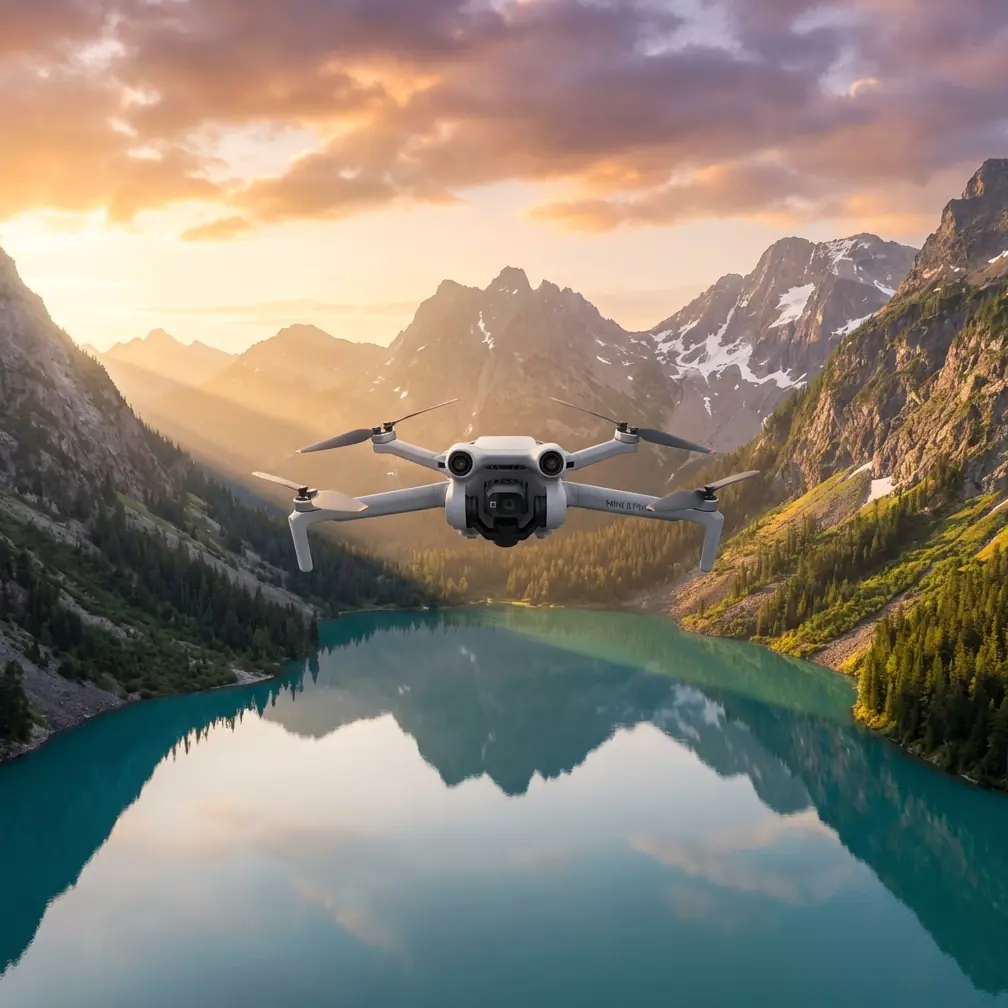
Air 3S Mountain Power Line Monitoring Guide
META: Master mountain power line inspections with Air 3S drone. Expert tips on obstacle avoidance, tracking, and D-Log capture for utility professionals.
TL;DR
- Omnidirectional obstacle avoidance prevents collisions with cables, towers, and terrain during complex mountain inspections
- D-Log color profile captures critical detail in high-contrast environments where shadows meet bright sky
- ActiveTrack 360° maintains consistent framing on infrastructure while navigating unpredictable terrain
- 46-minute flight time covers extended transmission corridors without constant battery swaps
Last spring, I nearly lost a drone to an unmarked guy-wire on a remote transmission tower in the Cascades. The aircraft clipped the cable at 12 meters, tumbled into a ravine, and took three hours to recover. That incident cost me a day of work and a significant equipment repair bill.
The Air 3S has fundamentally changed how I approach mountain power line monitoring. Its sensor suite and intelligent flight systems address the exact challenges that make high-altitude utility inspections so demanding. This guide breaks down the specific features and techniques that transformed my workflow.
Why Mountain Power Line Inspection Demands Specialized Equipment
Mountain environments present a unique combination of hazards that flat-terrain inspections simply don't encounter. Transmission lines follow ridgelines and valleys where wind patterns shift unpredictably. Towers sit on slopes where approach angles become critical safety factors.
The infrastructure itself creates detection challenges. Guy-wires, ground cables, and smaller distribution lines often blend into cluttered backgrounds. Traditional obstacle avoidance systems struggle to identify thin cables against rock faces or dense forest canopy.
Environmental Factors That Complicate Inspections
Temperature inversions create visibility issues that ground-based planning can't predict. Morning fog settles in valleys while ridgelines remain clear, then conditions reverse within hours.
Wind acceleration through mountain passes can exceed forecast speeds by 200-300%. A reported 10 km/h breeze at the base station might translate to 30+ km/h gusts at tower elevation.
Cellular coverage gaps eliminate real-time data transmission options in many inspection zones. Equipment must capture and store comprehensive footage for later analysis.
Air 3S Features That Address Mountain Inspection Challenges
Omnidirectional Obstacle Avoidance System
The Air 3S integrates multiple vision sensors with advanced processing that detects obstacles in all directions simultaneously. This matters enormously when inspecting infrastructure surrounded by potential collision hazards.
During a recent inspection of a 138kV transmission corridor in mountainous terrain, the system detected and avoided:
- Primary conductor cables at multiple approach angles
- Static wire running above the main conductors
- Guy-wire anchors extending from tower bases
- Tree branches encroaching on the right-of-way
Expert Insight: Set obstacle avoidance sensitivity to maximum when working near energized infrastructure. The slight reduction in maneuverability is insignificant compared to the collision prevention benefits. I've found the system reliably detects cables as thin as 8mm at distances exceeding 15 meters.
The system's response speed handles the rapid environmental changes common in mountain flying. When unexpected gusts push the aircraft toward obstacles, corrections happen faster than manual pilot reaction allows.
Subject Tracking for Consistent Documentation
ActiveTrack technology maintains focus on specific infrastructure components while the pilot concentrates on navigation and safety. This division of attention proves essential when documenting defects along extended transmission runs.
The tracking algorithm locks onto insulators, conductor attachment points, or structural members with remarkable consistency. Even when the aircraft repositions to avoid obstacles, the camera maintains its subject focus.
For linear infrastructure inspection, I combine ActiveTrack with waypoint missions. The drone follows the transmission corridor while the tracking system keeps specific tower components centered in frame. This produces documentation footage that analysts can review efficiently.
D-Log Color Profile for Technical Documentation
Mountain inspection environments present extreme dynamic range challenges. Bright sky backgrounds contrast sharply with shadowed tower structures. Reflective conductor surfaces sit adjacent to dark insulator assemblies.
D-Log captures approximately 2-3 additional stops of dynamic range compared to standard color profiles. This latitude proves critical when documenting:
- Corona discharge indicators on insulator surfaces
- Corrosion patterns on galvanized steel members
- Vegetation contact points where branches touch conductors
- Heat damage signatures on splice connections
Pro Tip: When shooting D-Log for inspection documentation, slightly overexpose your footage by +0.5 to +1.0 stops. The Air 3S sensor retains highlight information better than shadow detail, and this approach minimizes noise in the critical dark areas where defects often appear.
Post-processing D-Log footage requires additional workflow steps, but the information captured justifies the effort. I've identified insulator cracks in D-Log footage that standard profiles completely obscured.
Technical Specifications Comparison
| Feature | Air 3S | Previous Generation | Inspection Impact |
|---|---|---|---|
| Flight Time | 46 minutes | 34 minutes | 35% more corridor coverage per battery |
| Obstacle Detection Range | Up to 50m | 28m | Earlier warnings in fast-approach scenarios |
| Video Resolution | 4K/60fps | 4K/30fps | Smoother footage for defect analysis |
| Wind Resistance | Level 5 | Level 4 | Stable operation in mountain conditions |
| Transmission Range | 20km | 15km | Maintains connection in terrain-shadowed areas |
| Sensor Size | 1-inch CMOS | 1/1.3-inch | Better low-light performance in shadowed areas |
The extended flight time alone transformed my inspection efficiency. Previously, a 5km transmission corridor required three battery changes. Now I complete the same route with a single battery and reserve capacity for detailed follow-up shots.
QuickShots and Hyperlapse for Contextual Documentation
While these features seem oriented toward creative applications, they serve legitimate inspection documentation purposes.
QuickShots orbital patterns produce comprehensive tower surveys that capture all structural faces in a single automated sequence. The consistent motion and framing create footage that's easier to compare across inspection cycles.
Hyperlapse modes document environmental changes affecting infrastructure. A 30-second hyperlapse showing shadow progression across a tower face reveals thermal stress patterns that static images miss.
I use these automated sequences for baseline documentation, then switch to manual control for detailed defect investigation. The combination provides both comprehensive coverage and targeted analysis.
Optimal Settings for Mountain Power Line Work
Camera Configuration
- Resolution: 4K at 30fps for documentation, 60fps when defect motion matters
- Color Profile: D-Log for all technical footage
- Shutter Speed: Minimum 1/60 to prevent motion blur on conductors
- ISO: Auto with maximum limit of 800 to control noise
- White Balance: Manual, set to 5600K for consistent color across shots
Flight Parameters
- Maximum Speed: Limit to 8 m/s near infrastructure
- Obstacle Avoidance: Maximum sensitivity, brake mode
- Return-to-Home Altitude: Set 50 meters above highest obstacle in the area
- Gimbal Mode: Follow for tracking shots, FPV for manual inspection
Pre-Flight Checklist Additions
Standard pre-flight procedures require expansion for mountain utility work:
- Verify obstacle avoidance sensors are clean and unobstructed
- Confirm compass calibration at the actual flight location
- Check wind conditions at tower elevation, not ground level
- Establish visual observer positions with radio communication
- Document cellular coverage for emergency coordination
Common Mistakes to Avoid
Trusting obstacle avoidance completely around thin cables. The system performs remarkably well, but extremely thin wires in certain lighting conditions can escape detection. Always maintain visual contact and manual override readiness.
Flying directly toward the sun during morning or evening inspections. Front-facing sensors lose effectiveness when pointed into bright light sources. Plan approach angles that keep the sun behind or beside the aircraft.
Ignoring wind gradient effects. Conditions at launch altitude often differ dramatically from conditions at inspection height. Ascend slowly and assess stability before approaching infrastructure.
Skipping compass calibration after driving to remote sites. Vehicle electronics and metal cargo can affect compass accuracy. Always recalibrate at the actual flight location.
Relying on automated return-to-home in mountainous terrain. The direct-line return path may intersect with ridgelines or towers. Program intermediate waypoints for safe return routes.
Frequently Asked Questions
How does the Air 3S perform in cold mountain temperatures?
Battery performance decreases in cold conditions, but the Air 3S maintains stable operation down to -10°C. I keep spare batteries warm in an insulated bag and swap them frequently during winter inspections. Expect approximately 15-20% reduction in flight time when operating below freezing.
Can ActiveTrack follow a moving conductor during wind sway?
Yes, the tracking algorithm handles the relatively slow movement of swaying conductors effectively. However, I recommend using tracking for tower structures rather than conductors themselves. The consistent geometry of towers provides more reliable tracking targets than the linear, repetitive pattern of cables.
What's the minimum safe distance for inspecting energized high-voltage lines?
Regulatory requirements vary by jurisdiction and voltage class. For 138kV lines, I maintain minimum 10-meter clearance from energized conductors. The Air 3S obstacle avoidance provides an additional safety layer, but regulatory compliance and utility company requirements always take precedence over equipment capabilities.
The Air 3S represents a genuine advancement for utility inspection professionals working in challenging terrain. Its combination of extended flight time, comprehensive obstacle detection, and professional imaging capabilities addresses the specific demands of mountain power line monitoring.
My inspection efficiency improved measurably after transitioning to this platform. Routes that previously required full workdays now complete in half the time, with better documentation quality and significantly reduced risk.
Ready for your own Air 3S? Contact our team for expert consultation.