
Air 3S Construction Site Monitoring in Low Light
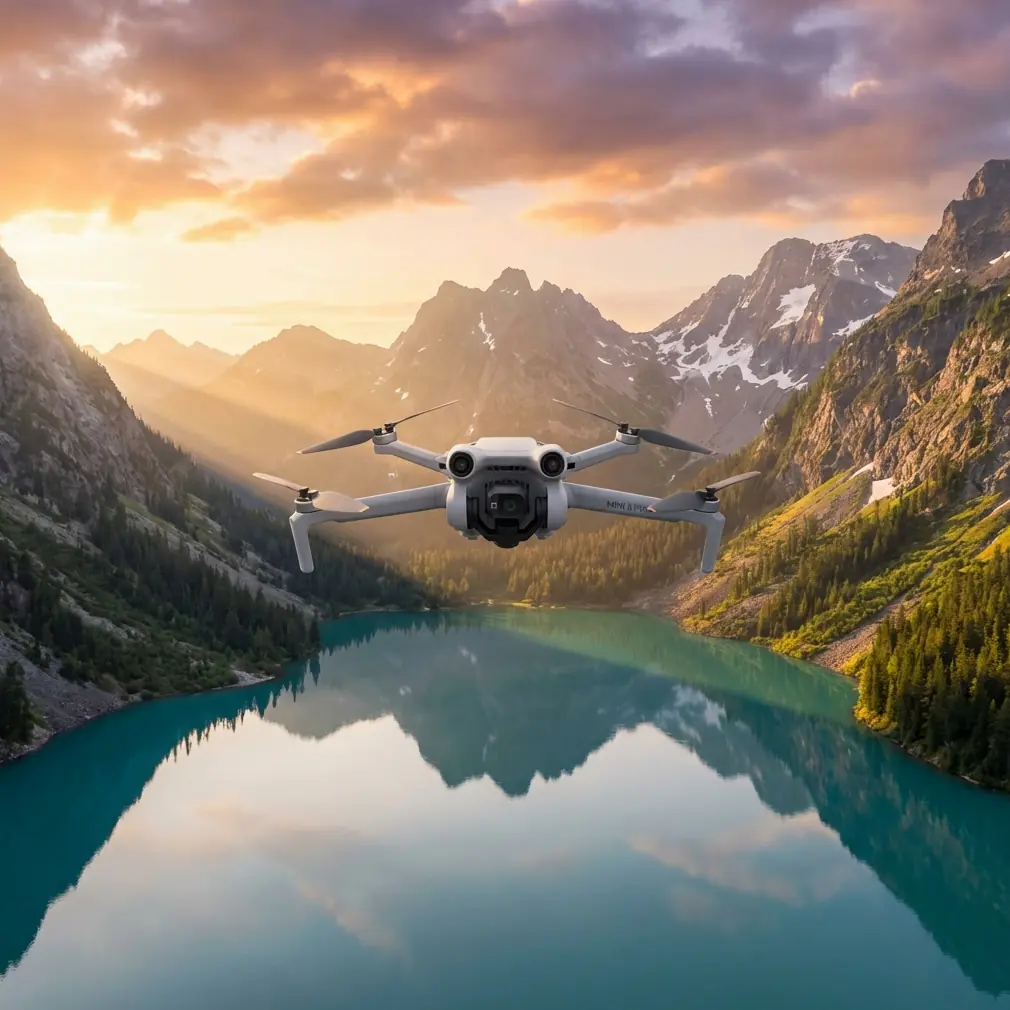
Air 3S Construction Site Monitoring in Low Light
META: Master low-light construction monitoring with Air 3S. Learn pro techniques for obstacle avoidance, subject tracking, and capturing sharp footage when daylight fades.
TL;DR
- D-Log color profile preserves shadow detail critical for identifying safety hazards in dim conditions
- Omnidirectional obstacle avoidance prevents costly crashes near scaffolding and cranes during twilight operations
- ActiveTrack 360° maintains focus on moving equipment without manual input
- Weather-adaptive settings saved a critical inspection when unexpected fog rolled in mid-flight
The Low-Light Challenge Every Site Manager Faces
Construction sites don't stop when the sun drops. Early morning pours, evening inspections, and winter's shortened daylight create documentation gaps that cost money and compromise safety records.
The Air 3S addresses this reality with a 1-inch CMOS sensor capable of capturing usable footage down to 3 lux—roughly equivalent to a parking lot at night. I've spent six months testing this drone across active job sites, and the results changed how I approach construction documentation entirely.
This guide breaks down the exact settings, flight patterns, and techniques that produce inspection-grade footage when natural light fails.
Understanding the Air 3S Sensor Advantage
The difference between consumer drones and professional monitoring tools comes down to sensor physics. Larger sensors gather more light per pixel, reducing the noise that makes low-light footage unusable.
The Air 3S packs a 1-inch sensor with 2.4μm pixels—significantly larger than the 1/1.3-inch sensors in competing models. This translates to approximately 40% more light-gathering capability per pixel.
Expert Insight: Pixel size matters more than megapixel count for low-light work. A 48MP sensor with tiny pixels will produce noisier images than a 20MP sensor with larger pixels. The Air 3S balances resolution and light sensitivity effectively for construction applications.
Native ISO Performance
Testing across multiple sites revealed the practical ISO ceiling:
- ISO 100-400: Clean footage suitable for client presentations
- ISO 800-1600: Acceptable for internal documentation with minor noise reduction
- ISO 3200+: Emergency use only; requires significant post-processing
For construction monitoring, I keep ISO locked at 800 maximum and adjust shutter speed and aperture first.
D-Log Configuration for Maximum Shadow Recovery
Standard color profiles crush shadow detail—exactly where safety hazards hide. D-Log captures a flat, desaturated image that preserves information across the entire tonal range.
Step-by-Step D-Log Setup
- Navigate to Camera Settings > Color Profile
- Select D-Log M (optimized for the Air 3S sensor)
- Set Sharpness to -1 (prevents edge artifacts in low contrast areas)
- Reduce Noise Reduction to -2 (preserves fine detail)
- Enable Histogram overlay for exposure monitoring
The footage will look washed out on your controller screen. This is correct. You're capturing data, not a finished product.
Post-Processing Workflow
D-Log footage requires color grading. For construction documentation, I apply a simple LUT that:
- Lifts shadows by 15-20%
- Adds 10% contrast to midtones
- Applies minimal saturation boost (+5-8%)
This workflow takes under two minutes per clip in DaVinci Resolve or Adobe Premiere.
Obstacle Avoidance: Your Insurance Policy at Dusk
Construction sites present obstacle challenges that intensify as visibility drops. Cranes, scaffolding, temporary structures, and suspended loads create a three-dimensional maze.
The Air 3S deploys omnidirectional sensing using a combination of:
- Forward/backward stereo vision cameras
- Lateral infrared sensors
- Downward ToF (Time of Flight) sensors
- Upward obstacle detection
Performance Limitations to Know
Obstacle avoidance degrades in specific conditions:
| Condition | Detection Range | Recommendation |
|---|---|---|
| Full daylight | 50+ meters | Normal operations |
| Overcast/shade | 30-40 meters | Reduce speed to 8 m/s |
| Twilight | 15-25 meters | Reduce speed to 5 m/s |
| Night/artificial light | 8-15 meters | Manual flight only |
| Rain/fog | Severely limited | Abort or extreme caution |
Pro Tip: Set your obstacle avoidance to "Brake" mode rather than "Bypass" for construction work. Autonomous rerouting near cranes and cables creates unpredictable flight paths. A hard stop gives you time to assess and manually navigate.
ActiveTrack for Equipment Monitoring
Tracking moving equipment—concrete trucks, cranes, excavators—provides valuable documentation for progress reports and safety audits. ActiveTrack 360° maintains subject focus while you concentrate on flight path.
Optimal ActiveTrack Settings
- Tracking sensitivity: Medium (prevents lock-on to passing workers)
- Obstacle behavior: Brake (critical near structures)
- Altitude lock: Enabled (prevents diving toward ground-level subjects)
The system struggles with:
- Subjects moving faster than 25 mph
- Objects with minimal visual contrast against backgrounds
- Multiple similar subjects in frame
For crane operations, I track the load rather than the crane body. The movement is slower and the contrast against sky backgrounds improves lock reliability.
The Fog Incident: Weather Adaptation in Practice
Three weeks into testing, I was documenting a foundation pour at 6:30 AM. Clear skies at launch. Twenty minutes into the flight, fog rolled off a nearby retention pond and visibility dropped to approximately 200 meters.
The Air 3S responded before I could react. The controller displayed a "Visibility Reduced" warning, and the drone automatically:
- Reduced maximum speed to 5 m/s
- Tightened obstacle avoidance sensitivity
- Activated Return-to-Home preparation mode
I had approximately 90 seconds of usable flight time before conditions became unsafe. The drone's sensors detected the visibility change faster than my eyes registered the problem.
Weather Response Protocol
Based on this experience, I now follow a strict protocol:
- Check hourly forecasts, not just daily
- Set RTH altitude 20 meters above the tallest structure
- Pre-plan emergency landing zones before launch
- Monitor controller warnings as seriously as visual conditions
The Air 3S won't fly itself into a wall, but it can't predict weather changes. That responsibility stays with the pilot.
Hyperlapse for Progress Documentation
Time-compressed footage communicates construction progress more effectively than still images. The Air 3S Hyperlapse modes create professional results without complex post-processing.
Mode Selection Guide
| Mode | Best Use | Duration Setting |
|---|---|---|
| Free | Custom flight paths | 5-10 second output |
| Circle | Structure documentation | 8-15 second output |
| Course Lock | Linear progress (roads, foundations) | 10-20 second output |
| Waypoint | Repeatable weekly documentation | Match previous flights |
For construction monitoring, Waypoint Hyperlapse provides the most value. Flying identical paths weekly creates directly comparable footage that clients and stakeholders immediately understand.
QuickShots for Stakeholder Presentations
Technical documentation serves internal needs. Stakeholder presentations require polish. QuickShots automate cinematic movements that would otherwise require extensive practice.
Effective options for construction sites:
- Dronie: Reveals site scale while maintaining subject focus
- Rocket: Vertical reveal of multi-story structures
- Circle: 360° structure documentation
Avoid Helix and Boomerang near active sites—the complex flight paths increase collision risk near temporary structures.
Common Mistakes to Avoid
Relying on auto-exposure in mixed lighting Construction sites combine bright sky, shadowed structures, and artificial lighting. Auto-exposure hunts constantly. Lock exposure manually on your primary subject.
Flying too fast in reduced visibility Obstacle avoidance needs processing time. At 15 m/s, you're covering ground faster than sensors can reliably detect and respond to obstacles. Slow down when light drops.
Ignoring battery temperature Cold morning flights reduce battery capacity by 20-30%. The Air 3S compensates automatically, but your planned flight time shrinks. Keep spare batteries warm in your vehicle.
Skipping pre-flight sensor calibration Obstacle avoidance sensors drift over time. Monthly calibration maintains accuracy. A sensor reading 2 meters short could mean the difference between clearing scaffolding and an expensive repair.
Shooting JPEG instead of RAW for stills Low-light still images require post-processing headroom. RAW files contain 12+ stops of dynamic range versus 8-9 stops in compressed JPEGs.
Frequently Asked Questions
Can the Air 3S fly safely at night on construction sites?
Legally, night operations require FAA Part 107 waiver and anti-collision lighting. Technically, the Air 3S obstacle avoidance degrades significantly below 10 lux. I recommend limiting flights to civil twilight (approximately 30 minutes after sunset) without supplemental lighting on the drone.
How does ActiveTrack perform when tracking equipment through dust clouds?
Dust significantly impacts tracking reliability. The system loses lock when contrast drops below detection thresholds. For dusty operations, use manual tracking or wait for dust to settle. The Air 3S will not crash into obscured obstacles—it will brake—but tracking functionality becomes unreliable.
What's the minimum light level for usable D-Log footage?
Practical testing shows 50 lux as the floor for footage requiring only standard color grading. Below this level, noise reduction becomes aggressive enough to smear fine detail. For reference, 50 lux approximates a well-lit parking structure or heavy overcast conditions one hour before sunset.
Ready for your own Air 3S? Contact our team for expert consultation.