
Air 3S Coastal Monitoring Tips for Urban Shorelines
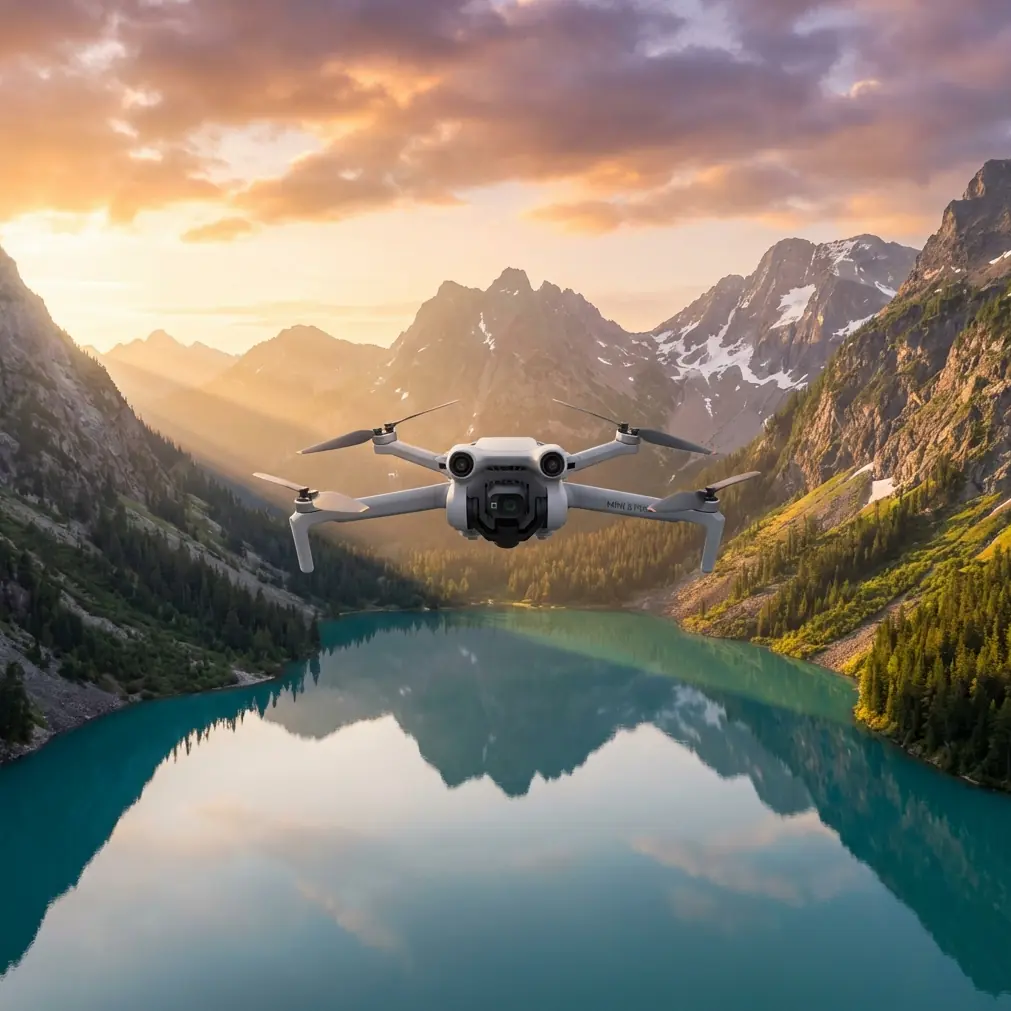
Air 3S Coastal Monitoring Tips for Urban Shorelines
META: Master urban coastline monitoring with Air 3S drone features. Learn obstacle avoidance, tracking modes, and pro techniques for stunning coastal footage.
TL;DR
- ActiveTrack 360° maintains lock on moving vessels and wildlife along congested urban waterfronts
- Omnidirectional obstacle avoidance prevents collisions with buildings, bridges, and infrastructure near shorelines
- D-Log color profile captures maximum dynamic range for challenging water-sky contrast scenarios
- Hyperlapse modes create compelling time-compressed footage of tidal patterns and coastal activity
Urban coastline monitoring presents unique challenges that demand specialized drone capabilities. The Air 3S addresses these challenges with a sensor suite and intelligent flight modes designed for complex environments where water meets dense infrastructure.
This guide covers proven techniques for capturing professional coastal footage, handling unpredictable weather transitions, and leveraging the Air 3S's advanced features for monitoring applications ranging from erosion tracking to marine traffic documentation.
Understanding Urban Coastal Monitoring Requirements
Urban shorelines combine the technical difficulties of water operations with the obstacle density of city environments. You're navigating between high-rise reflections, bridge structures, boat traffic, and constantly shifting light conditions.
The Air 3S excels in these scenarios because of its dual-camera system and APAS 5.0 obstacle avoidance. The wide-angle camera captures broad environmental context while the telephoto lens isolates specific monitoring targets without requiring dangerous proximity flights.
Key Environmental Factors
Before launching any coastal mission, assess these variables:
- Wind patterns off water surfaces create turbulent zones near buildings
- Salt spray affects sensor accuracy during extended flights
- Reflective surfaces from water and glass buildings challenge obstacle detection
- Electromagnetic interference from urban infrastructure impacts GPS reliability
- Thermal updrafts along concrete shorelines cause altitude fluctuations
Pre-Flight Configuration for Coastal Operations
Proper setup determines mission success. The Air 3S offers configuration options that optimize performance for water-adjacent flights.
Camera Settings for Water Environments
Water surfaces create extreme contrast ratios that overwhelm automatic exposure systems. Manual configuration prevents blown highlights and crushed shadows.
Set your camera to D-Log M color profile for maximum latitude in post-processing. This flat profile captures 12.6 stops of dynamic range, preserving detail in bright sky regions and shadowed coastal structures simultaneously.
Configure these parameters before launch:
- ISO: Lock at 100-200 for daylight coastal work
- Shutter speed: Minimum 1/500s to freeze wave motion
- White balance: Manual setting at 5600K for consistent color
- Aperture: f/2.8-f/4 for optimal sharpness across the frame
Pro Tip: Enable histogram display and zebra patterns at 70% threshold. Water reflections frequently trigger overexposure warnings that indicate proper exposure for surrounding elements.
Obstacle Avoidance Configuration
Urban coastlines demand aggressive obstacle avoidance settings. The Air 3S's omnidirectional sensing system detects objects from all directions simultaneously, but default sensitivity may prove insufficient near complex structures.
Access advanced settings and configure:
- Braking distance: Increase to 8 meters minimum
- Bypass mode: Enable for automatic routing around detected obstacles
- Downward sensing: Critical near water—maintains altitude accuracy over reflective surfaces
- Return-to-home altitude: Set 30 meters above tallest nearby structure
Subject Tracking Along Active Waterfronts
ActiveTrack technology transforms coastal monitoring by maintaining focus on moving subjects while the drone navigates autonomously. This capability proves invaluable for documenting vessel traffic, wildlife movement, and human activity patterns.
Configuring ActiveTrack for Marine Subjects
Boats and marine wildlife present tracking challenges due to their movement patterns and the visually complex water background. The Air 3S's ActiveTrack 6.0 handles these scenarios through improved subject recognition algorithms.
For optimal tracking performance:
- Select Trace mode for following vessels along their travel path
- Use Parallel mode for side-angle documentation of boat traffic
- Enable Spotlight mode when you need manual flight control while maintaining camera lock
- Set tracking sensitivity to High for fast-moving watercraft
Handling Tracking Interruptions
Urban environments create frequent line-of-sight breaks. Bridge pylons, building corners, and other structures temporarily obscure tracked subjects.
The Air 3S maintains subject memory for approximately 3 seconds during occlusion. Position your flight path to minimize obstruction duration, and the system will automatically reacquire the target upon emergence.
Expert Insight: When tracking vessels approaching bridges, switch to Spotlight mode before the occlusion point. This maintains your camera orientation while you manually guide the drone to a position with clear sightlines on the exit side.
Weather Adaptation During Active Flights
Coastal weather shifts rapidly. During a recent monitoring session along an urban harbor, conditions transitioned from clear skies to fog bank intrusion within twelve minutes. The Air 3S's response demonstrated its capability for professional applications.
Real-World Weather Transition Scenario
Initial conditions showed 8 mph winds from the southwest with unlimited visibility. The mission involved documenting erosion patterns along a seawall adjacent to commercial development.
At the fourteen-minute mark, fog began rolling in from open water. Visibility dropped from unlimited to approximately 800 meters within minutes. The Air 3S's obstacle avoidance system immediately increased sensitivity, and the aircraft began providing proximity warnings for structures that had been clearly visible moments earlier.
The drone's Return-to-Home system automatically calculated a new safe altitude accounting for reduced visibility conditions. Rather than triggering an immediate RTH, the system provided graduated warnings allowing mission completion before conditions deteriorated further.
Fog and Mist Operations
Light precipitation and fog affect sensor performance differently than clear conditions:
- Visual sensors lose effectiveness below 500 meters visibility
- Infrared sensors maintain partial functionality in light fog
- GPS accuracy typically remains unaffected by precipitation
- Motor performance degrades with water ingress—limit exposure time
QuickShots for Efficient Coastal Documentation
QuickShots automated flight patterns accelerate content creation while maintaining professional quality. These pre-programmed maneuvers execute complex camera movements that would require significant manual skill.
Recommended QuickShots for Coastal Monitoring
| QuickShot Mode | Best Application | Duration | Key Consideration |
|---|---|---|---|
| Dronie | Establishing shots of monitoring sites | 10-30s | Ensure clear airspace behind launch point |
| Circle | 360° documentation of erosion points | 15-40s | Set radius to avoid obstacles |
| Helix | Dramatic reveals of coastal structures | 15-40s | Requires significant vertical clearance |
| Rocket | Vertical perspective of shoreline patterns | 10-20s | Watch for overhead obstructions |
| Boomerang | Dynamic shots of active waterfront areas | 15-30s | Needs wide obstacle-free zone |
Hyperlapse for Temporal Documentation
Coastal monitoring often requires documenting changes over extended periods. The Air 3S's Hyperlapse modes compress time while maintaining stable footage.
Free mode allows custom flight paths for following shoreline contours. Set waypoints along the coast and the drone executes smooth transitions while capturing time-compressed footage.
For tidal documentation, position the drone in Circle mode around a fixed point and capture 2-4 hour sessions. The resulting footage reveals water level changes, sediment movement, and activity patterns invisible in real-time observation.
Technical Comparison: Air 3S Coastal Capabilities
| Feature | Specification | Coastal Monitoring Benefit |
|---|---|---|
| Max Wind Resistance | 12 m/s (Level 6) | Handles typical coastal gusts |
| Obstacle Sensing Range | 0.5-40 meters omnidirectional | Detects structures in complex environments |
| Max Flight Time | 46 minutes | Extended monitoring sessions possible |
| Video Resolution | 4K/60fps HDR | Captures fine detail in water textures |
| Transmission Range | 20 km (O4 system) | Maintains control across wide coastal areas |
| Operating Temperature | -10°C to 40°C | Functions in varied coastal climates |
| Hover Accuracy | Vertical ±0.1m, Horizontal ±0.3m | Precise positioning for repeat documentation |
Common Mistakes to Avoid
Flying too close to water surfaces: Downward sensors struggle with reflective water. Maintain minimum 5 meters altitude over water to ensure accurate height readings.
Ignoring salt air exposure: Salt accelerates corrosion on electronic components. Wipe down the aircraft with a damp cloth after every coastal flight and inspect motor bearings monthly.
Overlooking magnetic interference: Urban waterfronts contain significant metal infrastructure. Always calibrate the compass away from metal structures before coastal flights.
Underestimating wind acceleration: Buildings create wind tunnel effects along waterfronts. Actual wind speeds between structures may exceed reported conditions by 40-60%.
Neglecting battery temperature: Cold water air reduces battery performance. Pre-warm batteries to 20°C minimum before launch and monitor voltage more frequently than in standard conditions.
Relying solely on automatic exposure: Water reflections fool metering systems. Lock exposure manually before beginning documentation passes.
Frequently Asked Questions
How does the Air 3S handle sudden wind gusts common in coastal areas?
The Air 3S compensates for gusts up to 12 m/s through its advanced stabilization system. The aircraft automatically adjusts motor output to maintain position, and the gimbal compensates for airframe movement to keep footage stable. For gusts exceeding this threshold, the drone provides warnings and can automatically initiate return-to-home procedures.
Can ActiveTrack follow boats moving at high speeds?
ActiveTrack 6.0 successfully tracks subjects moving up to 28 mph in optimal conditions. For faster vessels, Spotlight mode maintains camera orientation while you manually fly to keep pace. The system works best when the tracked subject contrasts clearly against the water background—white boats on dark water track more reliably than dark vessels.
What's the best approach for documenting erosion changes over time?
Use the Waypoint mission feature to create repeatable flight paths. Save your exact route, altitude, and camera angles, then execute identical flights at regular intervals. This produces directly comparable footage for erosion analysis. Combine with Hyperlapse captures during individual sessions to document daily tidal effects on erosion patterns.
Urban coastal monitoring demands equipment that handles environmental complexity while delivering professional results. The Air 3S's combination of intelligent obstacle avoidance, advanced tracking capabilities, and robust weather handling makes it suitable for serious documentation work along developed shorelines.
Master these techniques through progressive practice—start with simple shoreline passes before attempting complex tracking shots near infrastructure. Each flight builds the intuition necessary for capturing compelling coastal footage safely.
Ready for your own Air 3S? Contact our team for expert consultation.