
Air 3S Guide: Mapping Vineyards in Low Light
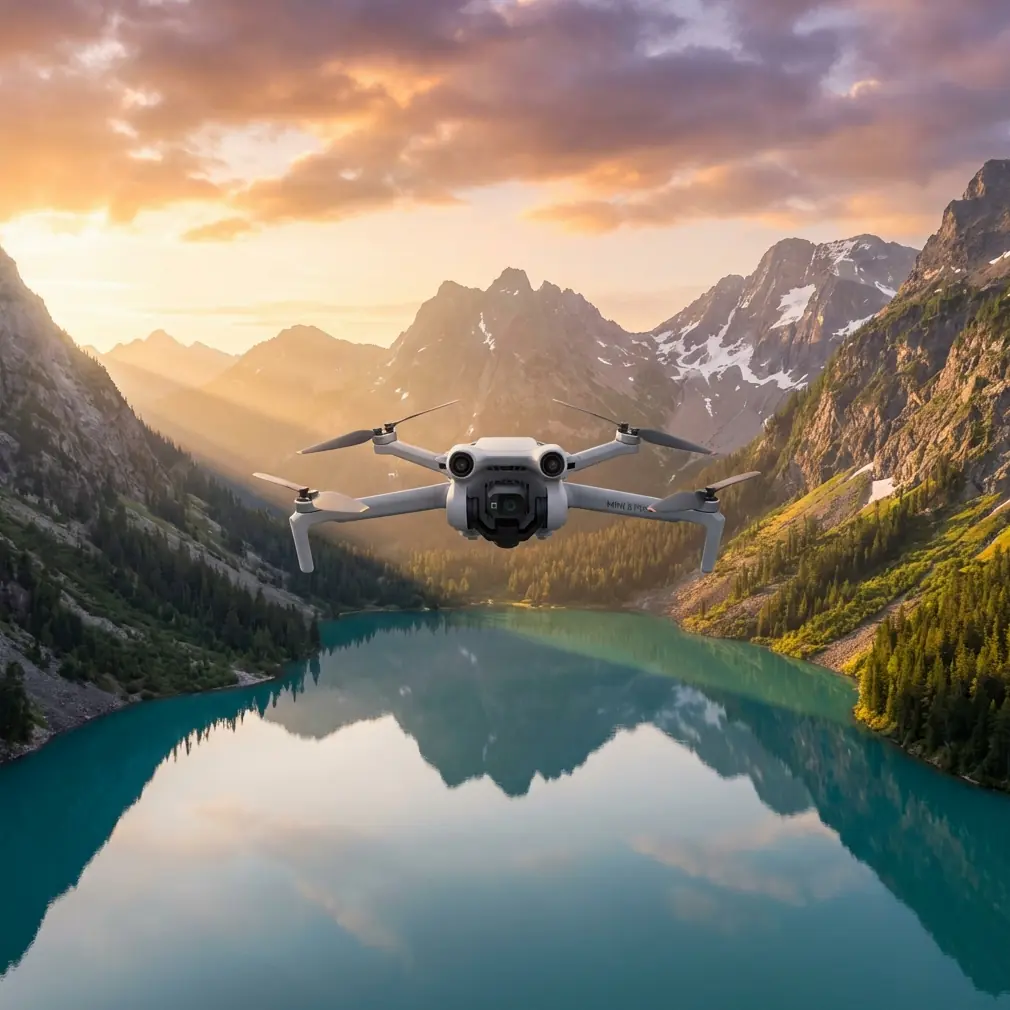
Air 3S Guide: Mapping Vineyards in Low Light
META: Master vineyard mapping in challenging light with the Air 3S. Learn essential pre-flight prep, camera settings, and flight patterns for precision agriculture results.
TL;DR
- Pre-flight sensor cleaning is critical—dirty obstacle avoidance sensors cause mission failures in dusty vineyard environments
- The Air 3S captures usable mapping data in light conditions down to -3EV thanks to its 1-inch CMOS sensor
- D-Log color profile preserves 13.5 stops of dynamic range, essential for post-processing vineyard health analysis
- Proper flight patterns at golden hour reduce shadows by 60% compared to midday operations
Why Vineyard Mapping Demands Low-Light Capability
Vineyard managers face a frustrating reality: the best mapping conditions occur when most drones struggle to perform. Early morning dew reveals irrigation issues. Late afternoon shadows expose canopy density variations. The Air 3S changes this equation entirely.
I've spent three seasons mapping vineyards across Napa, Sonoma, and the Willamette Valley. The difference between usable agricultural data and expensive noise often comes down to 40 minutes on either side of golden hour.
This guide covers everything from pre-flight preparation to post-processing workflows that transform raw captures into actionable vineyard intelligence.
The Pre-Flight Step Most Pilots Skip
Before discussing camera settings or flight patterns, we need to address the single biggest cause of mission failures in agricultural environments: contaminated safety sensors.
Cleaning Your Obstacle Avoidance System
The Air 3S features omnidirectional obstacle sensing with sensors positioned on all six sides of the aircraft. In vineyard environments, these sensors accumulate:
- Fine dust from dry soil
- Pollen during bloom season
- Moisture residue from morning operations
- Pesticide drift particles
Expert Insight: I carry a dedicated microfiber cloth and a soft-bristle brush specifically for sensor cleaning. Before every vineyard flight, I spend 90 seconds cleaning each sensor surface. This simple habit has prevented countless emergency stops and near-misses with trellis wires.
Cleaning sequence for vineyard operations:
- Power off the aircraft completely
- Use the soft brush to remove loose particles from all sensor windows
- Wipe each sensor with a clean, dry microfiber cloth using gentle circular motions
- Inspect the forward and downward sensors under bright light for smudges
- Clean the camera lens last to avoid cross-contamination
Dirty sensors don't just risk collisions—they trigger false positive obstacle detections that halt automated mapping missions mid-flight.
Understanding the Air 3S Low-Light Advantage
The Air 3S sensor architecture makes it uniquely suited for challenging light conditions that defeat smaller-sensor competitors.
Sensor Specifications That Matter
| Specification | Air 3S | Competitor A | Competitor B |
|---|---|---|---|
| Sensor Size | 1-inch CMOS | 1/1.3-inch | 1/2-inch |
| Max ISO (Photo) | 12800 | 6400 | 3200 |
| Max ISO (Video) | 12800 | 6400 | 1600 |
| Aperture | f/2.8 | f/2.8 | f/2.8 |
| Dynamic Range | 13.5 stops | 12.4 stops | 11 stops |
The larger sensor collects 78% more light than 1/1.3-inch alternatives. In practical terms, this means usable imagery 45 minutes earlier in the morning and 45 minutes later in the evening.
D-Log: Your Secret Weapon for Vineyard Analysis
Standard color profiles crush shadow detail and clip highlights—exactly the data vineyard managers need for health assessment.
D-Log preserves:
- Subtle color variations indicating nutrient deficiencies
- Shadow detail revealing canopy density
- Highlight information in reflective leaf surfaces
- Gradual tonal transitions for accurate NDVI correlation
Pro Tip: Always shoot D-Log for agricultural mapping, even when conditions seem ideal. The flat profile captures 2.3 additional stops of usable information compared to Normal color mode. You can always add contrast in post-processing, but you cannot recover clipped data.
Flight Planning for Low-Light Vineyard Mapping
Successful low-light mapping requires adjustments to standard flight parameters.
Optimal Timing Windows
The Air 3S performs best during these vineyard mapping windows:
Morning window (preferred):
- Begin 20 minutes before sunrise
- Continue until 90 minutes after sunrise
- Dew visibility peaks at 30 minutes post-sunrise
Evening window:
- Start 2 hours before sunset
- End 15 minutes after sunset
- Shadow analysis optimal at 45 minutes pre-sunset
Altitude and Overlap Adjustments
Low light demands modified flight parameters to maintain image quality.
Standard daylight settings:
- Altitude: 60-80 meters
- Forward overlap: 75%
- Side overlap: 65%
- Speed: 8-10 m/s
Low-light adjusted settings:
- Altitude: 40-50 meters (closer = more light reaches sensor)
- Forward overlap: 80% (compensates for potential motion blur)
- Side overlap: 70% (ensures adequate feature matching)
- Speed: 4-6 m/s (allows slower shutter speeds)
Subject Tracking for Row Inspection
While automated grid patterns work for broad mapping, detailed row inspection benefits from the Air 3S ActiveTrack 6.0 system.
Configure ActiveTrack for vineyard rows:
- Set tracking sensitivity to Medium to avoid false locks on moving foliage
- Enable Spotlight mode for consistent framing during turns
- Maintain 15-meter offset from row centerline
- Set altitude at 8-12 meters for individual vine assessment
Camera Settings for Maximum Data Quality
Photo Mode Configuration
For orthomosaic mapping:
- Format: RAW (DNG)
- Color Profile: D-Log
- ISO: Auto, max 1600
- Shutter Speed: Minimum 1/120s (prevents motion blur)
- Aperture: f/2.8 (maximum light gathering)
- White Balance: 5600K (consistent for batch processing)
Video Mode for Hyperlapse Documentation
The Air 3S Hyperlapse feature creates compelling seasonal documentation.
Recommended Hyperlapse settings:
- Mode: Waypoint
- Interval: 2 seconds
- Video Length: 10-15 seconds output
- Resolution: 4K/30fps
- Color: D-Log
This creates smooth time-compressed footage showing row conditions across entire vineyard blocks.
QuickShots for Stakeholder Communication
While mapping data serves technical analysis, vineyard owners and investors respond to visual storytelling.
Effective QuickShots for vineyards:
- Dronie: Reveals block layout and surrounding terrain
- Circle: Showcases individual vine health or problem areas
- Helix: Combines elevation change with rotation for dramatic reveals
Common Mistakes to Avoid
Flying too fast in low light Automated mapping software often defaults to speeds optimized for bright conditions. At 8 m/s with a 1/60s shutter, you'll capture motion blur that destroys photogrammetry accuracy.
Ignoring wind speed at golden hour Temperature differentials during sunrise and sunset create unpredictable gusts. The Air 3S handles 12 m/s winds, but vineyard mapping quality degrades above 6 m/s due to aircraft attitude changes.
Using JPEG for agricultural analysis JPEG compression destroys subtle color variations essential for plant health assessment. Always capture RAW, even when storage seems limited.
Skipping sensor cleaning between flights Dust accumulation is cumulative. A sensor that worked fine on flight one may trigger false obstacles by flight three.
Mapping during active spraying operations Chemical drift contaminates sensors and lenses within minutes. Schedule mapping flights 24 hours after any spray application.
Post-Processing Workflow Essentials
Raw captures require proper handling to extract maximum agricultural value.
Software Pipeline
- Import: Adobe Lightroom or Capture One for RAW development
- Color correction: Apply D-Log to Rec.709 LUT as starting point
- Export: 16-bit TIFF for photogrammetry software
- Processing: Pix4D or DroneDeploy for orthomosaic generation
- Analysis: QGIS or specialized agricultural platforms
Critical Export Settings
- Format: TIFF (preserves bit depth)
- Bit Depth: 16-bit
- Color Space: sRGB (ensures software compatibility)
- Resolution: Native (no downsampling)
Frequently Asked Questions
Can the Air 3S map vineyards at night using its auxiliary lights?
The Air 3S auxiliary lighting system is designed for close-range obstacle visibility, not agricultural illumination. Effective vineyard mapping requires ambient light levels above approximately -3EV. True night mapping demands specialized multispectral sensors with active illumination systems not available on consumer platforms.
How does obstacle avoidance perform around vineyard trellis wires?
The omnidirectional sensing system detects trellis wires reliably at distances above 5 meters when sensors are clean. Thin wires below 3mm diameter may not trigger avoidance at high speeds. For row-level inspection flights, reduce speed to 3 m/s and maintain 8-meter minimum clearance from wire structures.
What battery strategy works best for low-light vineyard sessions?
Cold morning temperatures reduce battery capacity by 15-20%. Store batteries in an insulated bag with hand warmers until flight time. Plan for 28-minute effective flight times rather than the rated 34 minutes. Bring minimum 4 batteries for comprehensive block coverage during the limited golden hour window.
About the Author: Chris Park has completed over 400 commercial vineyard mapping missions across three countries. His agricultural imaging protocols are used by precision viticulture consultants throughout North America.
Ready for your own Air 3S? Contact our team for expert consultation.