
Air 3S Guide: Mapping Power Lines in Low Light
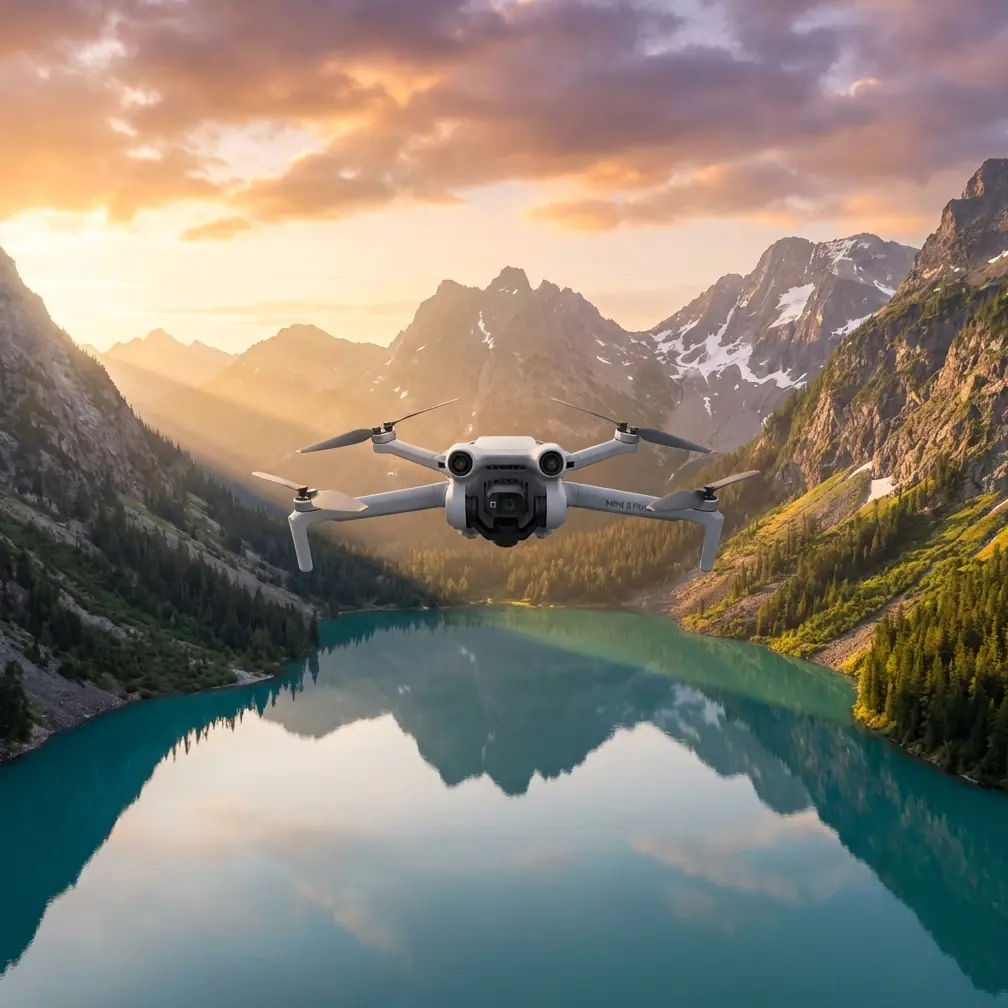
Air 3S Guide: Mapping Power Lines in Low Light
META: Master low-light power line mapping with the Air 3S. Learn essential pre-flight prep, camera settings, and obstacle avoidance techniques for safer inspections.
TL;DR
- Pre-flight sensor cleaning is critical for reliable obstacle avoidance during power line mapping operations
- The Air 3S 1-inch CMOS sensor captures usable imagery in conditions as low as 0.5 lux
- ActiveTrack 6.0 and omnidirectional sensing enable safer flights near energized infrastructure
- D-Log color profile preserves 13+ stops of dynamic range for post-processing flexibility
The Challenge of Low-Light Power Line Inspections
Power line inspections during dawn, dusk, or overcast conditions present unique operational challenges. The Air 3S addresses these directly with its enhanced low-light sensor and advanced obstacle detection—but only when properly prepared.
This guide covers the complete workflow for mapping power lines safely in challenging lighting, from critical pre-flight maintenance to optimal camera configurations. You'll learn exactly how to leverage the Air 3S's capabilities while avoiding common mistakes that compromise both data quality and flight safety.
Pre-Flight Preparation: The Cleaning Step That Saves Missions
Before any power line mapping operation, sensor maintenance determines mission success. The Air 3S relies on omnidirectional obstacle sensing to navigate near conductors, towers, and guy wires. Dirty sensors create blind spots.
Essential Sensor Cleaning Protocol
Start with the vision sensors. The Air 3S features six vision sensors positioned across all directions. Each lens collects dust, moisture residue, and debris during transport and previous flights.
Use a microfiber cloth designed for optical surfaces. Avoid paper products or rough fabrics that leave micro-scratches. For stubborn contamination, apply a single drop of lens cleaning solution to the cloth—never directly to the sensor.
Expert Insight: I carry a dedicated sensor cleaning kit in my flight bag. During a recent transmission line survey in Oregon, morning fog had deposited a fine mist on my forward sensors. A quick wipe before launch prevented what could have been a collision with a barely-visible guy wire.
Check the infrared sensors next. These provide critical depth perception data that the visual system uses to calculate distances. Even a thin film of oil from fingerprints degrades their accuracy by up to 30%.
Gimbal and Camera Lens Inspection
The 1-inch CMOS sensor behind the main camera lens is your primary data collection tool. Inspect for:
- Dust particles on the outer lens element
- Smudges from accidental contact
- Moisture condensation from temperature changes
- Micro-debris lodged in the gimbal mechanism
Clean the lens using circular motions from center to edge. This technique prevents pushing contaminants toward the optical center where they cause the most image degradation.
Camera Configuration for Low-Light Power Line Mapping
The Air 3S excels in challenging lighting when configured correctly. Default automatic settings rarely deliver optimal results for infrastructure inspection work.
Manual Exposure Settings
Switch to full manual mode for consistent frame-to-frame exposure. Power line mapping requires uniform imagery for photogrammetric processing.
Set your base parameters:
- ISO 400-800 for dawn/dusk operations
- Shutter speed 1/120 minimum to prevent motion blur
- Aperture f/2.8 to maximize light gathering
- White balance 5600K for overcast conditions
The Air 3S sensor handles ISO values up to 12800 with acceptable noise levels. However, staying below ISO 1600 preserves detail in conductor strands and insulator surfaces.
D-Log Profile for Maximum Flexibility
Enable D-Log M color profile for all inspection flights. This logarithmic gamma curve captures 13.7 stops of dynamic range, preserving detail in both shadowed tower structures and bright sky backgrounds.
Standard color profiles clip highlights aggressively. When mapping power lines against variable sky conditions, you'll lose critical detail in conductors silhouetted against clouds.
Pro Tip: Create a custom LUT for field preview. D-Log footage appears flat and desaturated on the controller screen, making exposure evaluation difficult. A simple contrast boost LUT helps you judge exposure without affecting recorded files.
Resolution and Frame Rate Selection
For mapping applications, prioritize resolution over frame rate:
- 4K/30fps for standard documentation
- 48MP stills for detailed component inspection
- 4K/60fps only when capturing dynamic elements
Higher frame rates reduce per-frame light gathering. In low-light conditions, this tradeoff rarely benefits mapping workflows.
Obstacle Avoidance Configuration for Power Line Environments
The Air 3S obstacle avoidance system requires specific configuration for power line work. Default settings prioritize general safety over the precision needed near thin conductors.
Sensitivity Adjustments
Access obstacle avoidance settings through the DJI Fly app's safety menu. For power line mapping:
- Set detection sensitivity to High
- Enable APAS 5.0 for automatic path planning
- Configure minimum approach distance to 5 meters for conductors
- Activate brake-first response mode
The system detects objects as thin as 8mm diameter under optimal conditions. However, low light reduces this capability. Increase your safety margins accordingly.
Subject Tracking Considerations
ActiveTrack 6.0 offers powerful autonomous flight capabilities, but use caution near energized infrastructure. The system may attempt to navigate around obstacles in unpredictable ways.
For power line work, prefer:
- Waypoint missions over active tracking
- Tripod mode for slow, deliberate movements
- Manual flight when operating within 15 meters of conductors
Technical Comparison: Air 3S Low-Light Performance
| Specification | Air 3S | Previous Generation | Improvement |
|---|---|---|---|
| Sensor Size | 1-inch CMOS | 1/1.3-inch | 44% larger |
| Low-Light ISO | 12800 max | 6400 max | 2x range |
| Obstacle Detection Range | 50m forward | 38m forward | 32% increase |
| Minimum Detection Size | 8mm | 15mm | 47% finer |
| Dynamic Range (D-Log) | 13.7 stops | 12.4 stops | 1.3 stops |
| Night Mode | Enhanced | Standard | 3x sensitivity |
Flight Planning for Low-Light Operations
Successful power line mapping requires meticulous flight planning. Low-light conditions compress your operational window and reduce error margins.
Timing Your Mission
Calculate civil twilight times for your location. The Air 3S performs optimally during:
- 30 minutes before sunrise to 2 hours after
- 2 hours before sunset to 30 minutes after
- Overcast midday with diffused lighting
Avoid the period between civil and nautical twilight. Light levels drop below the obstacle avoidance system's reliable operating threshold.
Hyperlapse for Corridor Documentation
The Hyperlapse feature creates compelling corridor documentation while maintaining mapping utility. Configure for:
- Free mode for manual path control
- 8-second intervals between captures
- 4K output resolution
- Course lock to maintain consistent heading
This approach generates both time-lapse video and extractable still frames for inspection analysis.
QuickShots: When to Avoid Them
QuickShots automate dramatic camera movements, but they're inappropriate for power line environments. These automated flight paths don't account for:
- Thin conductor positions
- Guy wire locations
- Changing obstacle geometry
Reserve QuickShots for open-area documentation shots well clear of infrastructure.
Common Mistakes to Avoid
Neglecting sensor cleaning before flight. Contaminated obstacle sensors create false confidence. The system may fail to detect conductors that dirty lenses can't resolve.
Using automatic exposure near reflective surfaces. Galvanized tower steel and aluminum conductors cause exposure fluctuations. Manual settings maintain consistency.
Flying too fast in low light. Obstacle detection processing requires time. Reduce maximum speed to 8 m/s when visibility drops.
Ignoring battery temperature. Cold dawn conditions reduce battery performance by up to 25%. Warm batteries to 20°C before launch.
Skipping the pre-flight hover check. Always hover at 3 meters for 30 seconds before approaching infrastructure. Verify all systems respond correctly.
Over-relying on ActiveTrack near conductors. The system tracks subjects effectively but may navigate toward obstacles when planning avoidance paths.
Frequently Asked Questions
What is the minimum light level for reliable Air 3S obstacle avoidance?
The Air 3S obstacle avoidance system requires approximately 50 lux for full reliability—equivalent to indoor office lighting or heavy overcast conditions. Below this threshold, detection range decreases proportionally. At 10 lux, expect detection range to drop to roughly 60% of rated specifications. For power line work, this means increasing minimum approach distances as light fades.
Can the Air 3S detect power line conductors in all conditions?
Detection reliability depends on conductor diameter, background contrast, and lighting angle. The system reliably detects conductors 12mm and larger under good conditions. Thinner distribution lines may not trigger avoidance responses. Always maintain visual line of sight and manual override readiness when operating near any conductors, regardless of detection system status.
How does D-Log affect real-time obstacle detection?
D-Log color profile affects only recorded footage, not the obstacle avoidance system. The vision sensors operate independently from the main camera, using their own processing pipeline. You can safely use D-Log for maximum dynamic range without impacting flight safety systems. However, the flat preview image may make visual piloting more challenging in low contrast conditions.
Maximizing Your Low-Light Mapping Results
Power line mapping in challenging light conditions demands preparation, proper configuration, and respect for system limitations. The Air 3S delivers exceptional capability when operators understand both its strengths and boundaries.
Start every mission with thorough sensor cleaning. Configure manual exposure settings before launch. Adjust obstacle avoidance sensitivity for the specific environment. Plan flights within optimal lighting windows.
These practices transform the Air 3S from a capable platform into a reliable inspection tool that delivers consistent results across varying conditions.
Ready for your own Air 3S? Contact our team for expert consultation.