
Air 3S for Coastline Mapping: Low-Light Expert Guide
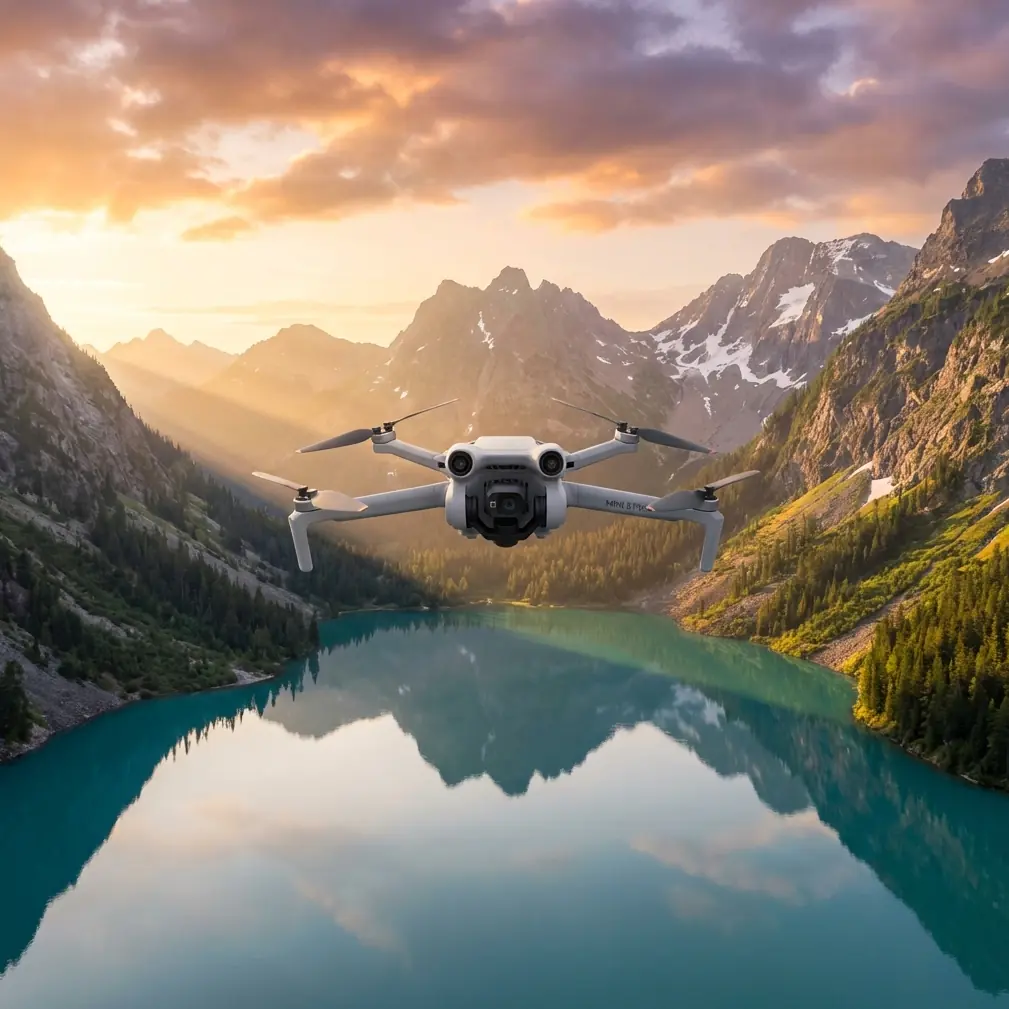
Air 3S for Coastline Mapping: Low-Light Expert Guide
META: Master coastline mapping in low light with the DJI Air 3S. Expert tips on antenna positioning, camera settings, and flight techniques for stunning results.
TL;DR
- 1-inch CMOS sensor captures detailed coastline imagery in challenging dawn/dusk conditions
- Proper antenna positioning can extend reliable signal range by 30-40% in coastal environments
- D-Log M color profile preserves critical shadow and highlight detail for post-processing flexibility
- Omnidirectional obstacle avoidance enables confident flying near cliffs and sea stacks
Why the Air 3S Excels at Coastal Low-Light Mapping
Coastal mapping presents unique challenges that separate capable drones from exceptional ones. Salt air, unpredictable winds, and rapidly changing light conditions demand equipment that performs when conditions deteriorate.
The Air 3S addresses these challenges with a 1-inch sensor that gathers 4x more light than standard smartphone-sized sensors. This translates directly to cleaner imagery during the golden hours when coastal features reveal their most dramatic character.
For mapping professionals and content creators working shorelines, the difference between usable and unusable footage often comes down to 15 minutes of optimal light. The Air 3S extends that window significantly.
Antenna Positioning for Maximum Coastal Range
Expert Insight: The single most overlooked factor in coastal drone operations is antenna orientation. Proper positioning can mean the difference between a 4km reliable range and a 6km+ working distance.
The Physics of Signal Propagation
DJI RC 2 controller antennas emit signal in a donut-shaped pattern perpendicular to the antenna surface. When flying over water, signal reflection creates multipath interference that degrades connection quality.
Optimal antenna positioning for coastal flights:
- Keep antenna faces pointed toward the drone at all times
- Angle antennas 45 degrees outward from vertical
- Avoid pointing antenna tips directly at the aircraft
- Maintain controller position above waist height to reduce ground reflection
Dealing with Salt Air Interference
Coastal environments introduce conductive salt particles that can attenuate radio signals. The Air 3S uses O4 transmission operating on both 2.4GHz and 5.8GHz bands simultaneously.
Frequency selection strategy:
- Use 2.4GHz for maximum penetration through humid, salty air
- Switch to 5.8GHz in areas with heavy WiFi interference from coastal developments
- Enable auto-switching for dynamic environments where conditions change rapidly
Camera Configuration for Low-Light Coastal Work
The Air 3S dual-camera system offers distinct advantages for coastal mapping scenarios. Understanding when to deploy each lens maximizes your capture efficiency.
Primary Wide Camera Settings
| Setting | Recommended Value | Rationale |
|---|---|---|
| Resolution | 4K/60fps or 48MP stills | Balance detail and file management |
| ISO Range | 100-800 | Beyond 800, noise becomes problematic |
| Shutter Speed | 1/120s minimum | Compensates for platform movement |
| Aperture | f/2.8 | Maximum light gathering |
| Color Profile | D-Log M | Preserves 13+ stops dynamic range |
| White Balance | Manual 5600K | Consistency across changing conditions |
Medium Telephoto Deployment
The 70mm equivalent lens proves invaluable for coastal mapping detail work. Use it to capture:
- Erosion patterns on cliff faces
- Tidal pool ecosystems from safe distances
- Nesting bird colonies without disturbance
- Infrastructure condition on piers and jetties
Pro Tip: When mapping extensive coastlines, capture wide establishing shots first, then return for telephoto detail passes. This workflow ensures you secure critical coverage before light fades completely.
Flight Planning for Coastal Environments
Wind Management Strategies
Coastal winds follow predictable patterns that smart operators exploit. Onshore breezes typically strengthen through midday, while offshore flows dominate early morning hours.
Wind-aware flight planning:
- Schedule mapping missions for 2 hours after sunrise when thermal activity remains minimal
- Plan flight paths perpendicular to prevailing wind for consistent ground speed
- Reserve 40% battery for return flights against headwinds
- Use Sport mode strategically when repositioning, not during capture
Obstacle Avoidance Configuration
The Air 3S omnidirectional sensing system uses dual forward vision sensors, dual backward sensors, downward sensors, and upward infrared for complete environmental awareness.
For coastal work near cliffs and rock formations:
- Set obstacle avoidance to Bypass mode rather than Brake
- Configure minimum approach distance to 5 meters for rocky environments
- Enable APAS 5.0 for intelligent path planning around obstacles
- Disable downward sensors only when flying over calm, reflective water
Subject Tracking for Dynamic Coastal Content
ActiveTrack 6.0 enables compelling follow shots of boats, surfers, and wildlife along coastlines. The system maintains lock even when subjects temporarily disappear behind waves or obstacles.
Tracking Mode Selection
Trace mode follows behind or ahead of moving subjects—ideal for following kayakers along shorelines.
Parallel mode maintains consistent lateral distance—perfect for capturing surfers riding along wave faces.
Spotlight mode keeps the camera trained on subjects while you control flight path manually—best for complex coastal navigation.
QuickShots for Efficient B-Roll
When time constraints limit creative exploration, QuickShots deliver professional results with minimal input:
- Dronie: Reveals coastline context while maintaining subject focus
- Circle: Showcases promontories and sea stacks dramatically
- Helix: Combines elevation gain with orbital movement for dynamic reveals
- Boomerang: Creates engaging social content with minimal flight time
Hyperlapse Techniques for Coastal Timelapse
The Air 3S Hyperlapse function transforms hours of tidal movement into compelling 8K sequences. Coastal environments offer exceptional hyperlapse opportunities.
Recommended hyperlapse modes:
| Mode | Best Application | Duration Setting |
|---|---|---|
| Free | Manual path over tidal flats | 2-4 hours |
| Circle | Lighthouse or sea stack orbits | 30-60 minutes |
| Course Lock | Consistent direction along beaches | 1-2 hours |
| Waypoint | Complex multi-point coastal routes | Variable |
Set interval to 5 seconds for smooth motion with manageable file sizes. Enable D-Log M for maximum color grading flexibility in post-production.
Common Mistakes to Avoid
Flying too high for mapping detail Coastal mapping requires sufficient ground sample distance for useful data. Stay below 120 meters AGL for most applications, dropping to 30-50 meters for detailed erosion monitoring.
Ignoring tidal timing Launching without checking tide tables leads to missed opportunities or dangerous situations. Plan flights for mid-tide when both beach and subtidal features remain visible.
Neglecting lens cleaning Salt spray accumulates rapidly on camera glass. Carry microfiber cloths and clean sensors between flights. A single salt droplet ruins otherwise perfect footage.
Underestimating battery drain in cold conditions Morning coastal flights often encounter temperatures 10-15 degrees below midday readings. Cold batteries deliver 15-20% less capacity. Pre-warm batteries in vehicle before flight.
Forgetting magnetic interference near rocks Basalt and other iron-rich coastal formations cause compass errors. Calibrate compass away from rocks and monitor heading stability throughout flights.
Frequently Asked Questions
Can the Air 3S handle salt spray exposure?
The Air 3S lacks official IP rating for water resistance. Brief exposure to light mist typically causes no immediate damage, but salt residue corrodes electronics over time. Wipe down the aircraft thoroughly after every coastal session and store in low-humidity environments with silica gel packets.
What's the minimum light level for usable coastal footage?
With the 1-inch sensor at f/2.8 and ISO 800, the Air 3S produces clean footage down to approximately 50 lux—equivalent to deep twilight conditions. Below this threshold, noise becomes objectionable for professional applications. Shooting in D-Log M and applying noise reduction in post extends usable range slightly.
How does ActiveTrack perform over water surfaces?
ActiveTrack 6.0 relies on visual contrast to maintain subject lock. Over calm, reflective water, tracking accuracy decreases significantly. The system performs best when subjects contrast strongly against their background—dark wetsuits against white foam, bright kayaks against deep blue water. Avoid tracking subjects that blend with surface reflections.
Final Recommendations
Coastal low-light mapping with the Air 3S rewards preparation and technique. Master antenna positioning before anything else—reliable signal enables everything that follows.
Build your workflow around the D-Log M color profile and manual exposure settings. Automatic modes struggle with high-contrast coastal scenes where bright sky meets dark water and shadowed cliffs.
Practice ActiveTrack and QuickShots in forgiving environments before deploying them on critical coastal shoots. The learning curve is gentle, but mistakes over water carry higher consequences than mistakes over land.
Ready for your own Air 3S? Contact our team for expert consultation.