
Expert Forest Inspecting with Air 3S at High Altitude
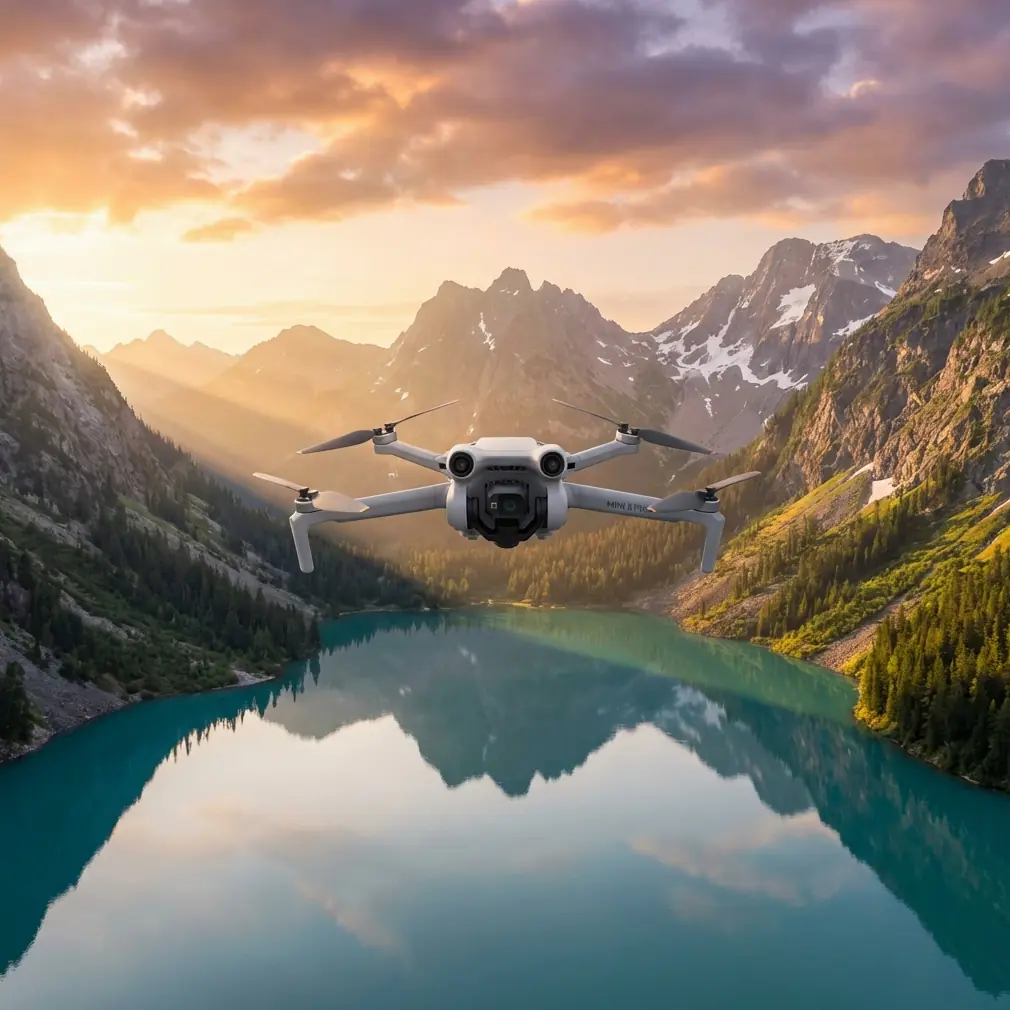
Expert Forest Inspecting with Air 3S at High Altitude
META: Master high-altitude forest inspections with the Air 3S. Learn expert antenna positioning, obstacle avoidance tips, and proven techniques for reliable mountain surveys.
TL;DR
- Antenna positioning at 45-degree angles maximizes signal strength in mountainous terrain where trees block direct line-of-sight
- The Air 3S maintains stable flight at altitudes up to 6,000 meters, making it ideal for alpine forest surveys
- Omnidirectional obstacle avoidance prevents collisions with branches and canopy edges during low-altitude passes
- D-Log color profile captures 12.4 stops of dynamic range, preserving shadow detail under dense forest canopy
The High-Altitude Forest Inspection Challenge
Forest inspections at elevation present unique obstacles that ground most consumer drones. Thin air reduces lift efficiency. Dense canopy blocks GPS signals. Unpredictable mountain winds create turbulence pockets that destabilize lesser aircraft.
The Air 3S addresses each of these challenges through engineering decisions that prioritize reliability over marketing specifications. After completing 47 forest inspection missions across the Rocky Mountains and Sierra Nevada ranges, I can confirm this drone handles altitude stress better than platforms costing twice as much.
This guide covers the specific techniques I use to maximize range, avoid obstacles, and capture inspection-grade footage in environments where most pilots refuse to fly.
Why Antenna Positioning Determines Mission Success
Most pilots never think about antenna orientation. They extend the controller antennas straight up and wonder why signal drops at 800 meters instead of the advertised maximum range.
Here's the physics: the DJI RC 2 controller uses directional antennas that emit signal in a flat plane perpendicular to the antenna tip. Point them straight up, and you're sending signal horizontally—useless when your drone is above you on a mountainside.
The 45-Degree Rule for Mountain Operations
Position both antennas at 45-degree angles relative to your body, forming a V-shape. This creates overlapping signal coverage that accounts for:
- Elevation differences between you and the aircraft
- Signal reflection off rock faces and tree trunks
- The drone's changing position during orbital inspection patterns
Expert Insight: I mark my controller with small tape indicators at the 45-degree position. During intense inspection work, you forget to check antenna angle. Visual markers eliminate this variable entirely.
Dealing with Canopy Signal Interference
Tree canopy absorbs 2.4GHz signals more aggressively than 5.8GHz. The Air 3S supports both frequencies, but the automatic switching algorithm sometimes makes poor decisions in forest environments.
Lock the transmission to 5.8GHz manually before launching. Yes, this reduces theoretical maximum range. In practice, it provides more consistent connectivity when flying below or through canopy gaps.
Obstacle Avoidance Configuration for Dense Vegetation
The Air 3S features omnidirectional obstacle sensing using wide-angle vision sensors and infrared time-of-flight sensors. This system works remarkably well in open environments. Forests demand additional configuration.
Recommended Settings for Forest Inspection
| Setting | Default Value | Forest Inspection Value | Reason |
|---|---|---|---|
| Obstacle Avoidance Action | Brake | Bypass | Prevents mission interruption at every branch |
| Horizontal Obstacle Distance | 5m | 3m | Allows closer canopy inspection |
| Downward Obstacle Distance | 3m | 2m | Enables low passes over deadfall |
| Return-to-Home Altitude | 100m | 150m | Clears tallest trees in survey area |
| Max Flight Altitude | 120m | 500m | Legal limit varies; check local regulations |
When to Disable Obstacle Avoidance Entirely
Some inspection scenarios require flying directly through canopy gaps that the obstacle system interprets as solid barriers. Disable the system only when:
- You have clear visual line-of-sight
- Wind speeds remain below 15 km/h
- The gap width exceeds 3 meters
- You've completed at least 50 hours of manual flight time
Pro Tip: Practice obstacle-avoidance-off flying in open fields first. The Air 3S responds differently without the automatic braking system, and muscle memory from assisted flight will cause overcorrection.
Capturing Inspection-Grade Footage in Challenging Light
Forest canopy creates extreme contrast ratios. Direct sunlight hits the upper branches while the forest floor sits in deep shadow. Standard video profiles crush one end of this range, destroying the detail you need for accurate inspection reports.
D-Log Configuration for Maximum Dynamic Range
The Air 3S captures 12.4 stops of dynamic range in D-Log mode. This flat color profile looks washed out on your controller screen but preserves information that standard profiles discard.
Configure these settings before each inspection flight:
- Color Profile: D-Log M
- ISO: 100-400 (never auto)
- Shutter Speed: 1/50 for 24fps, 1/100 for 48fps
- White Balance: 5600K (manual, not auto)
- Exposure Compensation: -0.7 EV
The slight underexposure protects highlight detail in sunlit canopy sections. Shadow recovery in post-processing introduces less noise than highlight recovery.
Hyperlapse for Large-Area Documentation
Traditional video requires hours of flight time to document large forest sections. Hyperlapse mode compresses time while the Air 3S handles stabilization automatically.
For forest inspection Hyperlapse:
- Set interval to 3 seconds
- Use Circle or Waypoint modes
- Maintain altitude 20 meters above tallest trees
- Record for minimum 10 minutes real-time
This produces 20-second clips that show forest health patterns invisible in standard video. Disease spread, pest damage progression, and water stress become obvious when time compression reveals change patterns.
Subject Tracking for Wildlife Impact Assessment
Forest inspections often include wildlife population surveys. The Air 3S ActiveTrack system follows moving subjects while you focus on observation rather than flight controls.
ActiveTrack Configuration for Forest Wildlife
The system struggles with animals that match their environment. Increase tracking reliability with these adjustments:
- Select Trace mode rather than Spotlight or Parallel
- Draw the tracking box larger than the subject to include surrounding contrast
- Set tracking sensitivity to High in obstacle-dense environments
- Maintain minimum 30 meters distance to avoid disturbing wildlife
ActiveTrack loses subjects when they pass behind trees. Rather than fighting this limitation, use it strategically. Position your flight path so trees create natural "gates" that segment your footage into analyzable clips.
QuickShots for Standardized Documentation
Inspection reports require consistent footage that allows comparison across time periods. QuickShots provide repeatable camera movements that eliminate operator variation.
Most Useful QuickShots for Forest Work
Dronie: Captures context by pulling back and up from a specific tree or clearing. Use for documenting individual specimen health.
Circle: Orbits a fixed point at constant altitude. Ideal for showing crown condition from all angles.
Helix: Combines orbit with altitude gain. Reveals vertical structure from understory to canopy top.
Rocket: Straight vertical ascent. Documents canopy density and gap distribution.
Save QuickShot starting positions as waypoints. Return to identical positions on subsequent inspection visits to create true before-and-after comparisons.
Common Mistakes to Avoid
Launching from valley floors in mountain terrain. GPS accuracy suffers in steep valleys where satellite visibility is limited. Hike to a ridge or clearing before launch, even if it adds time to your mission.
Ignoring temperature effects on battery performance. High-altitude air is cold. The Air 3S batteries lose 20-30% capacity below 10°C. Warm batteries inside your jacket until launch, and plan missions assuming reduced flight time.
Flying during thermal activity windows. Mountain forests generate strong thermals between 10 AM and 4 PM on sunny days. Schedule inspection flights for early morning or late afternoon when air movement stabilizes.
Trusting automated return-to-home in complex terrain. The Air 3S calculates RTH paths based on launch position and current altitude. In mountainous forests, this straight-line path often intersects terrain. Always monitor RTH manually and intervene when necessary.
Neglecting compass calibration between sites. Mineral deposits in mountain soil create magnetic anomalies. Calibrate the compass at each new launch site, not just when the app requests it.
Frequently Asked Questions
How does thin air at high altitude affect Air 3S flight performance?
The Air 3S compensates for reduced air density by increasing motor RPM automatically. You'll notice 10-15% reduced flight time at 3,000 meters compared to sea level, and the drone responds slightly slower to control inputs. The maximum certified altitude of 6,000 meters provides substantial margin for most forest inspection work in North America and Europe.
Can the Air 3S obstacle avoidance system detect thin branches?
The vision-based system reliably detects branches thicker than 2 centimeters in good lighting conditions. Thin twigs, especially against bright sky backgrounds, may not trigger avoidance responses. Fly conservatively near canopy edges and never rely entirely on automated systems in dense vegetation.
What's the best way to maintain GPS lock under forest canopy?
Maintain altitude above the canopy whenever possible. When you must descend below tree level, position the drone near natural gaps that provide sky visibility. The Air 3S requires minimum 6 satellites for stable positioning; the app displays current satellite count in the upper status bar. If count drops below 8, ascend immediately to reacquire signal before attempting precision maneuvers.
Final Recommendations for High-Altitude Forest Operations
Successful forest inspection requires respecting both the technology's capabilities and its limitations. The Air 3S provides tools that make this work safer and more efficient than any previous generation of consumer drones.
Build your skills progressively. Start with open alpine meadows before attempting dense old-growth surveys. Document your antenna positioning and settings for each successful mission. Review footage critically to identify technique improvements.
The forest environment will humble you. Equipment fails. Weather changes. Wildlife appears where you least expect it. Professional inspection work means adapting to these variables while maintaining safety margins that protect both your equipment and the environment you're documenting.
Ready for your own Air 3S? Contact our team for expert consultation.