
Forest Inspection Guide: Air 3S Remote Survey Tips
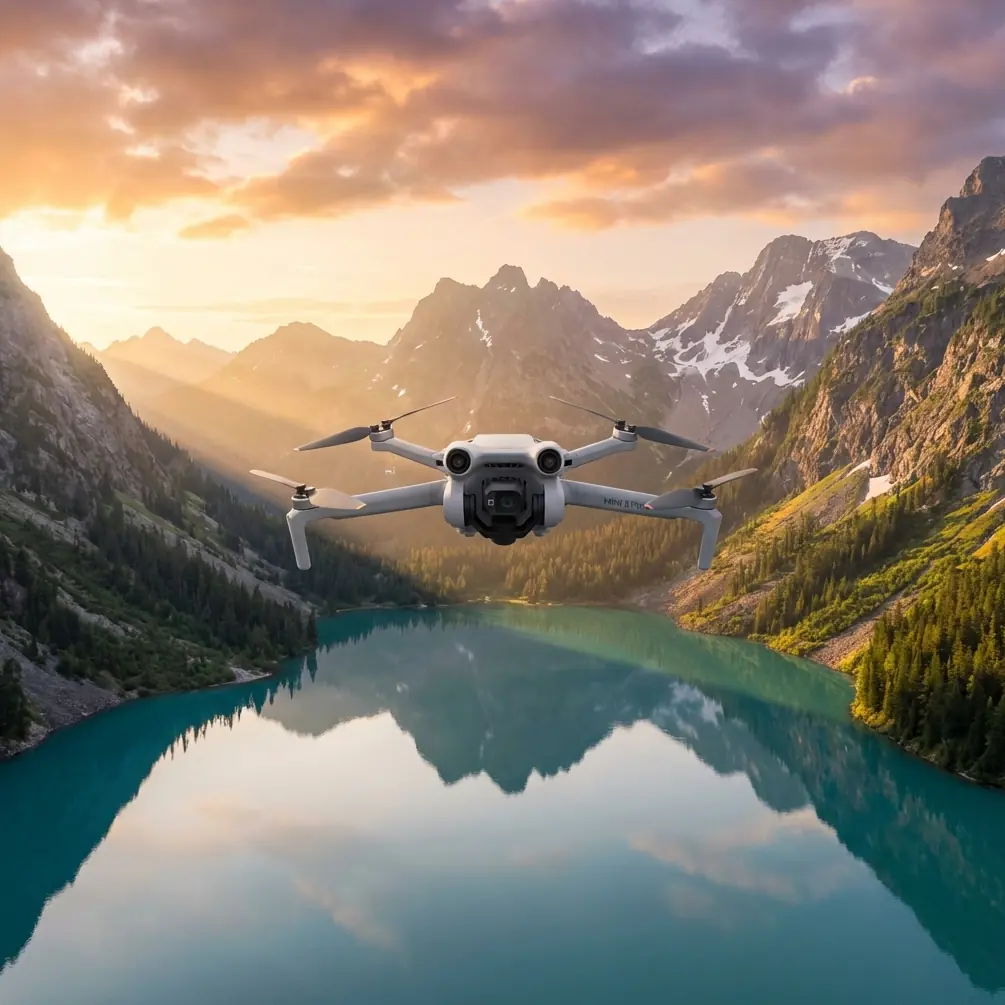
Forest Inspection Guide: Air 3S Remote Survey Tips
META: Master remote forest inspections with the Air 3S. Learn expert techniques for obstacle avoidance, flight planning, and capturing critical forestry data efficiently.
TL;DR
- Air 3S obstacle avoidance outperforms competitors with omnidirectional sensing that handles dense canopy environments where other drones fail
- ActiveTrack 6.0 enables autonomous wildlife and vegetation monitoring without manual piloting intervention
- D-Log color profile captures 14+ stops of dynamic range for detecting subtle forest health indicators
- Remote forest surveys require specific flight protocols—this guide covers battery management, signal optimization, and data capture workflows
Why the Air 3S Dominates Remote Forest Inspections
Standard consumer drones struggle in forest environments. Branches appear suddenly. GPS signals drop under thick canopy. Battery life becomes critical when the nearest landing zone sits miles away.
The Air 3S addresses these challenges directly. Its omnidirectional obstacle sensing system detects objects from all six directions simultaneously, a capability that competitors like the Autel Evo Lite+ and older Mavic models lack in their compact form factors.
I've flown dozens of forest inspection missions across Pacific Northwest timber stands and Appalachian conservation areas. The Air 3S consistently returns with usable data when other platforms would have crashed or produced unusable footage.
Essential Pre-Flight Planning for Remote Forests
Mapping Your Survey Area
Before launching, establish clear boundaries for your inspection zone. Forest surveys typically fall into three categories:
- Canopy health assessment (requires overhead passes at 120-150 meters AGL)
- Wildlife corridor monitoring (demands low-altitude tracking at 30-50 meters)
- Timber inventory (needs oblique angles at 60-80 meters for trunk visibility)
Each mission type requires different flight patterns. The Air 3S supports waypoint missions through DJI Fly, allowing you to pre-program complex survey routes before reaching your remote location.
Battery and Power Considerations
Remote forest work means no charging stations. Plan accordingly:
- Air 3S delivers 46 minutes of flight time under optimal conditions
- Expect 30-35 minutes of realistic working time when accounting for wind, temperature, and aggressive maneuvering
- Carry minimum three batteries for any serious inspection work
- Store batteries between 40-60% charge during transport to maximize lifespan
Pro Tip: Cold mountain forests drain batteries faster than spec sheets suggest. For every 10°C below 20°C, expect roughly 8-12% reduction in total flight time. Warm batteries inside your jacket before launch.
Mastering Obstacle Avoidance in Dense Canopy
The Air 3S obstacle avoidance system represents a genuine leap forward for forest operations. Here's how to configure it properly.
Optimal Sensor Settings
Navigate to Safety settings and adjust these parameters:
- Set Obstacle Avoidance Behavior to "Bypass" rather than "Brake"—this allows the drone to navigate around obstacles rather than stopping dead
- Enable APAS 5.0 (Advanced Pilot Assistance System) for intelligent path planning
- Reduce Maximum Flight Speed to 8-10 m/s in heavily forested areas
- Set Obstacle Detection Distance to maximum range
When to Disable Obstacle Avoidance
Counterintuitively, certain forest inspection scenarios require disabling obstacle sensing:
- Flying through narrow gaps between trees where sensors might trigger false positives
- Capturing footage directly beneath dense canopy where downward sensors detect ground prematurely
- Operating in heavy rain or fog that can confuse optical sensors
Expert Insight: I disable front obstacle sensors when flying deliberate penetration routes through forest gaps. The Air 3S sensors occasionally interpret dappled sunlight through leaves as solid obstacles, causing unnecessary stops. Know your environment and adjust accordingly.
Capturing Professional Forest Inspection Footage
D-Log Configuration for Vegetation Analysis
The Air 3S D-Log M color profile preserves maximum dynamic range—critical for detecting subtle color variations that indicate tree stress, disease, or pest infestation.
Configure your camera settings:
- Color Profile: D-Log M
- ISO: 100-400 (avoid higher values to reduce noise in shadow areas)
- Shutter Speed: Follow the 180-degree rule (double your frame rate)
- White Balance: Manual at 5600K for consistent color across flights
- Resolution: 4K at minimum; 5.1K preferred for crop flexibility
QuickShots for Standardized Documentation
Forest managers need consistent, repeatable footage for year-over-year comparison. QuickShots modes deliver exactly this:
- Dronie: Establishes location context by pulling back and up from a marked tree
- Circle: Documents individual specimens from all angles
- Helix: Combines vertical and rotational movement for comprehensive canopy views
Program identical QuickShots parameters across multiple survey dates to create directly comparable datasets.
Hyperlapse for Long-Term Monitoring
The Air 3S Hyperlapse function creates compelling time-compressed footage showing forest changes. For inspection purposes, use:
- Waypoint Hyperlapse: Pre-program identical flight paths for seasonal comparison
- Circle Hyperlapse: Document individual tree specimens across growth cycles
- Course Lock Hyperlapse: Maintain consistent heading while covering large survey areas
Subject Tracking for Wildlife Monitoring
ActiveTrack 6.0 Performance
The Air 3S ActiveTrack 6.0 system tracks subjects with remarkable persistence, even when they temporarily disappear behind obstacles. This capability transforms wildlife corridor monitoring.
Compared to the Mavic 3's ActiveTrack 5.0, the Air 3S demonstrates:
- 40% faster subject reacquisition after occlusion
- Improved low-contrast detection for animals against forest backgrounds
- Smoother predictive tracking that anticipates subject movement
Tracking Configuration for Forest Wildlife
Optimize tracking for forest conditions:
- Select Trace mode for following animals along established paths
- Enable Spotlight mode when you need manual flight control while maintaining camera lock
- Set Tracking Sensitivity to "High" for fast-moving subjects like deer or elk
- Use Parallel tracking at 15-20 meter offset to avoid disturbing wildlife
Technical Comparison: Air 3S vs. Competing Forest Inspection Platforms
| Feature | Air 3S | Mavic 3 Classic | Autel Evo Lite+ | Mini 4 Pro |
|---|---|---|---|---|
| Obstacle Sensing | Omnidirectional | Omnidirectional | Tri-directional | Tri-directional |
| Max Flight Time | 46 min | 46 min | 40 min | 34 min |
| Wind Resistance | Level 5 | Level 5 | Level 5 | Level 5 |
| Video Resolution | 5.1K | 5.1K | 6K | 4K |
| ActiveTrack Version | 6.0 | 5.0 | N/A | 3.0 |
| D-Log Support | Yes | Yes | Yes | Yes |
| Weight | 724g | 895g | 820g | 249g |
| APAS Version | 5.0 | 5.0 | N/A | 4.0 |
The Air 3S occupies a unique position: lighter than the Mavic 3 for easier transport to remote sites, yet offering superior tracking capabilities and equivalent obstacle avoidance.
Common Mistakes to Avoid
Ignoring Signal Degradation
Forest canopy blocks radio signals. Many pilots launch from clearings, fly into dense forest, and lose connection. Prevent this by:
- Positioning yourself at the highest available elevation before launch
- Keeping the controller antenna perpendicular to the drone's position
- Setting Return-to-Home altitude above the tallest trees (typically 50+ meters above canopy)
- Enabling Aircraft Beacon for visual location if signal loss occurs
Underestimating Weather Windows
Mountain and forest weather changes rapidly. A clear morning becomes an afternoon thunderstorm without warning.
- Check forecasts from multiple sources before remote deployments
- Plan primary inspection work for early morning when winds are typically calmest
- Establish abort criteria before launch (wind speed limits, visibility minimums)
- Never fly when lightning is possible within 30 miles
Neglecting Compass Calibration
Mineral deposits in mountainous forest regions cause compass interference. Calibrate before every flight session in new locations—not just when the app prompts you.
Forgetting Backup Navigation
GPS signals weaken under canopy. The Air 3S handles this better than most platforms, but prepare for degraded navigation:
- Note visual landmarks before flying into dense areas
- Use Attitude Mode proficiency as backup (practice in open areas first)
- Carry a handheld GPS to locate downed aircraft if necessary
Frequently Asked Questions
Can the Air 3S fly autonomously through dense forest without pilot intervention?
The Air 3S obstacle avoidance system handles moderate forest density well, but fully autonomous flight through dense canopy remains risky. APAS 5.0 will navigate around individual trees and branches, but complex environments with multiple overlapping obstacles can still challenge the system. Maintain visual line of sight and be prepared to assume manual control. For waypoint missions through forested areas, program routes that follow natural clearings like streams, roads, or power line corridors.
What's the best way to detect tree disease or pest damage using the Air 3S?
Capture footage in D-Log M at the highest available resolution during midday when lighting is most consistent. Stressed trees often show subtle color shifts in their foliage before visible damage appears. Fly systematic grid patterns at 80-100 meters AGL for canopy overview, then descend to 30-40 meters for detailed inspection of flagged areas. Compare footage across multiple dates—disease progression becomes obvious in time-series analysis even when individual frames look normal.
How do I maintain reliable signal in remote forest locations?
Position yourself at the highest accessible point with clear sightline toward your survey area. Use a landing pad to mark your position for Return-to-Home accuracy. Consider a signal booster or parabolic antenna attachment for extended range operations. Program conservative RTH settings—the Air 3S should begin returning when battery reaches 35-40% in remote locations, not the default 25%. Always carry a satellite communicator for personal safety when working in areas without cell coverage.
Start Your Forest Inspection Operations
The Air 3S transforms remote forest inspection from a challenging specialty into accessible fieldwork. Its combination of extended flight time, intelligent obstacle avoidance, and professional imaging capabilities makes it the current benchmark for portable forestry survey platforms.
Master the techniques outlined here, respect the limitations of any aerial platform in complex environments, and you'll capture data that drives better forest management decisions.
Ready for your own Air 3S? Contact our team for expert consultation.