
Air 3S High Altitude Field Inspection Guide
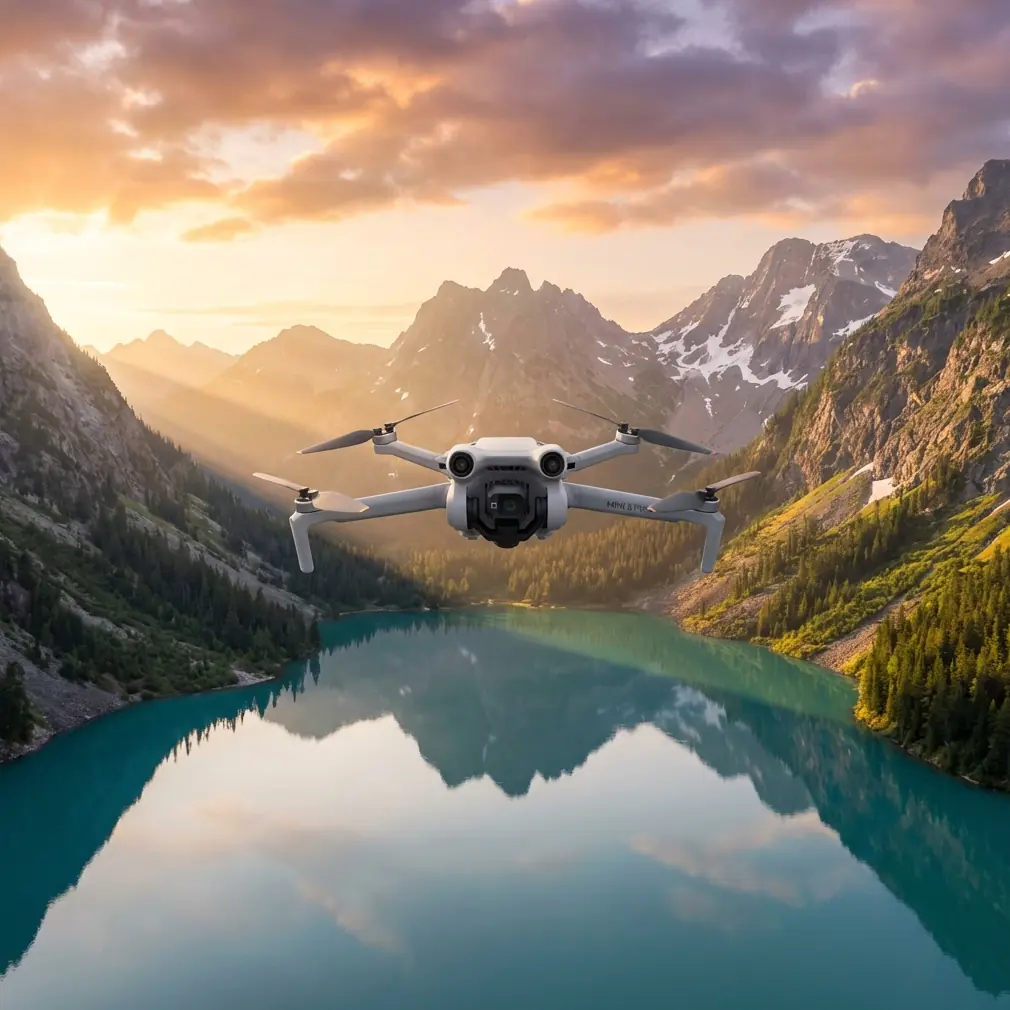
Air 3S High Altitude Field Inspection Guide
META: Master high altitude field inspections with the Air 3S. Expert tips on battery management, obstacle avoidance, and ActiveTrack for precise agricultural surveys.
TL;DR
- High altitude operations drain batteries 15-20% faster—proper thermal management is essential for extended field inspections
- ActiveTrack 6.0 maintains subject lock even across uneven terrain and variable crop heights
- D-Log color profile captures maximum dynamic range for post-processing analysis of field conditions
- Configure obstacle avoidance settings based on terrain complexity to balance safety with inspection efficiency
Field inspections at elevation present unique challenges that ground-level operations never encounter. The Air 3S addresses these demands with intelligent battery optimization and sensor capabilities designed for professional agricultural workflows. This guide covers everything from pre-flight battery conditioning to advanced tracking techniques that will transform your high-altitude inspection accuracy.
Understanding High Altitude Performance Demands
Thin air changes everything. At elevations above 1,500 meters, the Air 3S motors work harder to generate lift, pulling more current from your batteries than identical maneuvers at sea level.
During a recent inspection of terraced vineyards in Colorado's Western Slope region, I discovered that standard flight time estimates became meaningless. What should have been a 46-minute battery delivered barely 38 minutes of usable flight time.
The Physics Behind Reduced Flight Time
Lower air density creates a compounding effect:
- Propellers generate less thrust per revolution
- Motors spin faster to compensate
- Current draw increases by 12-18% depending on altitude
- Battery cells heat unevenly under sustained high-draw conditions
The Air 3S compensates through its intelligent power management system, but understanding these limitations prevents mid-mission surprises.
Pre-Flight Battery Management Protocol
Expert Insight: Never launch with batteries below 25°C at high altitude. Cold batteries combined with thin air create a performance deficit that can cut your effective flight time nearly in half. I keep batteries in an insulated cooler with hand warmers during winter inspections—counterintuitive, but essential.
Optimal Battery Conditioning Steps
Before any high-altitude field inspection, follow this sequence:
- Warm batteries to 25-30°C using a vehicle heater or insulated storage
- Check cell voltage balance in the DJI Fly app—deviation beyond 0.1V between cells indicates conditioning issues
- Plan for 70% of rated capacity as your actual working flight time
- Stage backup batteries in temperature-controlled storage nearby
The Air 3S battery management system displays real-time cell temperatures during flight. Monitor this data constantly during the first five minutes of operation.
Configuring Obstacle Avoidance for Agricultural Terrain
Field inspections present obstacle detection challenges that urban environments rarely match. Crops at varying heights, irrigation equipment, power lines, and tree windbreaks create a complex three-dimensional environment.
Obstacle Avoidance Settings Matrix
| Terrain Type | Avoidance Mode | Brake Distance | Recommended Altitude |
|---|---|---|---|
| Open fields | Bypass | 8m | 15-30m AGL |
| Orchards/vineyards | Brake | 15m | 20-40m AGL |
| Mixed terrain with structures | APAS 5.0 | 12m | 25-50m AGL |
| Power line corridors | Brake + Manual override | 20m | Variable |
The Air 3S omnidirectional sensing system uses dual vision sensors on all six sides combined with a downward-facing ToF sensor. This configuration excels at detecting thin obstacles like guy wires that challenged previous generation drones.
When to Disable Obstacle Avoidance
Certain inspection scenarios require calculated risk:
- Low-altitude crop health surveys where the drone must fly below obstacle sensor minimum range
- Tight corridor inspections between tree rows or equipment
- Precision GPS waypoint missions where deviation would compromise data consistency
Always designate a visual observer when operating with reduced obstacle avoidance protection.
Mastering ActiveTrack for Moving Inspections
Subject tracking transforms field inspections from static grid surveys into dynamic assessment tools. The Air 3S ActiveTrack system maintains lock on moving vehicles, equipment, or ground personnel with remarkable precision.
ActiveTrack Configuration for Field Work
Optimal settings vary based on your tracking subject:
- Ground vehicles: Parallel tracking mode, 10-15m offset distance, altitude lock enabled
- Personnel on foot: Spotlight mode, 8-12m following distance, terrain follow active
- Livestock monitoring: Trace mode, 20-30m buffer zone, reduced speed limits
Pro Tip: When tracking irrigation systems or equipment across uneven terrain, enable terrain follow but set your minimum altitude 5m higher than you think necessary. Unexpected elevation changes near drainage channels have surprised more than one experienced pilot.
Capturing Professional D-Log Footage for Analysis
Raw inspection footage often requires post-processing to reveal details invisible in standard color profiles. D-Log captures approximately 2 stops of additional dynamic range compared to Normal color mode.
D-Log Settings for Agricultural Inspection
Configure your Air 3S camera settings before launch:
- Color profile: D-Log M
- ISO range: 100-400 for daylight, 400-800 for overcast
- Shutter speed: Double your frame rate (1/60 for 30fps footage)
- White balance: Manual, matched to lighting conditions
D-Log footage appears flat and desaturated in preview—this is intentional. The retained highlight and shadow information becomes valuable during analysis of crop stress patterns, irrigation coverage, and equipment condition assessment.
Hyperlapse Techniques for Field Documentation
Time-compressed footage reveals patterns invisible in real-time observation. The Air 3S Hyperlapse function combines waypoint navigation with interval shooting for stunning documentation of large agricultural operations.
Effective Hyperlapse Parameters
| Documentation Goal | Interval | Duration | Altitude Pattern |
|---|---|---|---|
| Irrigation system operation | 2 seconds | 15-20 minutes | Fixed |
| Crop growth monitoring | 10 seconds | 2-4 hours | Fixed |
| Equipment movement patterns | 1 second | 10-15 minutes | Following |
| Weather/light progression | 5 seconds | 1-3 hours | Fixed |
For high-altitude operations, account for changing light conditions when planning extended Hyperlapse captures. The Air 3S auto-exposure handles moderate changes, but dramatic shifts require manual intervention.
QuickShots for Efficient Property Overviews
When clients need presentation-quality footage alongside technical inspection data, QuickShots modes deliver professional results with minimal pilot workload.
Dronie mode works exceptionally well for establishing shots of field boundaries, pulling backward and upward to reveal the full property context.
Circle mode creates comprehensive perimeter views of structures, equipment yards, or specific crop areas requiring documentation.
The Air 3S executes these automated maneuvers while obstacle avoidance remains active—a significant safety improvement over manual filming attempts that divide pilot attention.
Common Mistakes to Avoid
Even experienced pilots make these errors during high-altitude field inspections:
Ignoring wind gradient effects. Surface winds rarely match conditions at 50-100m AGL. The Air 3S handles strong winds effectively, but return-to-home calculations based on ground-level observations lead to shortened missions or emergency landings.
Overlooking memory card performance. High-bitrate D-Log recording demands V30 or faster cards. Standard cards create recording gaps that ruin continuous inspection footage.
Skipping compass calibration. Agricultural equipment, irrigation infrastructure, and mineral deposits in soil create magnetic anomalies. Calibrate at each new launch site, not just each new property.
Running batteries to warning levels. High-altitude return flights consume more power than descent calculations predict. Land with minimum 25% remaining rather than pushing to warning thresholds.
Neglecting lens cleaning. Dust during agricultural operations accumulates rapidly. Inspect and clean the lens every two batteries—dirty optics compromise the inspection data quality you're hired to provide.
Frequently Asked Questions
How does high altitude affect Air 3S obstacle detection range?
Obstacle detection performance remains consistent regardless of elevation. The vision and ToF sensors measure distance optically, unaffected by air density changes. However, the drone's reduced maneuverability at altitude means you should increase brake distances in obstacle avoidance settings to compensate for longer stopping distances.
Can I use ActiveTrack while recording in D-Log simultaneously?
Yes, ActiveTrack functions independently of color profile selection. The Air 3S processes tracking data through its dedicated vision processing unit while the camera sensor records in your chosen format. Combining these features creates efficient workflows for dynamic inspection scenarios where a moving vehicle or equipment requires both tracking and high-dynamic-range documentation.
What's the maximum recommended altitude for agricultural field inspections?
Effective inspection altitude depends on your documentation goals rather than drone limitations. For general field health assessment, 30-50m AGL balances coverage area with detail resolution. Specific crop analysis often requires 15-25m AGL for adequate detail. Always verify local regulations—many jurisdictions impose altitude limits regardless of technical capability.
Ready for your own Air 3S? Contact our team for expert consultation.