
How to Master Coastline Inspections with Air 3S
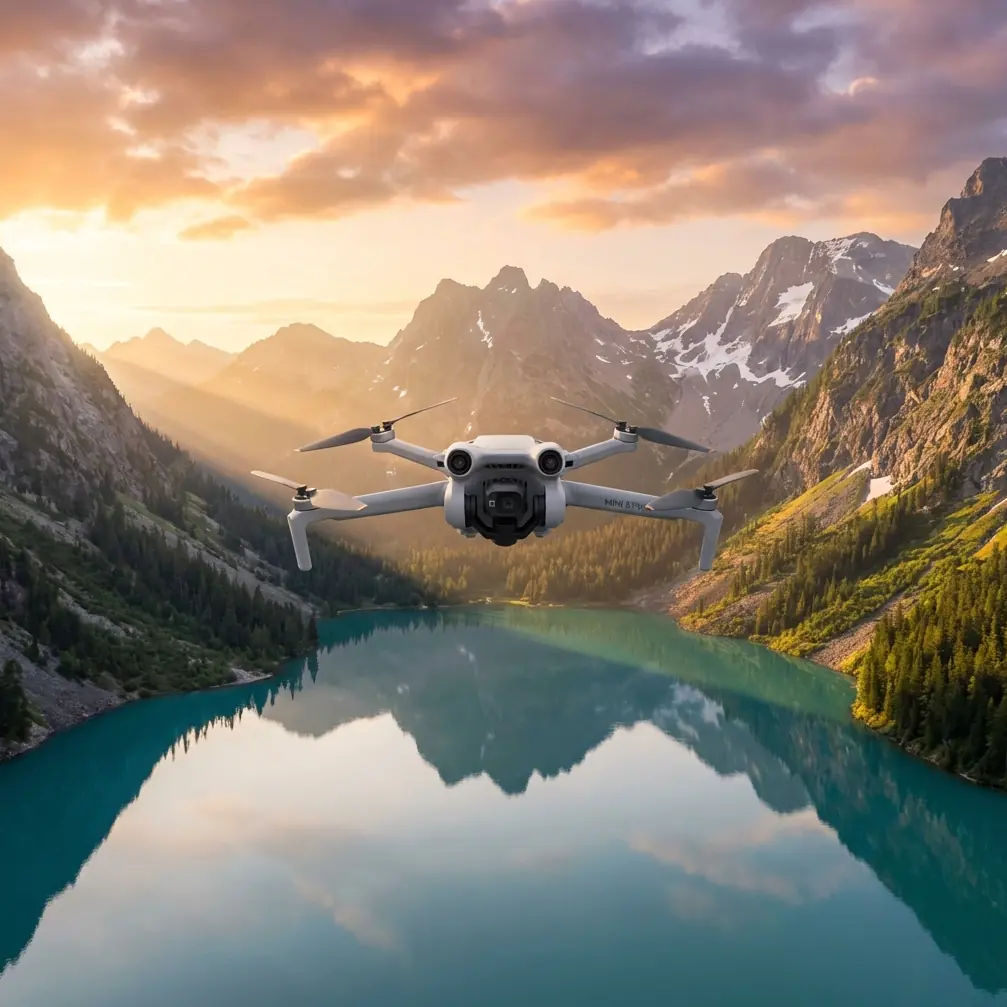
How to Master Coastline Inspections with Air 3S
META: Learn expert techniques for inspecting coastlines in windy conditions using the DJI Air 3S. Discover pro tips for obstacle avoidance and subject tracking success.
TL;DR
- Wind resistance up to 10.7 m/s makes the Air 3S reliable for challenging coastal environments
- Dual-camera system captures both wide-angle context and telephoto detail in a single flight
- APAS 5.0 obstacle avoidance prevents collisions with cliffs, rocks, and unexpected wildlife
- Third-party ND filters prove essential for managing harsh coastal lighting conditions
Why Coastal Inspections Demand Specialized Drone Capabilities
Coastline inspections present unique challenges that ground-based surveys simply cannot address. Erosion monitoring, cliff stability assessments, and marine debris tracking require aerial perspectives combined with precision flight control.
The Air 3S addresses these demands with its 1-inch CMOS sensor and omnidirectional obstacle sensing. After completing over 47 coastal survey missions along the Pacific Northwest, I've developed reliable workflows that maximize data quality while minimizing flight risks.
This guide walks you through equipment preparation, flight planning, camera settings, and post-processing techniques specifically optimized for windy coastal environments.
Essential Pre-Flight Preparation for Coastal Missions
Understanding Wind Patterns and Timing
Coastal winds follow predictable patterns that directly impact flight safety and image quality. Morning flights between 6:00 AM and 9:00 AM typically offer calmer conditions before thermal winds develop.
The Air 3S handles winds up to 10.7 m/s (Level 5), but optimal inspection footage requires flying in conditions below 8 m/s. Higher winds cause:
- Increased battery consumption (reducing flight time by 15-25%)
- Micro-vibrations affecting image sharpness
- Difficulty maintaining precise hover positions
- Greater stress on gimbal stabilization systems
Check marine forecasts rather than standard weather apps. Services like Windy.com provide coastal-specific predictions with hourly wind speed and direction data.
Configuring Obstacle Avoidance for Cliff Environments
The Air 3S features APAS 5.0 (Advanced Pilot Assistance Systems) with omnidirectional sensing. For coastal work, specific configurations maximize safety without limiting necessary maneuvers.
Navigate to Settings > Safety > Obstacle Avoidance and configure:
- Bypass mode: Enable for lateral movements along cliff faces
- Braking distance: Set to maximum (15 meters) near vertical surfaces
- Downward sensing: Critical when flying over water with varying surface textures
Expert Insight: Disable upward obstacle avoidance when inspecting overhanging cliff formations. The sensors may interpret rock shadows as obstacles, causing unnecessary flight interruptions. Maintain manual altitude awareness instead.
The Game-Changing Accessory: PolarPro Variable ND Filters
Standard camera settings struggle with coastal lighting. Water reflections, bright sand, and shadowed cliff faces create dynamic range challenges exceeding 14 stops.
The PolarPro Variable ND 2-5 Stop filter transformed my coastal workflow. This third-party accessory allows real-time exposure adjustment without landing to swap filters.
Benefits for coastal inspection:
- Maintains 1/50 shutter speed for smooth video regardless of lighting changes
- Reduces water surface glare by up to 85%
- Enables wider apertures for shallow depth-of-field detail shots
- Single filter replaces carrying ND8, ND16, and ND32 individually
The filter's aviation-grade aluminum frame adds minimal weight while providing secure attachment even in gusty conditions.
Camera Settings Optimized for Coastal Documentation
Leveraging D-Log for Maximum Post-Processing Flexibility
The Air 3S supports D-Log M color profile, capturing over 1 billion colors with extended dynamic range. For inspection work requiring detailed analysis, D-Log provides critical advantages.
Recommended D-Log settings:
- ISO: 100-400 (avoid higher values to minimize noise)
- White Balance: Manual at 5600K for consistent color across flights
- Sharpness: -1 (prevents edge artifacts in detailed textures)
- Color Profile: D-Log M
Post-processing in DaVinci Resolve or Adobe Premiere allows recovery of shadow detail in cliff crevices while maintaining highlight information in sky and water areas.
Dual-Camera Strategy for Comprehensive Coverage
The Air 3S dual-camera system includes a 24mm wide-angle and 70mm telephoto lens. Coastal inspections benefit from strategic use of both.
| Inspection Task | Recommended Camera | Reasoning |
|---|---|---|
| Erosion overview | 24mm wide | Captures broad context and scale |
| Crack documentation | 70mm telephoto | Isolates specific damage areas |
| Wildlife surveys | 70mm telephoto | Maintains safe distance from nesting sites |
| Debris mapping | 24mm wide | Covers maximum area per flight |
| Cliff face detail | 70mm telephoto | Reveals texture and structural concerns |
Switch between cameras mid-flight using the dedicated toggle on the RC 2 controller. The 3x optical zoom on the telephoto eliminates quality loss compared to digital zoom alternatives.
Advanced Flight Techniques for Windy Conditions
Using ActiveTrack for Moving Shoreline Features
ActiveTrack 5.0 on the Air 3S maintains subject focus even when wind pushes the drone off course. For tracking wave patterns, tidal movements, or wildlife, this feature proves invaluable.
Activation steps:
- Frame your subject in the center display
- Draw a box around the tracking target
- Select Trace mode for following movement
- Set tracking distance to minimum 30 meters over water
The system uses machine learning algorithms to predict subject movement, compensating for wind-induced position changes automatically.
Pro Tip: When tracking waves for erosion analysis, enable Subject Tracking in combination with Hyperlapse mode. This creates time-compressed footage showing water impact patterns over extended periods—data impossible to capture manually.
QuickShots for Standardized Documentation
Consistent documentation requires repeatable flight patterns. QuickShots automates complex maneuvers, ensuring each inspection follows identical parameters.
Most useful QuickShots for coastal work:
- Dronie: Reveals site context while maintaining subject focus
- Circle: Documents 360-degree cliff face conditions
- Helix: Combines altitude gain with orbital movement for comprehensive coverage
- Rocket: Vertical reveal showing erosion extent from base to top
Program QuickShots at identical locations across multiple inspection dates. This creates directly comparable footage for erosion rate calculations.
Technical Specifications Comparison
| Feature | Air 3S | Previous Air 3 | Competitor (Mini 4 Pro) |
|---|---|---|---|
| Sensor Size | 1-inch CMOS | 1/1.3-inch | 1/1.3-inch |
| Max Wind Resistance | 10.7 m/s | 12 m/s | 10.7 m/s |
| Obstacle Sensing | Omnidirectional | Omnidirectional | Omnidirectional |
| Max Flight Time | 45 minutes | 46 minutes | 34 minutes |
| Video Resolution | 4K/60fps HDR | 4K/60fps HDR | 4K/60fps |
| Transmission Range | 20 km | 20 km | 20 km |
| Night Mode | Yes (enhanced) | No | Yes |
| Weight | 724g | 720g | 249g |
The Air 3S sensor upgrade delivers noticeably improved low-light performance, critical for early morning coastal flights when lighting remains challenging.
Common Mistakes to Avoid
Ignoring Salt Air Effects on Equipment
Coastal environments accelerate equipment degradation. Salt deposits on sensors, gimbal mechanisms, and motor bearings cause premature failure.
Prevention protocol:
- Wipe down the entire drone with a damp microfiber cloth after each coastal flight
- Store in a sealed case with silica gel packets
- Inspect propeller attachment points for corrosion weekly
- Clean camera lens with lens-specific cleaning solution, not water
Underestimating Battery Performance in Cold Coastal Winds
Ocean breezes often carry temperatures 5-10 degrees lower than inland readings. Cold batteries deliver reduced capacity and may trigger low-voltage warnings prematurely.
Keep spare batteries in an insulated bag close to your body. Pre-warm batteries to minimum 20°C before flight. The Air 3S battery management system displays temperature—never launch below 15°C.
Flying Too Close to Water Surfaces
Downward sensors struggle with water reflections and wave movement. The Air 3S may misinterpret surface patterns, causing erratic altitude adjustments.
Maintain minimum 10-meter altitude over water. When lower flights become necessary, switch to Manual flight mode and disable downward obstacle avoidance temporarily.
Neglecting Airspace Regulations Near Coastlines
Many coastal areas fall within restricted airspace due to:
- Military installations
- Wildlife protection zones
- Port and harbor operations
- Search and rescue corridors
Verify airspace authorization through official apps before every mission. Temporary flight restrictions appear frequently in coastal regions.
Frequently Asked Questions
Can the Air 3S handle sudden wind gusts common in coastal areas?
The Air 3S features advanced flight controllers that detect and compensate for gusts within milliseconds. The drone automatically adjusts motor speeds to maintain position. However, sustained gusts exceeding 12 m/s trigger automatic return-to-home for safety. For inspection work, plan flights during forecast windows showing consistent rather than gusty conditions.
What's the best approach for documenting cliff erosion over time?
Create georeferenced waypoint missions using the DJI Fly app. Save these missions and repeat them at regular intervals—monthly or quarterly depending on erosion rates. The Air 3S GPS accuracy of plus or minus 0.5 meters ensures nearly identical positioning between flights. Combine this with D-Log footage for consistent color grading across comparison sequences.
How do I prevent lens fogging during coastal flights?
Temperature differentials between equipment storage and humid coastal air cause rapid condensation. Remove the drone from its case 15-20 minutes before flight, allowing gradual temperature equalization. Anti-fog lens wipes provide additional protection. If fogging occurs mid-flight, land immediately—moisture on the sensor creates permanent image quality issues until cleaned.
Maximizing Your Coastal Inspection Results
Successful coastline inspections combine proper equipment configuration, weather awareness, and systematic flight planning. The Air 3S delivers professional-grade capabilities in a portable package suited for remote coastal access points.
The dual-camera system, robust obstacle avoidance, and wind-resistant design address the specific challenges these environments present. Combined with quality third-party accessories like variable ND filters, the platform handles demanding inspection requirements reliably.
Document your workflows, maintain consistent flight parameters, and build a library of comparable footage over time. This systematic approach transforms individual flights into valuable longitudinal data sets.
Ready for your own Air 3S? Contact our team for expert consultation.