
Air 3S Coastline Inspection Tips for Windy Conditions
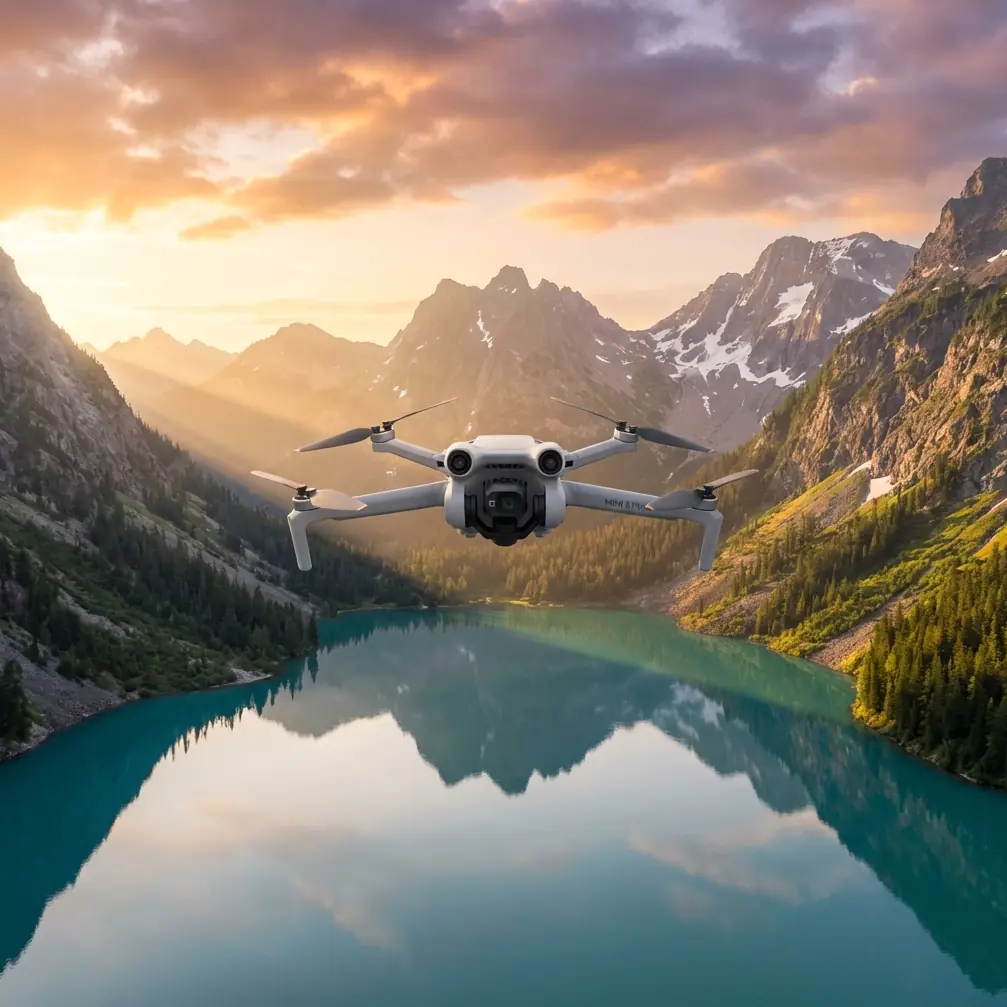
Air 3S Coastline Inspection Tips for Windy Conditions
META: Master Air 3S coastline inspections in challenging winds. Expert tips on pre-flight prep, obstacle avoidance settings, and safety protocols for reliable coastal surveys.
TL;DR
- Pre-flight sensor cleaning is critical—salt spray and sand debris can disable obstacle avoidance systems mid-flight
- Configure ActiveTrack 360° with manual altitude locks to maintain consistent survey paths despite wind gusts up to 12 m/s
- Use D-Log color profile combined with 1/2000s minimum shutter speed to capture usable inspection footage in bright coastal environments
- Battery performance drops 15-20% in sustained winds—plan flight times accordingly and keep reserves above 30%
Why Coastline Inspections Demand Special Preparation
Coastal infrastructure inspections present unique challenges that inland operations never encounter. The Air 3S handles these conditions exceptionally well, but only when operators understand how environmental factors affect its safety systems.
Salt-laden air, fine sand particles, and unpredictable wind patterns create a trifecta of hazards. Your obstacle avoidance sensors become your lifeline when inspecting sea walls, cliff faces, and offshore structures. A single grain of sand lodged in the wrong sensor can mean the difference between a successful mission and an expensive recovery operation.
This guide walks you through the exact pre-flight protocols, camera settings, and flight techniques that professional coastal surveyors use daily.
The Pre-Flight Cleaning Protocol That Saves Missions
Before discussing flight techniques, let's address the step most operators skip—and later regret.
Sensor Cleaning Sequence
The Air 3S features omnidirectional obstacle sensing with sensors positioned on all six sides of the aircraft. Each sensor requires individual attention before coastal flights.
Step 1: Visual Inspection
Hold the drone at eye level and examine each sensor window under direct light. Look for:
- Salt crystallization (appears as white haze)
- Sand particles lodged in sensor recesses
- Moisture droplets or condensation
- Micro-scratches from previous debris contact
Step 2: Cleaning Materials
Never use household cleaners or rough fabrics. Your cleaning kit should include:
- Lens-grade microfiber cloths (dedicated to sensors only)
- Isopropyl alcohol wipes (70% concentration works best)
- Compressed air canister with straw attachment
- Soft-bristle lens brush
Step 3: Cleaning Order
Start with the downward-facing sensors, then sides, then forward and backward sensors. Finish with the upward sensors. This prevents debris from falling onto already-cleaned surfaces.
Expert Insight: Professional coastal inspectors clean sensors before and after every flight. Salt deposits become increasingly difficult to remove as they dry and crystallize. A quick wipe immediately after landing prevents long-term sensor degradation that voids warranty coverage.
Gimbal and Camera Lens Preparation
The 1-inch CMOS sensor behind the Air 3S lens captures stunning detail, but coastal conditions threaten image quality in subtle ways.
Apply a fresh lens protector before each coastal mission. The UV filter accessory serves double duty—it blocks harsh coastal light while providing a sacrificial barrier against salt spray. Replace these filters frequently; they're far cheaper than lens repairs.
Configuring Obstacle Avoidance for Coastal Environments
The Air 3S obstacle avoidance system works brilliantly in controlled environments. Coastal inspections require specific adjustments.
Recommended Settings Matrix
| Setting | Standard Flight | Coastal Inspection | Rationale |
|---|---|---|---|
| Obstacle Avoidance | Normal | Bypass (with caution) | Waves can trigger false positives |
| Braking Distance | Auto | Manual - 8m | Wind gusts affect stopping distance |
| Return-to-Home Altitude | 40m | 60m minimum | Accounts for cliff faces and structures |
| Downward Sensing | On | On (critical) | Prevents water surface collisions |
| APAS Mode | Active | Off during structure passes | Prevents unwanted path deviations |
Understanding Sensor Limitations Near Water
Water surfaces create unique challenges for the Air 3S sensing system. The downward vision sensors rely on surface texture recognition. Calm water appears featureless, causing altitude hold instability.
Choppy coastal waters present the opposite problem—constantly changing surface patterns can confuse the positioning system.
Best practice: Maintain minimum 10m altitude over water and rely on GPS positioning rather than vision positioning when operating offshore.
Pro Tip: Enable "Precision Landing" only when returning to solid ground. Attempting precision landing on boats or floating platforms often results in the drone circling indefinitely as it struggles to lock onto a stable reference point.
Mastering Subject Tracking Along Coastlines
ActiveTrack technology transforms tedious manual flying into smooth, cinematic inspection footage. Coastal applications require specific techniques.
ActiveTrack Configuration for Infrastructure
When tracking along sea walls or cliff faces, configure these parameters:
- Tracking sensitivity: Reduce to 70% to prevent the system from losing lock during lighting changes
- Obstacle response: Set to "Stop" rather than "Bypass" near structures
- Speed limit: Cap at 8 m/s for inspection work
The Air 3S can track subjects while simultaneously avoiding obstacles, but this dual processing increases battery consumption by approximately 12%.
Dealing with Wind During Tracking Shots
Sustained coastal winds above 8 m/s affect tracking stability. The drone compensates by tilting into the wind, which shifts the camera angle.
Counter this by:
- Planning tracking paths that move with prevailing winds rather than against them
- Using Tripod Mode for slow, controlled passes where wind compensation is most visible
- Accepting slightly wider framing to allow for post-production stabilization cropping
QuickShots and Hyperlapse in Coastal Settings
Automated flight modes produce impressive results when configured correctly for coastal conditions.
QuickShots Worth Using
Dronie: Excellent for establishing shots of inspection sites. Set distance to 80m for dramatic reveals of coastal infrastructure.
Circle: Ideal for documenting lighthouse bases, pier foundations, and isolated structures. Reduce radius to 15m for detailed inspection orbits.
Helix: Creates compelling documentation of vertical structures like sea stacks and cliff monitoring stations.
Avoid Rocket and Boomerang in windy coastal conditions—the rapid altitude changes combined with wind gusts stress the motors unnecessarily.
Hyperlapse for Erosion Documentation
Coastal erosion monitoring benefits enormously from Hyperlapse footage. The Air 3S processes 2.7K Hyperlapse internally, producing ready-to-use documentation.
Configure these settings:
- Interval: 3 seconds for smooth motion
- Duration: Minimum 30 minutes of real-time capture
- Path type: Waypoint (for repeatable future comparisons)
Save waypoint missions for quarterly erosion comparisons. Identical flight paths make change detection dramatically easier.
D-Log Settings for Coastal Light Conditions
Harsh coastal lighting—bright skies, reflective water, shadowed cliff faces—creates extreme dynamic range challenges.
Why D-Log Matters for Inspections
The Air 3S D-Log M color profile captures approximately 1.5 additional stops of dynamic range compared to standard color profiles. For inspection work, this means:
- Visible detail in shadowed structure undersides
- Recoverable highlight information in bright sky areas
- Flexibility to match footage across varying lighting conditions
Recommended Camera Settings
| Parameter | Setting | Notes |
|---|---|---|
| Color Profile | D-Log M | Maximum flexibility |
| ISO | 100-400 | Keep low to minimize noise |
| Shutter Speed | 1/2000s minimum | Freezes motion in wind |
| Aperture | f/4.0-f/5.6 | Balances sharpness and depth |
| White Balance | 6500K | Consistent coastal daylight |
| Format | 4K/30fps or 2.7K/60fps | Higher framerate for stabilization |
Expert Insight: Always shoot in D-Log even when clients request "normal" looking footage. You can easily convert D-Log to Rec.709 in post-production, but you cannot recover dynamic range that was never captured. Professional inspection documentation demands maximum data preservation.
Common Mistakes to Avoid
Ignoring wind forecasts at altitude: Ground-level wind readings mean nothing. Winds at 50m altitude often exceed surface readings by 40-60%. Check aviation weather reports for winds aloft data.
Flying with dirty sensors: Obstacle avoidance failures during coastal inspections frequently trace back to contaminated sensors. The 5 minutes spent cleaning saves hours of recovery efforts.
Underestimating battery drain: Cold ocean air and constant wind compensation drain batteries faster than specifications suggest. Never push below 30% remaining charge during coastal operations.
Using automatic exposure: Coastal scenes confuse automatic exposure systems. Bright water and dark structures cause constant exposure hunting. Lock exposure manually before beginning inspection passes.
Neglecting ND filters: Achieving proper shutter speeds in bright coastal conditions requires ND16 or ND32 filters. Without them, you'll either overexpose or use shutter speeds that create unnatural motion rendering.
Skipping test hovers: Before committing to an inspection path, hover at mission altitude for 60 seconds. This reveals wind conditions, GPS stability, and sensor functionality before you're committed to a complex flight path.
Frequently Asked Questions
How does salt air affect the Air 3S long-term?
Salt exposure accelerates wear on motor bearings, corrodes electrical contacts, and degrades sensor coatings. Operators conducting regular coastal work should budget for motor replacements every 150-200 flight hours rather than the typical 300+ hours for inland operations. Thorough post-flight cleaning and storage in sealed containers with silica gel packets significantly extends component life.
Can the Air 3S maintain stable hover in gusty coastal winds?
The Air 3S handles sustained winds up to 12 m/s and gusts to 15 m/s while maintaining position. However, "stable" hover in these conditions still involves constant micro-adjustments that affect video smoothness and battery life. For critical inspection footage, wait for wind speeds below 8 m/s sustained. The aircraft can fly in stronger winds, but inspection quality suffers noticeably.
What's the best time of day for coastal infrastructure inspections?
Early morning (6-9 AM) offers the best combination of calm winds, soft lighting, and minimal tourist interference. Avoid midday when thermal updrafts along cliff faces create unpredictable turbulence. Late afternoon provides good lighting but typically brings stronger onshore winds. Tide timing also matters—low tide exposes foundation elements that high tide conceals.
Your Next Coastal Mission Starts Here
Coastline inspections showcase the Air 3S capabilities when operators understand its systems deeply. The pre-flight cleaning protocols, sensor configurations, and camera settings outlined here represent thousands of collective flight hours from professional coastal surveyors.
Master these techniques, and you'll deliver inspection documentation that clients trust and regulatory bodies accept.
Ready for your own Air 3S? Contact our team for expert consultation.