
Air 3S for Vineyard Filming: Expert Dusty Conditions Guide
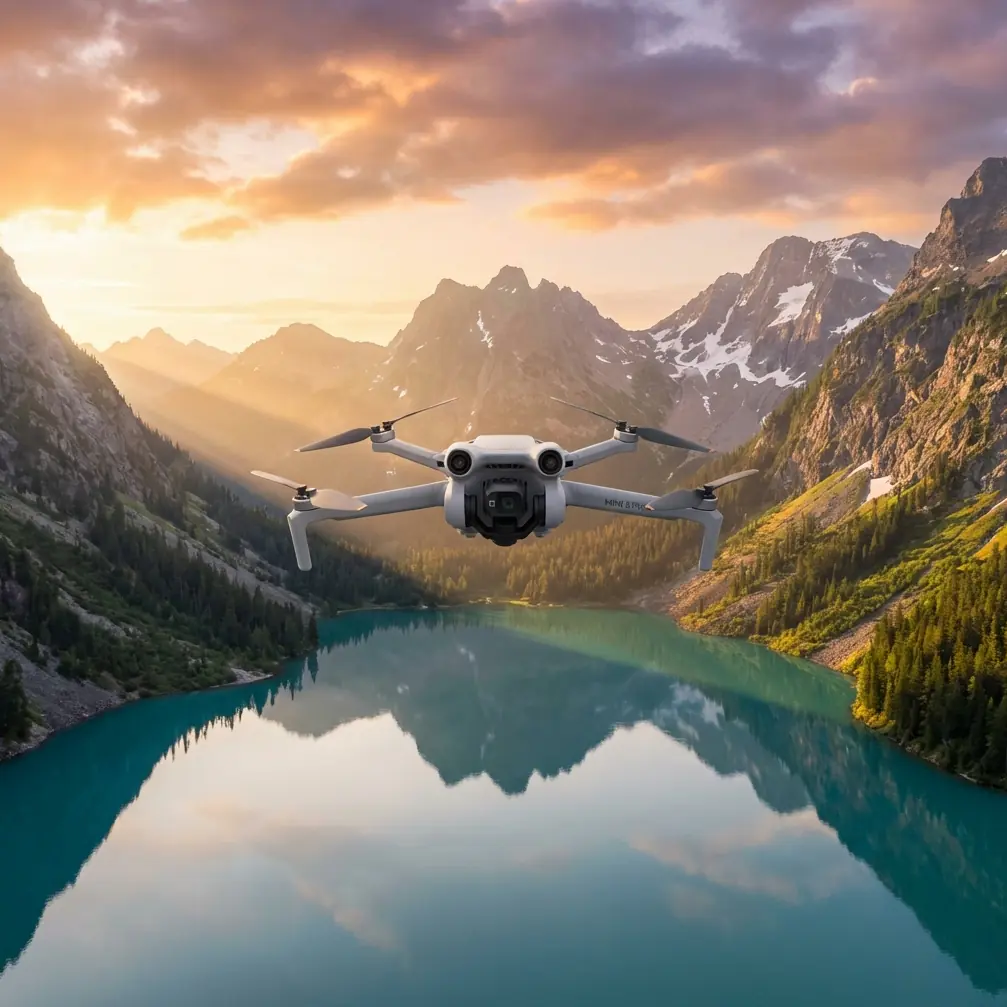
Air 3S for Vineyard Filming: Expert Dusty Conditions Guide
META: Master vineyard aerial filming with the Air 3S drone. Expert tips for dusty conditions, antenna positioning, and cinematic footage techniques.
TL;DR
- Obstacle avoidance sensors require regular cleaning during dusty vineyard shoots to maintain reliable performance
- Optimal antenna positioning delivers up to 20km transmission range—critical for expansive vineyard coverage
- D-Log color profile captures maximum dynamic range for golden hour vineyard cinematography
- ActiveTrack and QuickShots automate complex shots while you focus on composition
Why Vineyard Filming Demands Specialized Drone Techniques
Dusty vineyard environments destroy unprepared equipment and ruin footage. The Air 3S handles these challenges with sealed motor designs and intelligent flight systems—but only when configured correctly.
This guide covers everything from pre-flight preparation to advanced filming techniques specifically optimized for vineyard cinematography. You'll learn antenna positioning secrets that maximize range, sensor maintenance protocols for dusty conditions, and creative techniques that transform ordinary vineyard footage into cinematic gold.
Understanding the Air 3S Sensor System in Dusty Environments
The Air 3S features a comprehensive omnidirectional obstacle avoidance system with sensors positioned on all six sides of the aircraft. In vineyard environments, airborne particulates create unique challenges for these sensors.
How Dust Affects Obstacle Detection
Fine vineyard dust accumulates on sensor lenses within minutes of flight. This accumulation causes:
- False obstacle warnings during normal flight paths
- Reduced detection range from 40 meters down to 15 meters or less
- Erratic braking behavior near vine rows
- Potential collision risk when sensors fail to detect thin support wires
Pre-Flight Sensor Preparation Protocol
Before each vineyard session, complete this checklist:
- Wipe all six obstacle avoidance sensors with a microfiber cloth
- Inspect the 1-inch CMOS sensor lens for particulate contamination
- Verify gimbal movement is smooth and unrestricted
- Check propeller surfaces for dust buildup affecting balance
- Confirm cooling vents remain unobstructed
Expert Insight: Carry a small battery-powered air blower in your kit. A quick blast across sensors between flights prevents cumulative dust buildup that microfiber cloths can grind into lens coatings.
Antenna Positioning for Maximum Vineyard Range
Proper antenna positioning separates professional operators from amateurs. The Air 3S controller features dual antennas that must maintain optimal orientation relative to the aircraft throughout your flight.
The Physics of Signal Transmission
Radio signals emit perpendicular to the flat face of each antenna. When antennas point directly at your drone, signal strength drops dramatically—a phenomenon called null zone positioning.
Optimal Positioning Technique
Follow these guidelines for consistent O4 transmission performance:
- Keep antenna flat faces aimed toward the aircraft at all times
- Adjust antenna angle as the drone moves across the vineyard
- Maintain antennas in a "V" formation for wide coverage patterns
- Never let antennas point straight up when the drone flies at low altitudes
Range Expectations in Vineyard Terrain
| Condition | Expected Range | Signal Quality |
|---|---|---|
| Clear line of sight | 20km | Excellent |
| Moderate dust in air | 15km | Good |
| Heavy dust + vine canopy interference | 8-10km | Moderate |
| Behind hillside terrain | 3-5km | Poor |
Vineyard topography often includes rolling hills that block signals. Plan flight paths that maintain line-of-sight contact with your controller position.
Mastering Subject Tracking Through Vine Rows
ActiveTrack technology transforms complex tracking shots into automated sequences. The Air 3S ActiveTrack 360° system locks onto subjects and maintains framing while you control altitude and distance.
Tracking Vineyard Workers
Capturing workers during harvest creates compelling documentary content. Configure ActiveTrack with these settings:
- Select Trace mode for following subjects along vine rows
- Set obstacle avoidance to Brake rather than Bypass in tight spaces
- Maintain minimum 5-meter subject distance to prevent tracking loss
- Use Spotlight mode when you need manual flight control with automatic framing
Tracking Vehicles and Equipment
Tractors and harvesting equipment move predictably through vineyards, making them ideal tracking subjects:
- Enable Parallel tracking for dramatic side-angle shots
- Set maximum speed to match vehicle pace—typically 15-25 km/h
- Pre-plan tracking routes to avoid support posts and irrigation equipment
- Monitor battery consumption—tracking shots drain power faster than static filming
Pro Tip: When tracking vehicles through dusty conditions, position the drone upwind from your subject. This keeps dust clouds behind the aircraft rather than coating your lens mid-shot.
QuickShots and Hyperlapse for Vineyard Cinematography
Automated flight modes produce professional results without complex manual piloting. The Air 3S includes several modes particularly suited to vineyard filming.
QuickShots Selection Guide
Dronie: Flies backward and upward while keeping the subject centered. Perfect for revealing vineyard scale from a starting position among the vines.
Circle: Orbits around a selected point of interest. Use this for showcasing individual vine sections or winery buildings.
Helix: Combines circular motion with ascending flight. Creates dramatic reveals of entire vineyard properties.
Rocket: Ascends straight up while the camera tilts down. Effective for transitional shots between ground-level and aerial perspectives.
Hyperlapse Techniques for Vineyard Content
Hyperlapse condenses time while the drone moves through space. The Air 3S offers four Hyperlapse modes:
| Mode | Best Vineyard Application | Recommended Duration |
|---|---|---|
| Free | Custom paths through vine rows | 30-60 seconds output |
| Circle | Sunrise/sunset around winery | 15-30 seconds output |
| Course Lock | Straight paths along vineyard roads | 20-45 seconds output |
| Waypoint | Complex multi-point property tours | 45-90 seconds output |
Set capture intervals based on subject movement. Static vineyard landscapes work well with 3-second intervals, while scenes with moving clouds or workers benefit from 2-second intervals.
D-Log Configuration for Maximum Post-Production Flexibility
The Air 3S D-Log M color profile captures 14+ stops of dynamic range, essential for vineyard scenes with bright skies and shadowed vine canopies.
When to Use D-Log
D-Log produces flat, desaturated footage requiring color grading. Use it when:
- Shooting during golden hour with extreme highlight/shadow contrast
- Planning extensive post-production color work
- Delivering footage to professional colorists
- Creating content that must match other cinema cameras
D-Log Camera Settings for Vineyards
Configure these parameters for optimal D-Log vineyard footage:
- ISO: Start at 100 for daylight, increase only when necessary
- Shutter Speed: Double your frame rate (1/50 for 24fps, 1/60 for 30fps)
- White Balance: Manual setting based on conditions—5600K for daylight
- ND Filters: Essential for proper exposure—carry ND8, ND16, and ND32
Without ND filters, D-Log footage in bright vineyard conditions will clip highlights regardless of other settings.
Common Mistakes to Avoid
Flying immediately after arrival: Dust from your vehicle settles on equipment. Wait 5-10 minutes before unpacking sensitive gear.
Ignoring wind patterns: Vineyard valleys channel wind unpredictably. Launch from protected positions and monitor wind speed throughout flights.
Overlooking sensor calibration: Dusty conditions accelerate compass and IMU drift. Calibrate before each session, not just when prompted.
Filming at midday: Harsh overhead light eliminates shadows that define vine row texture. Schedule shoots for 2 hours after sunrise or 2 hours before sunset.
Neglecting battery temperature: Hot vineyard conditions reduce battery performance. Keep spare batteries shaded and avoid charging immediately after flight.
Forgetting lens cleaning between flights: A single dust speck creates a persistent blur spot across all footage. Check and clean before every takeoff.
Frequently Asked Questions
How do I prevent dust from damaging the Air 3S gimbal during vineyard flights?
The gimbal system includes protective covers for transport—always use them between flights. During active shooting, avoid flying through visible dust clouds and maintain altitude above ground-disturbed air when possible. After each session, use a blower to remove particles before they work into gimbal mechanisms. Store the drone in a sealed case with silica gel packets to prevent moisture from binding dust to components.
What flight altitude works best for vineyard cinematography?
Altitude depends on your creative goals. For intimate vine-row detail shots, fly at 3-8 meters above canopy level. Property overview shots work well at 30-50 meters, revealing row patterns while maintaining visual connection to the ground. Dramatic wide establishing shots benefit from 80-120 meters, showing entire vineyard properties in context with surrounding landscape. Always verify local altitude regulations before flying.
Can the Air 3S obstacle avoidance handle thin vineyard support wires?
Obstacle avoidance sensors struggle with wires thinner than approximately 10mm diameter. Most vineyard support wires fall below this threshold. Disable obstacle avoidance when flying near wire systems and rely on visual observation. Alternatively, maintain minimum 3-meter clearance from any wire structures and use manual flight modes that give you direct control over aircraft movement.
Elevate Your Vineyard Aerial Content
Mastering Air 3S operation in dusty vineyard conditions requires attention to equipment maintenance, signal optimization, and creative technique selection. The combination of robust obstacle avoidance, intelligent tracking modes, and professional color science makes this platform ideal for vineyard cinematography—when properly configured.
Practice these techniques during low-stakes flights before committing to paid client work. Each vineyard presents unique challenges based on terrain, dust levels, and infrastructure placement.
Ready for your own Air 3S? Contact our team for expert consultation.