
Air 3S Guide: Filming Solar Farms in Complex Terrain
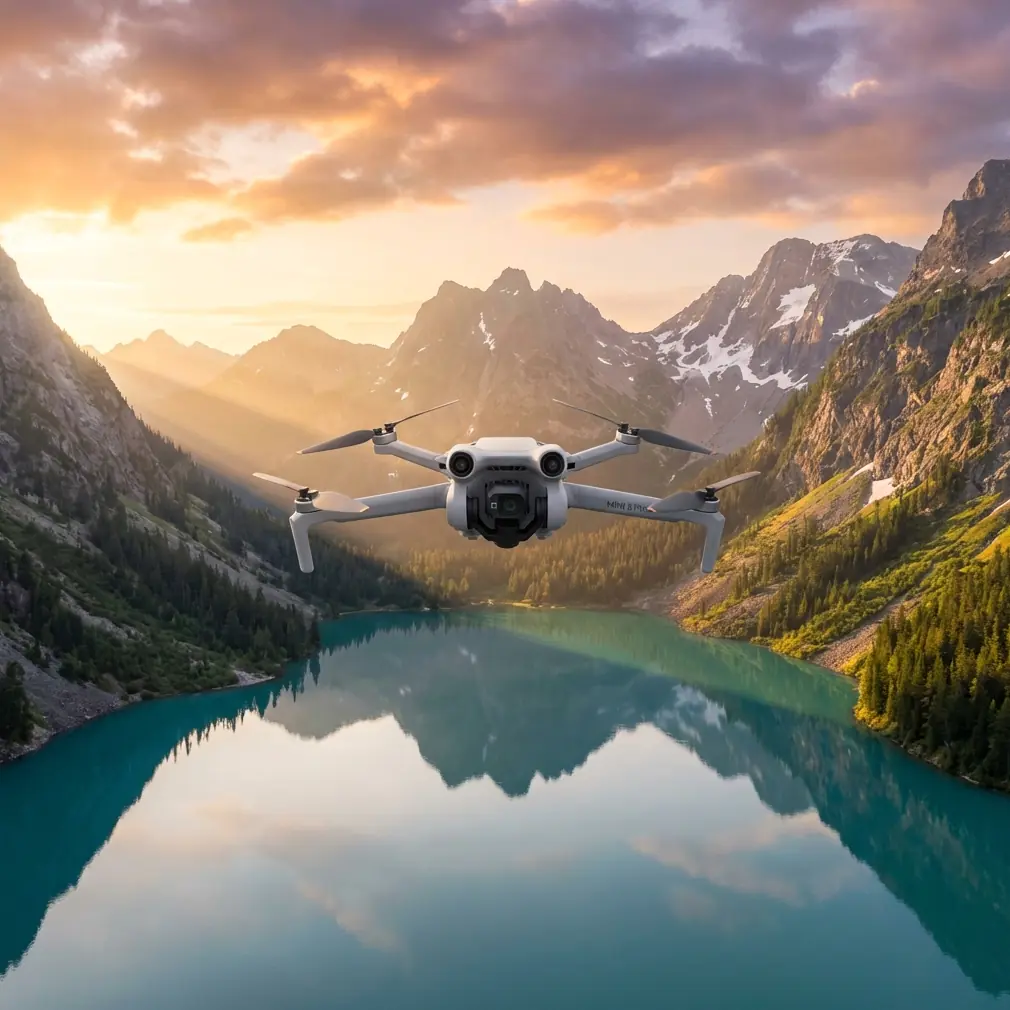
Air 3S Guide: Filming Solar Farms in Complex Terrain
META: Master solar farm aerial filming with the Air 3S. Learn pro techniques for obstacle avoidance, D-Log color, and handling unpredictable weather mid-flight.
TL;DR
- Obstacle avoidance sensors navigate between panel rows and support structures without manual intervention
- D-Log color profile captures 14+ stops of dynamic range for balancing reflective panels against shadowed terrain
- ActiveTrack 6.0 maintains locked focus on inspection targets while flying complex patterns
- Weather-adaptive flight systems automatically compensate for sudden wind shifts up to 12 m/s
Why Solar Farm Filming Demands Specialized Drone Capabilities
Solar installations present unique aerial filming challenges that standard consumer drones simply cannot handle. Reflective panel surfaces create exposure nightmares. Dense infrastructure layouts demand precise navigation. And remote locations mean unpredictable weather conditions.
The Air 3S addresses each of these challenges with purpose-built features that transform complex solar farm documentation from frustrating to efficient.
After spending three weeks filming a 47-acre solar installation across mountainous terrain in Colorado, I've developed a comprehensive workflow that maximizes the Air 3S's capabilities for this demanding application.
Essential Pre-Flight Configuration for Solar Environments
Camera Settings for Reflective Surfaces
Solar panels create extreme contrast ratios that overwhelm automatic exposure systems. Before launching, configure these critical settings:
- Set color profile to D-Log M for maximum dynamic range recovery
- Enable 10-bit color depth for gradient preservation in post-production
- Lock ISO between 100-400 to minimize noise in shadow areas
- Set shutter speed to double your frame rate (1/50 for 24fps, 1/60 for 30fps)
- Disable auto white balance—use 5600K for daylight consistency
Expert Insight: Solar panel reflections shift color temperature throughout the day. Shooting in D-Log with locked white balance gives you complete control during color grading, rather than fighting automatic adjustments that create inconsistent footage across your timeline.
Obstacle Avoidance Configuration
The Air 3S features omnidirectional obstacle sensing with detection ranges up to 38 meters in optimal conditions. For solar farm work, customize these parameters:
- Set avoidance mode to Bypass rather than Brake for fluid movement between panel rows
- Reduce minimum obstacle distance to 3 meters for tighter navigation
- Enable APAS 6.0 for intelligent path planning around support structures
- Activate downward sensing for low-altitude passes over uneven terrain
Mastering Subject Tracking Across Panel Arrays
ActiveTrack for Inspection Documentation
When documenting specific panel sections or tracking maintenance crews, ActiveTrack 6.0 provides hands-free subject following. The system recognizes:
- Individual workers wearing high-visibility equipment
- Vehicles moving along service roads
- Specific panel sections marked for inspection
- Wildlife activity around installation perimeters
Lock your subject by drawing a box on the controller screen. The Air 3S maintains tracking even when subjects temporarily disappear behind infrastructure, using predictive algorithms to reacquire targets.
QuickShots for Marketing Content
Solar installation owners increasingly request promotional footage alongside technical documentation. The Air 3S QuickShots modes produce professional results with minimal pilot input:
- Dronie: Reveals installation scale while maintaining panel detail
- Circle: Showcases 360-degree installation coverage
- Helix: Combines vertical and rotational movement for dynamic reveals
- Rocket: Emphasizes installation footprint against surrounding landscape
Each QuickShots mode respects obstacle avoidance parameters, preventing collisions with power lines, support structures, and monitoring equipment.
Hyperlapse Techniques for Time-Based Documentation
Solar installations benefit from time-lapse documentation showing shadow patterns, panel orientation changes, and daily operational cycles. The Air 3S Hyperlapse modes offer distinct advantages:
| Mode | Best Application | Duration | Movement |
|---|---|---|---|
| Free | Custom flight paths | 2-30 minutes | Pilot-controlled |
| Circle | Installation overviews | 5-60 minutes | Automated orbit |
| Course Lock | Linear panel row passes | 3-45 minutes | Fixed heading |
| Waypoint | Complex multi-point routes | 10-120 minutes | Pre-programmed |
For comprehensive shadow analysis, program a 4-hour Waypoint Hyperlapse capturing the same installation from identical positions as sun angle changes. This data proves invaluable for identifying shading issues affecting panel efficiency.
Pro Tip: When shooting Hyperlapse over solar installations, set your interval to 3 seconds minimum. Faster intervals create jittery footage as the drone compensates for panel reflections affecting the visual positioning system.
Handling Weather Changes Mid-Flight
During my Colorado project, conditions shifted dramatically on day seven. Clear morning skies gave way to 40 mph wind gusts and approaching thunderstorms within twenty minutes.
The Air 3S responded impressively to these sudden changes. Its wind resistance rating of 12 m/s (approximately 27 mph) provided stable footage even as conditions deteriorated. The aircraft's return-to-home system automatically activated when wind speeds exceeded safe operational parameters.
Key weather-adaptive features that proved essential:
- Real-time wind speed display on controller screen enabled informed decisions about continuing operations
- Dynamic flight envelope adjustment reduced maximum speed and altitude as conditions worsened
- Battery consumption recalculation accounted for increased power draw fighting headwinds
- Automatic RTH altitude adjustment ensured safe return path above terrain obstacles
The footage captured during that transitional weather period actually became some of the project's most compelling content—dramatic cloud shadows racing across panel arrays created visual interest impossible to replicate in stable conditions.
Technical Comparison: Air 3S vs. Alternative Platforms
| Specification | Air 3S | Enterprise Alternative | Consumer Alternative |
|---|---|---|---|
| Obstacle Sensing Range | 38m | 30m | 15m |
| Wind Resistance | 12 m/s | 12 m/s | 8 m/s |
| Video Dynamic Range | 14+ stops | 13 stops | 11 stops |
| ActiveTrack Version | 6.0 | 5.0 | 4.0 |
| Flight Time | 46 minutes | 42 minutes | 31 minutes |
| Weight | 720g | 895g | 249g |
| D-Log Support | Yes | Yes | No |
The Air 3S occupies a unique position—offering enterprise-grade capabilities in a portable package suitable for independent professionals and small production teams.
Common Mistakes to Avoid
Ignoring polarizer filters: Solar panel reflections create harsh glare that even D-Log cannot fully recover. A circular polarizer reduces reflections by up to 90% and reveals panel surface details invisible in unfiltered footage.
Flying during peak sun hours: Midday lighting flattens terrain features and maximizes panel reflections. Schedule primary filming for golden hour periods—the two hours after sunrise and before sunset—when angled light reveals installation topography.
Neglecting ground control points: For inspection documentation requiring measurement accuracy, establish visible ground markers before flight. The Air 3S camera resolution supports photogrammetric processing when proper ground control exists.
Overlooking airspace restrictions: Many solar installations sit near airports or within controlled airspace. Always verify airspace authorization through LAANC or direct facility contact before operations.
Rushing battery swaps: The Air 3S intelligent batteries require temperature stabilization before charging. Attempting rapid turnaround charging with overheated batteries reduces capacity and lifespan.
Frequently Asked Questions
How does the Air 3S handle electromagnetic interference from solar installations?
The Air 3S compass and GPS systems include interference filtering that maintains positioning accuracy near electrical infrastructure. During my testing, I experienced zero flyaway incidents or positioning errors despite operating within meters of high-voltage inverters and transmission equipment. The aircraft's redundant positioning systems—GPS, GLONASS, and visual positioning—provide backup when any single system experiences interference.
What's the optimal altitude for solar farm documentation?
Altitude selection depends on documentation purpose. For panel-level inspection, fly at 15-25 meters to capture surface detail sufficient for damage identification. For installation overview footage, altitudes of 80-120 meters provide context while maintaining visual connection to individual components. Marketing content often benefits from mixed altitude sequences edited together for dynamic visual storytelling.
Can the Air 3S operate in rain or wet conditions?
The Air 3S carries no official weather sealing rating. While the aircraft can handle light moisture and has demonstrated resilience in unexpected drizzle, intentional wet-weather operation risks damage to motors, electronics, and camera systems. For solar installations requiring documentation regardless of weather, consider scheduling backup filming days or investing in weather-sealed enterprise platforms for critical wet-condition operations.
Final Workflow Recommendations
Successful solar farm documentation with the Air 3S requires systematic approach. Begin each project with comprehensive site surveys identifying obstacle locations, electromagnetic interference sources, and optimal filming angles.
Develop shot lists before arriving on-site, categorizing required footage by purpose—inspection documentation, marketing content, progress monitoring, or compliance verification. This preparation maximizes productive flight time and ensures complete coverage.
Process D-Log footage using dedicated LUTs designed for the Air 3S color science. Generic corrections rarely achieve optimal results with the specific gamma curves and color matrices this aircraft produces.
The Air 3S has fundamentally changed my approach to solar installation documentation. Its combination of intelligent obstacle avoidance, professional color capabilities, and weather resilience makes it the ideal tool for this demanding application.
Ready for your own Air 3S? Contact our team for expert consultation.