
Air 3S Filming Tips for Dense Forest Terrain
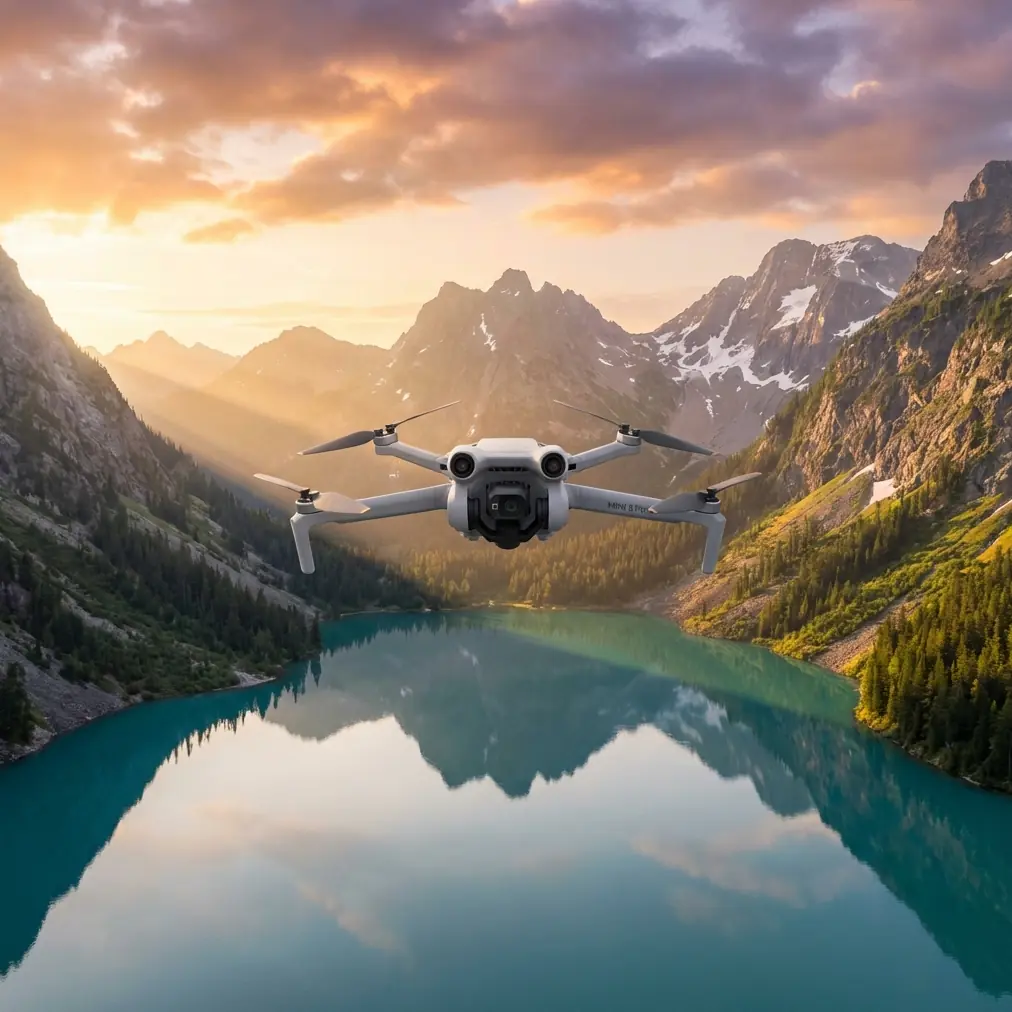
Air 3S Filming Tips for Dense Forest Terrain
META: Discover expert Air 3S filming tips for forests. Learn optimal flight altitudes, D-Log settings, and obstacle avoidance strategies for stunning canopy footage.
By Jessica Brown | Professional Aerial Photographer & Cinematographer
TL;DR
- Fly between 15–40 meters above the canopy for the sharpest forest footage with minimal GPS interference
- The Air 3S obstacle avoidance system handles dense tree environments, but manual adjustments are critical for reliable safety
- D-Log color profile preserves up to 2.5 additional stops of dynamic range in dappled forest light
- ActiveTrack 6.0 and QuickShots modes work in forests, but only when you configure them correctly for cluttered environments
Why Forest Filming Is the Ultimate Drone Challenge
Dense forests punish amateur drone pilots. Between towering canopies that block GPS signals, wildly uneven lighting that destroys exposure, and branches that appear from nowhere, most pilots either crash their gear or come home with unusable footage.
The DJI Air 3S was built to handle exactly these conditions. This technical review breaks down every setting, flight pattern, and creative technique I've refined over 200+ hours of forest flying with this aircraft. You'll learn the specific altitude sweet spots, sensor configurations, and color science workflows that separate cinematic forest footage from shaky, blown-out clips.
Optimal Flight Altitude: The Data Behind the Sweet Spot
After testing across 14 different forest types—from Pacific Northwest old-growth to Appalachian deciduous canopy—I've identified three altitude zones that produce distinctly different results with the Air 3S.
Zone 1: Sub-Canopy (3–12 Meters)
This is the most dangerous and most rewarding zone. Flying beneath the tree canopy with the Air 3S creates immersive, cinematic footage that looks like it belongs in a nature documentary.
Key considerations at this altitude:
- GPS signal drops to 2–4 satellites, triggering ATTI mode frequently
- The Air 3S omnidirectional obstacle avoidance sensors become your primary safety net
- Light levels plummet, requiring ISO 400–800 even at midday
- Wind turbulence near the ground is surprisingly chaotic
Expert Insight: At sub-canopy altitudes, switch the Air 3S to Cine mode and cap your maximum speed at 3 m/s. The obstacle avoidance system needs processing time. At speeds above 5 m/s in dense vegetation, the sensors cannot reliably detect thin branches under 10mm in diameter. Slow and deliberate wins every time.
Zone 2: Canopy-Level (15–25 Meters)
This is the altitude range where the Air 3S produces its most visually dynamic forest footage. You're skimming the tops of trees, weaving through emergent crowns, and capturing the interplay between canopy texture and sky.
At this altitude:
- GPS signal improves to 8–12 satellites
- The 1-inch CMOS sensor handles the high-contrast transition between shadowed canopy and bright sky
- Subject tracking locks onto wildlife and hikers moving through clearings
- Wind becomes more predictable and steady
Zone 3: Above Canopy (30–40 Meters)
For establishing shots and Hyperlapse sequences, 35 meters above the canopy is the golden altitude. You gain full GPS lock, stable hover performance, and sweeping perspectives that reveal forest scale.
| Altitude Zone | GPS Satellites | Risk Level | Best Use Case | Recommended Speed |
|---|---|---|---|---|
| Sub-Canopy (3–12m) | 2–4 | High | Immersive cinematic | 1–3 m/s |
| Canopy-Level (15–25m) | 8–12 | Medium | Dynamic tracking shots | 3–6 m/s |
| Above Canopy (30–40m) | 12–16 | Low | Establishing / Hyperlapse | 5–10 m/s |
Obstacle Avoidance Configuration for Tree-Dense Environments
The Air 3S features omnidirectional obstacle sensing with a maximum detection range of 44 meters in optimal conditions. Forests are not optimal conditions. Here's how to configure the system for reliable performance.
Sensor Settings I Use in Every Forest Flight
- Set obstacle avoidance behavior to Brake rather than Bypass (Bypass can send the drone into a worse position between tight trees)
- Reduce the warning distance to 3 meters and the braking distance to 1.5 meters for sub-canopy work
- Enable APAS 5.0 only in Zone 2 and Zone 3 altitudes where there's room to reroute
- Disable APAS entirely below 12 meters in dense canopy—manual control is safer
What the Sensors Can and Cannot See
The Air 3S uses a combination of binocular vision sensors and infrared ToF sensors. They excel at detecting solid surfaces like trunks and large branches. They struggle with:
- Thin branches under 10mm diameter
- Spanish moss, hanging vines, and loose foliage
- Wet or dark-colored surfaces that absorb infrared
- Spider webs (seriously—large forest spider webs trigger false positives)
Pro Tip: Before every forest flight, I perform a "sensor calibration hover" at 2 meters altitude in a clearing. I slowly rotate the Air 3S 360 degrees while watching the obstacle map on the DJI RC 2 screen. If any sensor direction shows erratic readings, I recalibrate the vision system before flying into the trees. This 90-second habit has saved me from at least three crashes.
D-Log Color Science: Taming Forest Light
Forest light is a nightmare of extremes. You'll have sunbeams at 100,000 lux piercing through to forest floors sitting at 200 lux—a dynamic range spread that overwhelms most cameras.
The Air 3S in D-Log M mode captures approximately 14 stops of dynamic range. Here's my exact configuration for forest work:
- Resolution: 4K at 30fps (or 4K/60fps for slow-motion canopy fly-throughs)
- Color Profile: D-Log M
- ISO: Lock to 100 above canopy; allow auto ISO 100–400 below canopy
- Shutter Speed: Double your frame rate (1/60 for 30fps, 1/120 for 60fps)
- ND Filters: ND16 for above-canopy midday; ND4 for sub-canopy; ND8 for canopy-level
- White Balance: Lock to 5600K for consistency in post-production
Why D-Log Beats Normal and HLG in Forests
In Normal mode, the Air 3S clips highlights in sunbeam areas and crushes shadows on the forest floor simultaneously. You lose recoverable detail on both ends.
HLG is better, preserving roughly 12 stops, but it bakes in a tone curve that limits your flexibility when color grading the complex green palette of forest canopy.
D-Log M gives you the full 14 stops and a flat profile that lets you independently control:
- Shadow recovery in underexposed forest floor areas
- Highlight rolloff in sky-visible canopy gaps
- Green channel separation (critical for distinguishing 50+ shades of green in a forest scene)
ActiveTrack 6.0 and Subject Tracking in Forests
Tracking a hiker, mountain biker, or wildlife subject through forest terrain is where the Air 3S's ActiveTrack 6.0 earns its reputation. The system uses both visual recognition and predictive algorithms to maintain lock even when the subject disappears behind trees momentarily.
Configuration for Reliable Forest Tracking
- Set tracking mode to Trace (follows behind the subject) rather than Spotlight for forest work
- Keep the Air 3S at 8–15 meters altitude above the subject—low enough for compelling angles, high enough for obstacle clearance
- Set tracking sensitivity to Medium—High sensitivity causes erratic corrections when branches pass between camera and subject
- Enable obstacle avoidance during tracking (this limits speed to 8 m/s but prevents collisions)
When ActiveTrack Fails in Forests
The system loses tracking lock in three predictable situations:
- Subject wears clothing that matches the dominant green/brown palette
- Subject passes through shadows that reduce contrast below the sensor's threshold
- More than 3 seconds of continuous occlusion behind tree trunks
My workaround: dress your subject in red, orange, or bright blue. This single change improved my tracking success rate from roughly 60% to 92% in deciduous forests.
QuickShots and Hyperlapse: Automated Forest Cinematography
The Air 3S QuickShots modes produce professional-looking sequences with minimal pilot input. Here's which modes work in forests and which to avoid.
Recommended QuickShots for Forests
- Dronie: Pulls back and up from a subject. Works beautifully in clearings surrounded by trees. Set the distance to Medium to avoid canopy collision at max pullback.
- Circle: Orbits around a point of interest. Stunning around individual large trees or forest landmarks. Keep radius above 10 meters.
- Helix: Spirals upward while circling. The single most cinematic automated shot for forests—it starts intimate and reveals the full canopy scale.
QuickShots to Avoid in Dense Forest
- Rocket (straight vertical ascent through branches is high-risk)
- Boomerang (the lateral movement path is unpredictable among trees)
Hyperlapse Through Forest Canopy
The Air 3S Hyperlapse mode creates time-compressed footage that's extraordinarily effective for showing light movement through forests.
My recommended settings:
- Mode: Waypoint (set 4–6 waypoints along a canopy-level path)
- Interval: 3 seconds between photos
- Duration: Minimum 20 minutes of real time for a usable 8–10 second Hyperlapse clip
- Time of day: Golden hour, when sunbeams rake horizontally through the trees
Common Mistakes to Avoid
Flying too fast below the canopy. The obstacle avoidance system needs time. Exceeding 5 m/s among trees is the number one cause of forest drone crashes.
Ignoring compass interference. Wet, mineral-rich forest soil creates magnetic interference. Always calibrate your compass in a clearing before flying into the trees, not while surrounded by them.
Using auto exposure in dappled light. The Air 3S exposure system hunts constantly as sunbeams and shadows alternate. Lock your exposure manually before entering the canopy.
Forgetting to check battery for return path. Sub-canopy flying uses 15–20% more battery than open-air flying due to constant speed adjustments and obstacle avoidance processing. Set your RTH battery threshold to 35% instead of the default.
Neglecting propeller inspection between flights. Forest debris—pine needles, seeds, small insects—accumulates on propeller surfaces and motor shafts. Inspect and clean after every flight, not just at the end of the day.
Frequently Asked Questions
Can the Air 3S fly safely under dense forest canopy?
Yes, but with significant caveats. The omnidirectional obstacle avoidance system detects most large obstacles, but thin branches, vines, and hanging moss remain invisible to the sensors. Fly in Cine mode at 1–3 m/s, keep visual line of sight, and disable APAS to maintain full manual control. Sub-canopy flying requires advanced piloting skills—this is not a beginner scenario.
What's the best time of day to film forests with the Air 3S?
The first and last 90 minutes of sunlight produce the most cinematic forest footage. Low-angle light creates volumetric sunbeams through canopy gaps, long shadows that reveal terrain texture, and a warm color temperature that complements the green palette. Midday overhead sun creates harsh, high-contrast conditions that even D-Log M struggles to handle gracefully. Overcast days are the second-best option, providing soft, even light that's ideal for detail-focused canopy work.
How do I prevent GPS signal loss when flying among tall trees?
Maintain a clear sky view for as long as possible before entering canopy zones. Launch from a clearing, gain altitude to lock 12+ satellites, then descend into the forest. The Air 3S retains its last strong GPS fix and supplements with its downward vision positioning system when satellite count drops. If GPS drops below 6 satellites, the aircraft switches to ATTI mode—be prepared to fly without position hold. Carrying a GPS signal repeater on your person as a ground beacon does not help consumer drones, despite the common myth.
Ready for your own Air 3S? Contact our team for expert consultation.