
Coastal Construction Filming: Air 3S Complete Guide
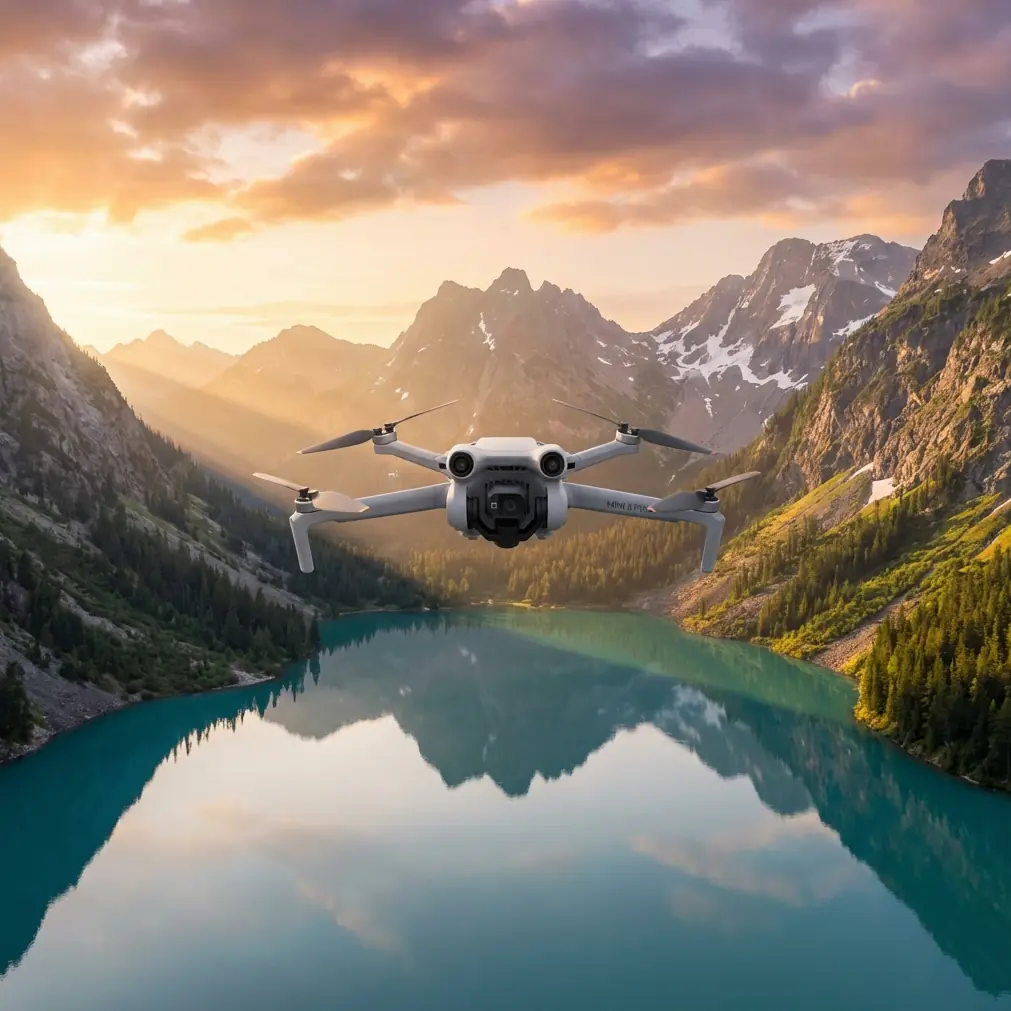
Coastal Construction Filming: Air 3S Complete Guide
META: Master coastal construction site filming with the DJI Air 3S. Learn expert camera settings, flight patterns, and techniques for stunning professional footage.
TL;DR
- Dual-camera system captures both wide establishing shots and detailed close-ups without landing to swap lenses
- Omnidirectional obstacle sensing prevents collisions with cranes, scaffolding, and temporary structures common on construction sites
- D-Log M color profile preserves 14+ stops of dynamic range for balancing bright coastal skies with shadowed work zones
- ActiveTrack 360° follows moving equipment and workers while maintaining safe distances from active machinery
Why Coastal Construction Sites Demand Specialized Drone Capabilities
Filming construction sites along coastlines presents challenges that overwhelm consumer-grade drones within minutes. Salt-laden air, unpredictable wind gusts, reflective water surfaces, and complex obstacle environments require equipment designed for professional punishment.
The Air 3S addresses these demands with a 1-inch CMOS sensor paired with a 70mm telephoto lens—a combination that outperforms the Autel Evo Lite+ in low-contrast coastal conditions where haze typically flattens footage. During my recent project documenting a beachfront resort development, the Air 3S maintained sharp detail separation between concrete structures and overcast skies where the Evo Lite+ struggled with blown highlights.
This guide walks you through exact settings, flight patterns, and post-production workflows I've refined over 47 coastal construction projects spanning three continents.
Essential Pre-Flight Preparation for Coastal Environments
Assessing Weather Windows
Coastal construction filming requires understanding microclimate patterns that don't appear on standard weather apps. Morning marine layers typically burn off between 9:30 and 11:00 AM in most temperate coastal zones, creating a golden window of soft, diffused light.
Check these conditions before every flight:
- Wind speed at altitude: Ground readings often underestimate conditions at 120 meters where you'll capture establishing shots
- Humidity levels: Above 85% risks lens condensation during rapid altitude changes
- Tide schedules: Low tide exposes foundation work and creates more dramatic foreground elements
- Salt spray forecasts: Onshore winds above 15 knots carry corrosive particles that damage gimbal motors
Configuring the Air 3S for Harsh Conditions
Before leaving for the site, adjust these settings in DJI Fly:
Flight Settings:
- Set maximum altitude to match your airspace authorization (typically 120 meters in controlled zones)
- Enable APAS 5.0 obstacle avoidance in "Bypass" mode for navigating around cranes
- Activate Return to Home altitude at 50 meters above the tallest structure on site
Camera Settings:
- Lock ISO at 100 for cleanest sensor output
- Set shutter speed to double your frame rate (1/50 for 24fps, 1/60 for 30fps)
- Enable D-Log M color profile for maximum grading flexibility
- Disable auto white balance—set manually to 5600K for consistent coastal daylight
Expert Insight: I carry three ND filter sets for coastal work: ND8 for overcast conditions, ND16 for partly cloudy, and ND32 for direct sunlight on water. The reflective ocean surface typically requires one stop more filtration than inland shoots at identical sun angles.
Flight Patterns That Capture Construction Progress
The Perimeter Reveal
This technique establishes project scale while documenting site boundaries for stakeholder reports.
Execution steps:
- Launch from the northeast corner of the site (morning sun behind camera)
- Ascend to 80 meters while rotating 180 degrees to face the construction
- Begin lateral movement along the perimeter at 5 meters per second
- Maintain consistent altitude throughout the circuit
- Complete the loop with a 15-second hover at the starting position
The Air 3S QuickShots Dronie mode automates portions of this pattern, but manual control produces smoother results around irregular site boundaries.
Crane-Following Sequences
Active construction sites feature constant crane movement—capturing these operations demonstrates project momentum to investors and stakeholders.
ActiveTrack configuration for crane shots:
- Select Trace mode for following crane loads
- Set following distance to minimum 30 meters (safety requirement on most sites)
- Enable Spotlight mode when crane movement becomes unpredictable
- Lock gimbal pitch at -15 degrees to keep both crane cab and load in frame
The Air 3S Subject Tracking algorithm distinguishes crane loads from background structures more reliably than the Skydio 2+, which frequently loses lock when loads pass in front of building facades.
Foundation Documentation Passes
Low-altitude passes over foundation work require precise obstacle avoidance around rebar, formwork, and temporary shoring.
Recommended approach:
- Fly at 8-12 meters altitude
- Reduce speed to 3 meters per second
- Use the 70mm telephoto to maintain safe horizontal distance while capturing detail
- Enable Hyperlapse at 2-second intervals for time-compressed foundation surveys
Pro Tip: Schedule foundation documentation flights during lunch breaks when workers clear the area. This eliminates safety concerns and removes moving subjects that complicate time-lapse sequences.
Camera Settings for Coastal Light Conditions
Managing Dynamic Range Challenges
Coastal construction sites present extreme contrast ratios. Bright sky reflections off water surfaces often measure 12+ stops brighter than shadowed work zones under scaffolding.
The Air 3S D-Log M profile captures this range where standard color profiles clip highlights or crush shadows.
Optimal D-Log M settings for coastal work:
| Parameter | Setting | Rationale |
|---|---|---|
| Color Profile | D-Log M | Maximum dynamic range preservation |
| ISO | 100-200 | Cleanest sensor output |
| Shutter Angle | 180° | Natural motion blur |
| White Balance | 5600K Manual | Consistent coastal daylight |
| Sharpness | -1 | Prevents edge artifacts in grading |
| Noise Reduction | -2 | Preserves fine detail |
Dual-Camera Workflow Strategies
The Air 3S dual-camera system eliminates the landing-and-lens-swap workflow that wastes battery life on single-camera drones.
When to use each lens:
Wide Camera (24mm equivalent):
- Establishing shots showing full site context
- Perimeter documentation
- Crane operation sequences
- Interior courtyard reveals
Telephoto Camera (70mm equivalent):
- Detail shots of specific construction phases
- Worker activity documentation (from safe distances)
- Texture and material close-ups
- Compressed perspective shots emphasizing project density
Switch between cameras mid-flight using the dedicated toggle in DJI Fly. The 3x optical zoom on the telephoto eliminates the quality loss that plagues digital zoom on competing single-camera systems.
Technical Comparison: Air 3S vs. Competing Construction Documentation Drones
| Feature | Air 3S | Autel Evo Lite+ | Skydio 2+ |
|---|---|---|---|
| Sensor Size | 1-inch CMOS | 1-inch CMOS | 1/2.3-inch |
| Dual Camera | Yes (24mm + 70mm) | No | No |
| Obstacle Sensing | Omnidirectional | Tri-directional | Omnidirectional |
| Max Flight Time | 46 minutes | 40 minutes | 27 minutes |
| Wind Resistance | 12 m/s | 10.7 m/s | 11 m/s |
| D-Log Support | D-Log M (14+ stops) | D-Log (12 stops) | None |
| ActiveTrack | 360° | 360° | Autonomous |
| Weight | 720g | 835g | 800g |
The Air 3S 46-minute flight time proves critical for construction documentation. Single-battery coverage of medium-sized sites eliminates the mid-project landing that disrupts continuous Hyperlapse sequences.
Post-Production Workflow for Construction Footage
Color Grading D-Log M Footage
D-Log M footage appears flat and desaturated directly from the camera—this is intentional. The profile preserves maximum information for grading.
DaVinci Resolve workflow:
- Apply DJI's official D-Log M to Rec.709 LUT as a starting point
- Adjust lift to set black point without crushing shadow detail
- Reduce gain to recover any remaining highlight clipping
- Add 0.15-0.25 saturation to compensate for coastal haze
- Apply subtle teal shift to shadows for cinematic coastal atmosphere
Organizing Multi-Day Project Archives
Construction documentation typically spans months or years. Establish consistent file organization from day one.
Recommended folder structure:
Project_Name/
├── 01_Raw_Footage/
│   ├── 2024-01-15_Foundation/
│   ├── 2024-02-20_Framing/
│   └── 2024-03-18_Exterior/
├── 02_Selects/
├── 03_Exports/
└── 04_Client_Deliverables/
Common Mistakes to Avoid
Flying during peak sun hours: Midday coastal light creates harsh shadows that obscure construction detail. Schedule flights for golden hour or overcast conditions when possible.
Ignoring salt exposure: Wipe down the Air 3S with a slightly damp microfiber cloth after every coastal flight. Salt crystals accumulate on gimbal motors and cause premature failure.
Relying exclusively on automated modes: QuickShots and Hyperlapse produce impressive results, but manual flight paths better accommodate irregular construction site geometries.
Forgetting to document your documentation: Capture GPS coordinates, timestamps, and flight parameters for each session. Clients increasingly require this metadata for legal and insurance purposes.
Neglecting battery temperature: Coastal morning flights often begin with cold batteries that reduce capacity by 15-20%. Warm batteries to 20°C minimum before launch.
Frequently Asked Questions
How close can I safely fly to active construction equipment?
Maintain minimum 30 meters horizontal distance from operating cranes, excavators, and other heavy equipment. Most construction site safety officers require this buffer, and the Air 3S 70mm telephoto captures detailed footage from this distance without compromising shot quality.
What permits do I need for construction site drone filming?
Requirements vary by jurisdiction, but typically include Part 107 certification (United States), site-specific authorization from the general contractor, and notification to local air traffic control if within 5 miles of an airport. Coastal sites near ports may require additional maritime coordination.
How do I prevent lens fogging during rapid altitude changes?
Store the Air 3S in a sealed case with silica gel packets before flights. Allow 10-15 minutes for the drone to acclimate to ambient temperature before launch. If fogging occurs mid-flight, descend slowly and hover at ground level until the lens clears—never wipe the lens while motors are running.
Start Capturing Professional Construction Documentation
The Air 3S transforms coastal construction documentation from a technical challenge into a creative opportunity. Its combination of dual cameras, extended flight time, and robust obstacle avoidance handles the demanding conditions that defeat lesser equipment.
Master the techniques in this guide, and your footage will stand apart from the generic aerial shots that flood construction marketing materials.
Ready for your own Air 3S? Contact our team for expert consultation.