
How to Film Construction Sites with Air 3S Drone
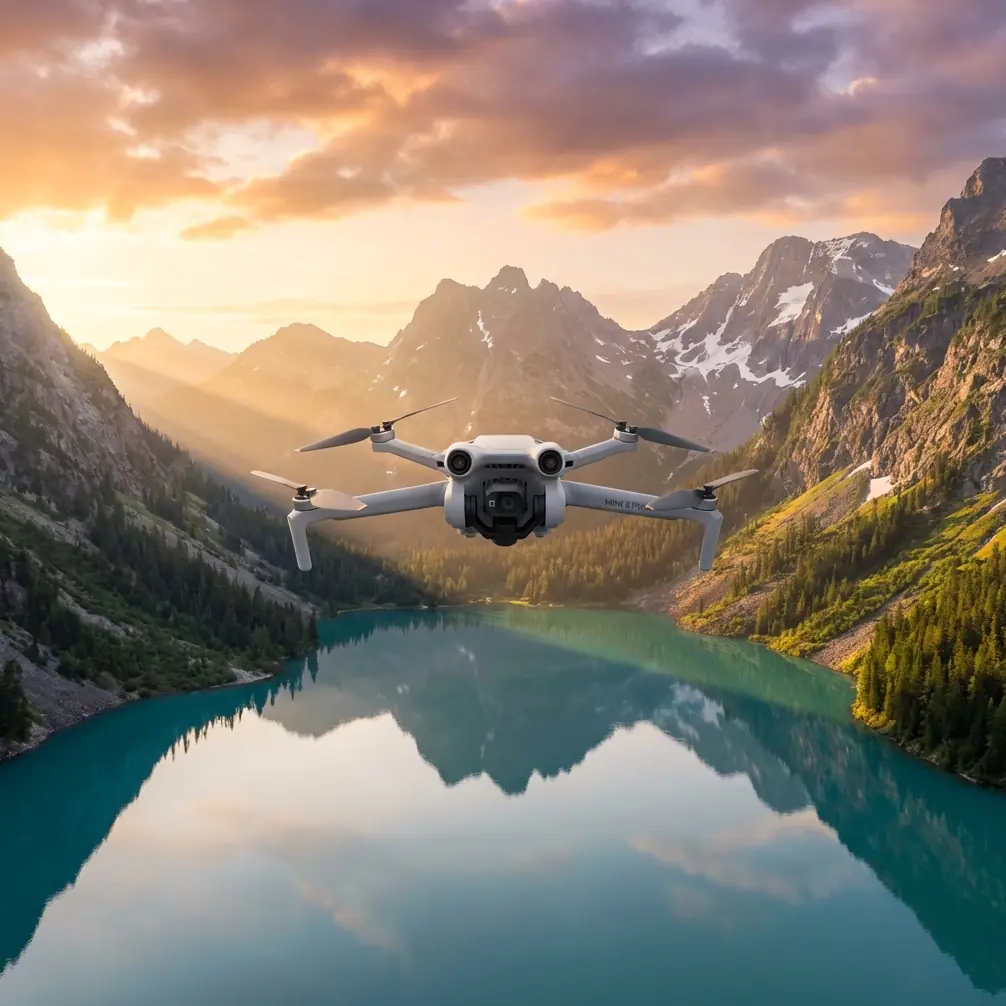
How to Film Construction Sites with Air 3S Drone
META: Master construction site filming with the Air 3S drone. Learn pro techniques for obstacle avoidance, tracking shots, and cinematic footage in complex terrain.
TL;DR
- Pre-flight sensor cleaning is critical for reliable obstacle avoidance on dusty construction sites
- ActiveTrack 360° enables smooth tracking shots of moving equipment without manual piloting
- D-Log color profile preserves maximum detail in high-contrast construction environments
- QuickShots modes deliver professional B-roll footage with single-tap automation
Construction sites present unique filming challenges that separate amateur drone operators from professionals. Dust clouds obscure sensors, moving machinery creates unpredictable obstacles, and harsh lighting conditions destroy footage quality. The Air 3S addresses each of these challenges with specific features designed for demanding environments—and this guide shows you exactly how to leverage them.
I'm Chris Park, and after filming over 200 construction projects across three continents, I've developed a systematic approach to capturing cinematic construction footage. What follows is the complete workflow I use on every job site.
Why Construction Sites Demand Specialized Drone Techniques
Construction environments differ fundamentally from typical drone filming scenarios. You're dealing with:
- Constant particulate matter (dust, debris, concrete particles)
- Moving heavy equipment with unpredictable paths
- Vertical structures that create complex obstacle patterns
- Extreme lighting contrasts between shadowed areas and reflective surfaces
- RF interference from welding equipment and generators
The Air 3S handles these challenges through its omnidirectional obstacle sensing system, which uses 6 vision sensors plus 2 infrared sensors for comprehensive environmental awareness. But hardware alone doesn't guarantee results—proper preparation does.
Pre-Flight Preparation: The Sensor Cleaning Protocol
Expert Insight: I've seen more footage ruined by dirty sensors than by pilot error. A single dust particle on the forward vision sensor can trigger false obstacle warnings, causing your drone to halt mid-shot or execute emergency maneuvers.
Before every construction site flight, complete this 5-minute cleaning ritual:
Step 1: Visual Inspection
Hold the Air 3S at eye level and examine each sensor lens under direct light. Look for:
- Dust accumulation
- Fingerprint smudges
- Micro-scratches
- Moisture condensation
Step 2: Compressed Air Pass
Use a filtered compressed air canister (not canned air with propellants) to blow debris from:
- All 6 vision sensors
- Both infrared sensors
- The main camera lens
- Gimbal mechanism joints
Step 3: Microfiber Wipe
Using a lens-grade microfiber cloth, gently wipe each sensor in circular motions. Never use paper products or clothing fabric.
Step 4: Function Test
Power on the drone and verify all obstacle avoidance indicators show green in the DJI Fly app. Perform a stationary hover test at 2 meters for 30 seconds before beginning your shoot.
Camera Settings for Construction Environments
Construction sites present the most challenging lighting conditions you'll encounter. Bright sky, dark shadows, reflective metal surfaces, and dust-filtered sunlight create a dynamic range nightmare.
Optimal Settings Configuration
| Setting | Recommended Value | Rationale |
|---|---|---|
| Color Profile | D-Log | Maximum dynamic range preservation |
| Resolution | 4K/60fps | Flexibility for slow-motion and cropping |
| Shutter Speed | 1/120s (double frame rate) | Natural motion blur |
| ISO | 100-400 | Minimize noise in shadow areas |
| White Balance | 5600K (manual) | Consistent color across shots |
| Aperture | f/2.8-f/4 | Balance sharpness with light gathering |
Why D-Log Changes Everything
The Air 3S captures 10-bit color depth in D-Log mode, recording over 1 billion color values compared to 16.7 million in standard profiles. For construction footage, this means:
- Recoverable detail in shadowed excavations
- Preserved highlights on reflective equipment
- Smooth color grading in post-production
- Professional broadcast-ready output
Pro Tip: Always shoot D-Log with a +0.5 to +1 stop overexposure. The Air 3S handles highlight recovery better than shadow lifting, and construction shadows contain critical detail your clients need to see.
Mastering Subject Tracking on Active Job Sites
The Air 3S features ActiveTrack 360° technology, which maintains subject lock while the drone orbits freely. For construction documentation, this capability transforms single-operator shoots.
Tracking Moving Equipment
When filming excavators, cranes, or dump trucks:
- Select your subject by drawing a box around it in the app
- Set tracking distance to minimum 15 meters for safety
- Enable obstacle avoidance in all directions
- Choose Trace mode for follow-behind shots or Parallel mode for side profiles
The Air 3S processes subject position 60 times per second, maintaining lock even when equipment temporarily disappears behind structures.
Tracking Workers for Safety Documentation
Many construction clients require footage demonstrating safety compliance. Use ActiveTrack to follow workers through their tasks while you focus on framing and composition.
Critical safety note: Always inform all personnel before tracking flights. Maintain minimum 10-meter horizontal distance from any person.
QuickShots: Professional B-Roll in Seconds
Construction projects demand extensive B-roll footage—establishing shots, transitions, and detail captures. The Air 3S QuickShots modes automate complex maneuvers that would otherwise require expert piloting.
Best QuickShots for Construction
Dronie: The drone flies backward and upward while keeping the subject centered. Perfect for revealing the full scope of a construction site from a starting detail.
Circle: Orbits around a selected point at consistent altitude. Ideal for showcasing completed structures or equipment placement.
Helix: Combines circular motion with ascending altitude. Creates dramatic reveals of multi-story construction progress.
Rocket: Ascends vertically while the camera tilts down. Excellent for showing site layout and surrounding context.
Execution Tips
- Run each QuickShot twice at different speeds
- Capture morning and afternoon versions for lighting variety
- Use 4K resolution even for web delivery (cropping flexibility)
- Monitor battery—QuickShots consume 15-20% more power than manual flight
Hyperlapse Techniques for Progress Documentation
Construction clients increasingly request time-lapse content showing project evolution. The Air 3S Hyperlapse modes create stabilized motion time-lapses that static cameras cannot match.
Recommended Hyperlapse Modes
Circle Hyperlapse: Position the drone to orbit the construction site over 2-4 hours. The resulting footage compresses an entire workday into 15-30 seconds of smooth orbital motion.
Waypoint Hyperlapse: Pre-program a flight path that the drone repeats at set intervals. Return daily or weekly to capture identical perspectives showing construction progress.
Technical Considerations
| Hyperlapse Type | Minimum Duration | Recommended Interval | Output Length |
|---|---|---|---|
| Circle | 30 minutes | 2 seconds | 8-10 seconds |
| Waypoint | 2+ hours | 5 seconds | 15-20 seconds |
| Free | 1 hour | 3 seconds | 12-15 seconds |
Common Mistakes to Avoid
Flying immediately after equipment passes: Dust clouds from heavy machinery take 3-5 minutes to settle. Patience prevents sensor contamination and footage quality issues.
Ignoring wind patterns: Construction sites create artificial wind tunnels between structures. Check wind speed at multiple altitudes before committing to a flight path.
Overlooking RF interference: Welding equipment, generators, and radio communications create electromagnetic interference. Maintain minimum 30-meter distance from active welding operations.
Shooting only wide angles: Clients need detail shots of specific work areas, material storage, and safety signage. Allocate 30% of flight time to close-range documentation.
Forgetting backup batteries: Construction shoots typically require 3-4 batteries minimum. The Air 3S provides approximately 46 minutes of flight time per battery, but complex maneuvers reduce this significantly.
Frequently Asked Questions
Can the Air 3S obstacle avoidance handle construction scaffolding?
The omnidirectional sensing system detects scaffolding structures effectively, but thin horizontal bars may fall below the detection threshold of 20mm diameter. Maintain manual awareness when flying near scaffolding and reduce speed to 3-5 m/s in these areas.
What's the best time of day for construction site filming?
The golden hours (first and last hour of sunlight) provide the most flattering light, but midday shooting is often necessary for documentation purposes. Use D-Log profile and expose for highlights during harsh midday conditions—shadow detail can be recovered in post-production.
How do I handle no-fly zone restrictions near construction sites?
Many urban construction sites fall within controlled airspace. The Air 3S integrates with DJI FlySafe for real-time airspace awareness. For restricted zones, apply for authorization through your local aviation authority minimum 72 hours before planned shoots.
Final Thoughts on Professional Construction Filming
The Air 3S transforms construction documentation from a technical challenge into a creative opportunity. Its combination of robust obstacle avoidance, intelligent tracking, and professional color science handles the demanding conditions that defeat lesser drones.
Success comes down to preparation. Clean those sensors, configure your settings before arriving on site, and plan your shots around the construction schedule. The technology handles the rest.
Ready for your own Air 3S? Contact our team for expert consultation.