
Expert Low-Light Construction Filming with Air 3S
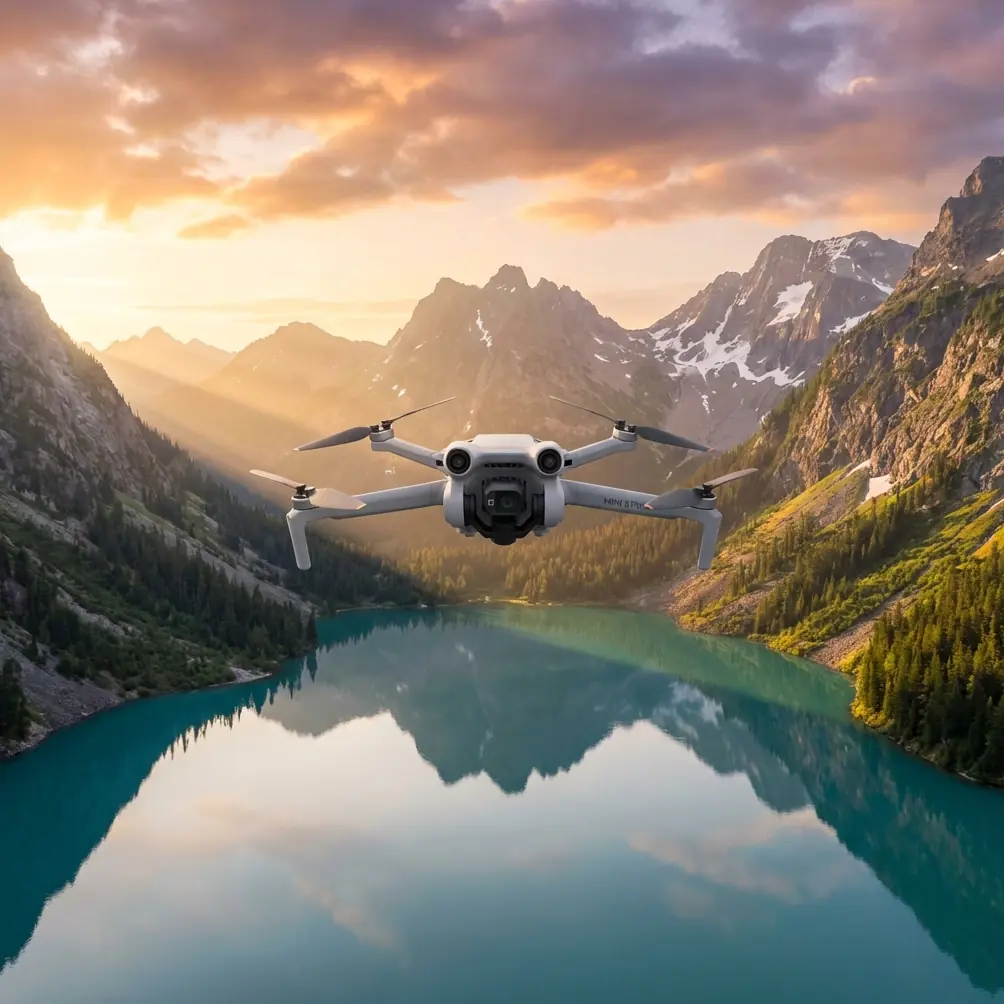
Expert Low-Light Construction Filming with Air 3S
META: Master low-light construction site filming with the DJI Air 3S. Learn optimal settings, flight altitudes, and pro techniques for stunning footage.
TL;DR
- 70-120 meters altitude provides the optimal balance between site coverage and detail capture in low-light construction filming
- The Air 3S's 1-inch CMOS sensor with f/1.8 aperture captures 4x more light than standard drone sensors
- D-Log M color profile preserves critical shadow detail in challenging twilight conditions
- Omnidirectional obstacle avoidance enables confident flying near cranes, scaffolding, and equipment
Construction site documentation doesn't stop when the sun goes down. The DJI Air 3S transforms challenging low-light filming into a reliable workflow with its 1-inch sensor, advanced obstacle sensing, and intelligent flight modes. This guide breaks down exactly how to capture professional-grade construction footage during golden hour, twilight, and early morning shoots.
Why Low-Light Construction Filming Demands Specialized Equipment
Construction managers increasingly require documentation outside standard daylight hours. Early morning concrete pours, evening shift progress reports, and golden hour marketing content all demand a drone that performs when light levels drop.
Traditional consumer drones struggle in these conditions. Small sensors produce noisy footage. Autofocus hunts in dim environments. Obstacle avoidance systems fail when shadows dominate the scene.
The Air 3S addresses each limitation directly.
Sensor Performance That Changes Everything
The 1-inch CMOS sensor captures significantly more light than the 1/1.3-inch sensors found in competing models. Combined with the f/1.8 wide aperture, the Air 3S maintains clean footage down to remarkably low light levels.
Expert Insight: When filming construction sites at twilight, the Air 3S's dual native ISO (100 and 800) allows you to push sensitivity without the noise penalty. Switch to the higher native ISO when ambient light drops below 50 lux—roughly equivalent to deep twilight conditions.
The 10-bit D-Log M color profile becomes essential in mixed lighting scenarios. Construction sites often combine harsh work lights with ambient twilight, creating extreme dynamic range challenges. D-Log M preserves 14+ stops of dynamic range, letting you recover both bright safety lights and shadowed equipment in post-production.
Optimal Flight Altitude Strategy for Construction Documentation
Altitude selection dramatically impacts low-light footage quality. Flying too high forces longer focal lengths and higher ISO values. Flying too low limits context and increases collision risk near equipment.
The 70-120 Meter Sweet Spot
For most construction sites spanning 1-5 acres, maintain altitude between 70-120 meters AGL (above ground level). This range delivers:
- Complete site coverage in single frames
- Sufficient detail to identify equipment and progress
- Reduced ISO requirements due to wider framing
- Safe clearance above cranes and tower structures
Smaller sites or detail-focused shots work better at 40-60 meters. Large commercial developments may require 150+ meters for comprehensive coverage.
Pro Tip: Before your low-light shoot, scout the site during daylight to identify the tallest structures. Add 30 meters minimum to that height for your baseline altitude. The Air 3S's omnidirectional obstacle avoidance provides backup protection, but altitude awareness prevents close calls entirely.
Altitude Adjustments for Specific Shots
| Shot Type | Recommended Altitude | Reasoning |
|---|---|---|
| Full site overview | 100-150m | Maximum coverage, context |
| Building progress | 60-80m | Structural detail visible |
| Equipment tracking | 40-60m | Individual machines identifiable |
| Detail/texture shots | 20-40m | Material quality visible |
| Hyperlapse orbits | 80-120m | Smooth motion, stable framing |
Camera Settings for Low-Light Construction Filming
Automatic settings fail in complex construction environments. Manual control ensures consistent, professional results.
Recommended Base Settings
Configure your Air 3S with these starting parameters:
- Resolution: 4K/30fps for documentation, 4K/24fps for cinematic delivery
- Color Profile: D-Log M (mandatory for post-production flexibility)
- ISO: Start at 400, increase to 800-1600 as light fades
- Shutter Speed: Follow the 180-degree rule (double your frame rate)
- Aperture: f/1.8 wide open for maximum light gathering
- White Balance: Manual, set to match dominant light source
The Air 3S's 48MP photo mode serves progress documentation well. Shoot in RAW format to preserve maximum editing latitude for shadow recovery.
When to Use Each Shooting Mode
Standard Video Recording works for most documentation needs. The 10-bit codec handles construction's challenging contrast ratios effectively.
Hyperlapse Mode creates compelling time-compressed sequences showing worker activity and equipment movement. Set intervals between 2-4 seconds for smooth results. The Air 3S processes footage internally, delivering stabilized 4K output.
QuickShots automate complex camera movements when you need polished marketing content quickly. Dronie and Circle modes work particularly well for construction sites, providing dynamic reveals of project scope.
Leveraging ActiveTrack for Equipment Documentation
Construction sites feature constant movement—cranes rotating, excavators digging, trucks arriving. The Air 3S's ActiveTrack 5.0 follows subjects intelligently while you focus on framing.
Subject Tracking Best Practices
ActiveTrack performs best with these guidelines:
- Select high-contrast subjects: Yellow excavators track better than gray concrete trucks
- Maintain 30+ meter distance: Closer tracking increases collision risk near equipment
- Use Spotlight mode for stationary subjects requiring orbit movements
- Enable obstacle avoidance at maximum sensitivity around active work zones
The system's subject prediction algorithms anticipate movement patterns, maintaining lock even when equipment temporarily disappears behind structures.
Expert Insight: When tracking cranes during low-light operations, position the Air 3S so the crane silhouettes against the brighter sky rather than darker ground. This contrast difference helps ActiveTrack maintain reliable lock as light levels drop.
Obstacle Avoidance Configuration for Construction Environments
Construction sites present unique collision hazards: guy wires, partially completed structures, temporary scaffolding, and moving equipment. The Air 3S's omnidirectional obstacle sensing provides critical protection.
Sensor System Overview
The Air 3S employs multiple sensor types:
- Forward/Backward: Dual vision sensors + ToF sensors
- Lateral: Vision sensors for side protection
- Upward/Downward: Vision sensors + infrared
- Detection Range: Up to 44 meters in optimal conditions
Low-light conditions reduce vision sensor effectiveness. The ToF (Time of Flight) sensors maintain functionality regardless of lighting, providing reliable forward protection.
Configuration Recommendations
For construction filming, configure obstacle avoidance as follows:
- Obstacle Avoidance Action: Set to "Brake" rather than "Bypass"
- Horizontal Obstacle Avoidance: Enabled
- Upward Obstacle Avoidance: Enabled (critical near cranes)
- Return-to-Home Obstacle Check: Enabled
Braking mode stops the aircraft when obstacles appear, giving you manual control over navigation decisions. Bypass mode can create unpredictable flight paths near complex structures.
D-Log M Post-Production Workflow
Raw D-Log M footage appears flat and desaturated by design. Proper color grading reveals the dynamic range captured during filming.
Basic Grading Steps
- Apply base LUT: DJI provides official D-Log M to Rec.709 conversion LUTs
- Adjust exposure: Lift shadows to reveal equipment detail
- Control highlights: Recover blown work lights and sky areas
- Fine-tune contrast: Add punch without crushing shadow detail
- Color correct: Neutralize mixed lighting color casts
Popular editing software including DaVinci Resolve, Adobe Premiere, and Final Cut Pro all support D-Log M workflows effectively.
Noise Reduction Strategies
Even with the Air 3S's excellent sensor, high-ISO footage benefits from noise reduction:
- Temporal noise reduction works best for static shots
- Spatial noise reduction handles moving subjects better
- Apply selectively to shadow areas where noise concentrates
- Preserve detail in textured areas like concrete and steel
Common Mistakes to Avoid
Flying too fast in low light: Reduced visibility increases collision risk. Limit speed to 5-8 m/s maximum during twilight operations.
Ignoring wind conditions: Evening often brings changing wind patterns. The Air 3S handles 12 m/s winds, but gusty conditions near structures create turbulence. Monitor wind speed continuously.
Forgetting battery temperature: Cold evening temperatures reduce battery performance. Keep spare batteries warm until needed. The Air 3S's 46-minute flight time drops significantly in cold conditions.
Skipping pre-flight sensor calibration: Obstacle avoidance sensors require calibration after firmware updates. Verify functionality before flying near hazards.
Over-relying on automatic exposure: Auto exposure reacts to bright work lights, underexposing the overall scene. Lock exposure manually for consistent footage.
Neglecting airspace authorization: Many construction sites fall within controlled airspace. Verify authorization requirements through LAANC or direct ATC coordination before every flight.
Frequently Asked Questions
What's the minimum light level for effective Air 3S filming?
The Air 3S produces usable footage down to approximately 3 lux—equivalent to twilight conditions 30-40 minutes after sunset. Below this threshold, noise increases significantly even at high ISO values. For critical documentation, schedule shoots during civil twilight when light levels remain above 10 lux.
Can I fly the Air 3S at night over construction sites?
Regulations vary by jurisdiction. In the United States, Part 107 requires either a daylight waiver or operations during civil twilight with appropriate anti-collision lighting. The Air 3S lacks built-in anti-collision strobes, so external lighting attachments become necessary for legal night operations. Always verify current regulations before planning night flights.
How does the Air 3S compare to the Mavic 3 Pro for construction filming?
The Mavic 3 Pro offers a larger 4/3-inch sensor with marginally better low-light performance and adds telephoto capabilities. However, the Air 3S provides 90% of the image quality at significantly lower weight and cost. For most construction documentation needs, the Air 3S delivers professional results. The Mavic 3 Pro becomes worthwhile primarily when telephoto reach or absolute maximum image quality justify the investment.
Ready for your own Air 3S? Contact our team for expert consultation.