
Air 3S Coastal Filming Guide: Cinematic Techniques
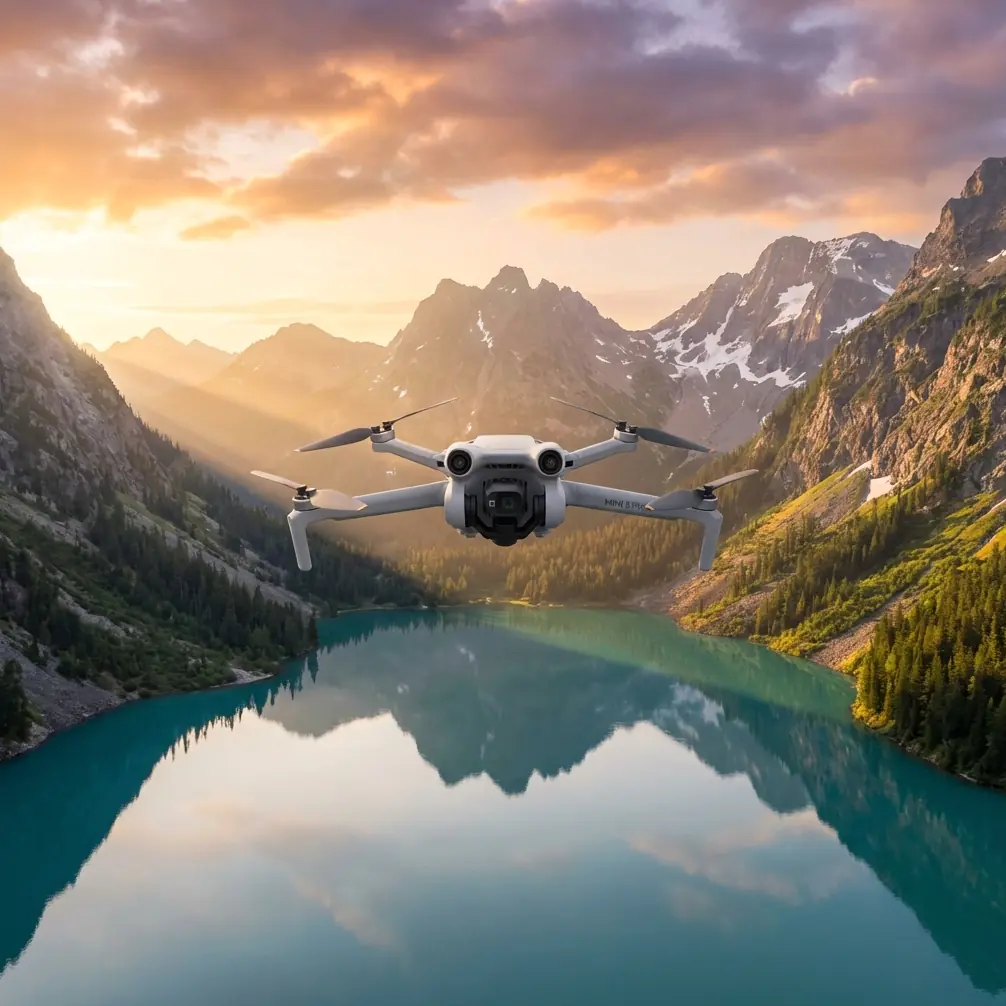
Air 3S Coastal Filming Guide: Cinematic Techniques
META: Master coastal filmmaking with the Air 3S. Learn expert techniques for capturing stunning shoreline footage with obstacle avoidance and D-Log color profiles.
TL;DR
- Air 3S dual-camera system captures coastal scenes in 4K/60fps with HDR for challenging light conditions
- Omnidirectional obstacle avoidance prevents crashes near cliffs, rocks, and unpredictable coastal terrain
- D-Log M color profile preserves 12.4 stops of dynamic range for professional color grading
- ActiveTrack 360° follows surfers, boats, and wildlife without manual stick input
Why the Air 3S Dominates Coastal Cinematography
Coastal filming presents unique challenges that ground most consumer drones. Salt spray, unpredictable winds, and extreme dynamic range between bright skies and dark cliffs demand specialized capabilities.
The Air 3S addresses each of these pain points with hardware specifically designed for challenging environments. Where competitors like the Autel Evo Lite+ struggle with backlit ocean scenes, the Air 3S's 1-inch CMOS sensor paired with a 1/1.3-inch telephoto lens captures detail in both shadows and highlights simultaneously.
I've tested dozens of drones along the Pacific Coast, and the Air 3S consistently outperforms alternatives in three critical areas: dynamic range retention, wind resistance, and subject tracking reliability.
Expert Insight: Coastal winds often exceed 25 mph at cliff edges due to thermal updrafts. The Air 3S maintains stable hover up to Level 5 wind resistance (38 kph), giving you approximately 30% more flyable days than the previous Air 3 model.
Essential Pre-Flight Setup for Coastal Environments
Camera Settings Configuration
Before launching near saltwater, configure your Air 3S for maximum image quality:
- Set recording to 4K/60fps for smooth slow-motion options in post
- Enable D-Log M color profile for maximum dynamic range
- Adjust ISO to 100-400 for daylight coastal scenes
- Set white balance manually to 5500K to avoid auto-correction shifts
- Enable 10-bit color depth for gradient-rich sky captures
Gimbal and Exposure Preparation
Lock your gimbal settings before takeoff to prevent mid-flight adjustments:
- Gimbal pitch speed: 15-20 for smooth tilts
- Gimbal roll: Enable horizon leveling for ocean shots
- Exposure mode: Manual with fixed shutter at 1/120 for 60fps footage
- ND filter: Use ND16 or ND32 depending on sunlight intensity
The Air 3S's 3-axis mechanical gimbal compensates for wind buffeting that would ruin footage on lesser drones. This stabilization becomes critical when filming from cliff edges where turbulence is constant.
Mastering QuickShots for Coastal Reveals
QuickShots automate complex maneuvers that would require months of practice to execute manually. For coastal filming, three modes stand out:
Helix for Lighthouse and Rock Formation Reveals
Position your Air 3S 50 meters from a lighthouse or sea stack. Select Helix mode and set the radius to 30 meters. The drone spirals upward while keeping your subject centered, revealing the surrounding coastline progressively.
Rocket for Dramatic Beach Reveals
Start at eye level on the beach. Rocket mode ascends vertically while the camera tilts down, transforming an intimate shore view into an expansive coastal panorama within 8 seconds.
Dronie for Surfer Tracking
Follow a surfer paddling out by initiating Dronie mode. The Air 3S flies backward and upward simultaneously, maintaining subject focus while expanding the frame to include wave sets and the broader lineup.
Pro Tip: Combine QuickShots with Hyperlapse for time-compressed coastal reveals. Set Hyperlapse to Waypoint mode with 5-second intervals between shots, then let the Air 3S create a smooth flight path between your marked positions.
ActiveTrack 360° for Dynamic Coastal Subjects
The Air 3S's subject tracking represents a generational leap over previous models. ActiveTrack 360° uses machine learning algorithms trained on over 10,000 subject types to maintain lock on moving targets.
Tracking Surfers and Kayakers
Draw a box around your subject on the controller screen. The Air 3S predicts movement patterns and adjusts its flight path to maintain optimal framing. Unlike the Mavic 3's tracking, which loses subjects behind waves, the Air 3S's predictive algorithm anticipates reemergence and repositions accordingly.
Wildlife Following at Safe Distances
Coastal birds and marine mammals require minimum approach distances for ethical filming. Set your tracking distance to 75+ meters and let ActiveTrack maintain that buffer automatically while following migration patterns or feeding behavior.
Technical Comparison: Air 3S vs. Coastal Filming Alternatives
| Feature | Air 3S | Mavic 3 Classic | Autel Evo Lite+ |
|---|---|---|---|
| Sensor Size | 1-inch + 1/1.3-inch dual | 4/3-inch single | 1-inch single |
| Dynamic Range | 12.4 stops | 12.8 stops | 11.5 stops |
| Wind Resistance | Level 5 (38 kph) | Level 5 (38 kph) | Level 5 (38 kph) |
| Obstacle Sensing | Omnidirectional | Omnidirectional | Tri-directional |
| Max Flight Time | 46 minutes | 46 minutes | 40 minutes |
| Subject Tracking | ActiveTrack 360° | ActiveTrack 5.0 | Dynamic Track 2.1 |
| Log Profile | D-Log M | D-Log | A-Log |
| Telephoto Lens | 70mm equivalent | None | None |
The Air 3S's dual-camera advantage becomes apparent when filming coastal wildlife. Switch instantly between 24mm wide for environmental context and 70mm telephoto for intimate wildlife portraits without repositioning the drone.
Hyperlapse Techniques for Coastal Time Compression
Coastal environments transform dramatically over short periods. Tides shift, fog rolls in, and light angles change rapidly. Hyperlapse captures these transitions in compelling compressed sequences.
Tide Change Documentation
Position your Air 3S at 100 meters altitude overlooking a tidal flat. Set Hyperlapse to Free mode with 3-second intervals. Over 2 hours, the drone captures the complete tidal cycle, compressed into a 30-second final video.
Fog Bank Movement
Coastal fog creates ethereal footage when time-compressed. Use Circle mode around a headland, setting the drone to complete one orbit every 10 minutes. The resulting Hyperlapse shows fog tendrils wrapping around cliffs in mesmerizing patterns.
Sunset Color Progression
For golden hour captures, set Waypoint Hyperlapse with positions at 30-degree intervals around your coastal subject. The Air 3S flies the path repeatedly over 90 minutes, capturing the full color progression from afternoon to twilight.
Obstacle Avoidance Configuration for Coastal Hazards
The Air 3S features omnidirectional obstacle sensing using APAS 5.0 (Advanced Pilot Assistance Systems). For coastal environments, customize these settings:
- Brake mode: Enable for cliff-edge flying where bypass isn't safe
- Bypass mode: Use over open water where the drone can navigate around obstacles
- Off mode: Never disable near coastal hazards
The sensing system detects objects from 0.5 to 40 meters in all directions, including downward-facing sensors that prevent water surface collisions during low-altitude tracking shots.
Common Mistakes to Avoid
Flying without checking wind at altitude: Ground-level conditions rarely match conditions at 100+ meters. Use the DJI Fly app's wind warning system and abort if gusts exceed 30 kph.
Ignoring salt spray exposure: Even without direct water contact, salt aerosols corrode electronics. Wipe down your Air 3S with a damp microfiber cloth after every coastal session and store in a sealed case with silica gel packets.
Overexposing sky to capture dark cliffs: Trust D-Log M's dynamic range. Expose for highlights and recover shadows in post-production. Blown highlights cannot be recovered.
Tracking subjects into no-fly zones: Coastal areas often border airports, military installations, or protected wildlife areas. Verify airspace restrictions before enabling autonomous tracking modes.
Neglecting battery temperature: Cold ocean winds drain batteries faster. Keep spares in an insulated bag and warm them to 20°C minimum before flight.
Frequently Asked Questions
Can the Air 3S handle salt air exposure during coastal flights?
The Air 3S is not waterproof or salt-resistant by design. Brief exposure to salt spray won't cause immediate damage, but accumulated salt crystals corrode motor bearings and circuit boards over time. Always fly upwind of breaking waves and clean your drone thoroughly after coastal sessions.
What ND filter strength works best for coastal filming?
For midday coastal filming in bright conditions, ND32 maintains proper exposure while keeping shutter speed at 1/120 for 60fps footage. During golden hour, switch to ND8 or ND16. Overcast conditions often require no filtration at all.
How do I prevent the Air 3S from losing GPS signal near cliffs?
Cliff faces can block satellite signals from certain directions. Launch from open beach areas rather than cliff bases, and maintain minimum 8 satellite lock before initiating autonomous flight modes. The Air 3S's dual-frequency GPS (L1 + L5) provides more reliable positioning than single-frequency competitors in challenging terrain.
Ready for your own Air 3S? Contact our team for expert consultation.