
Air 3S Coastal Filming Guide: Extreme Temperature Tips
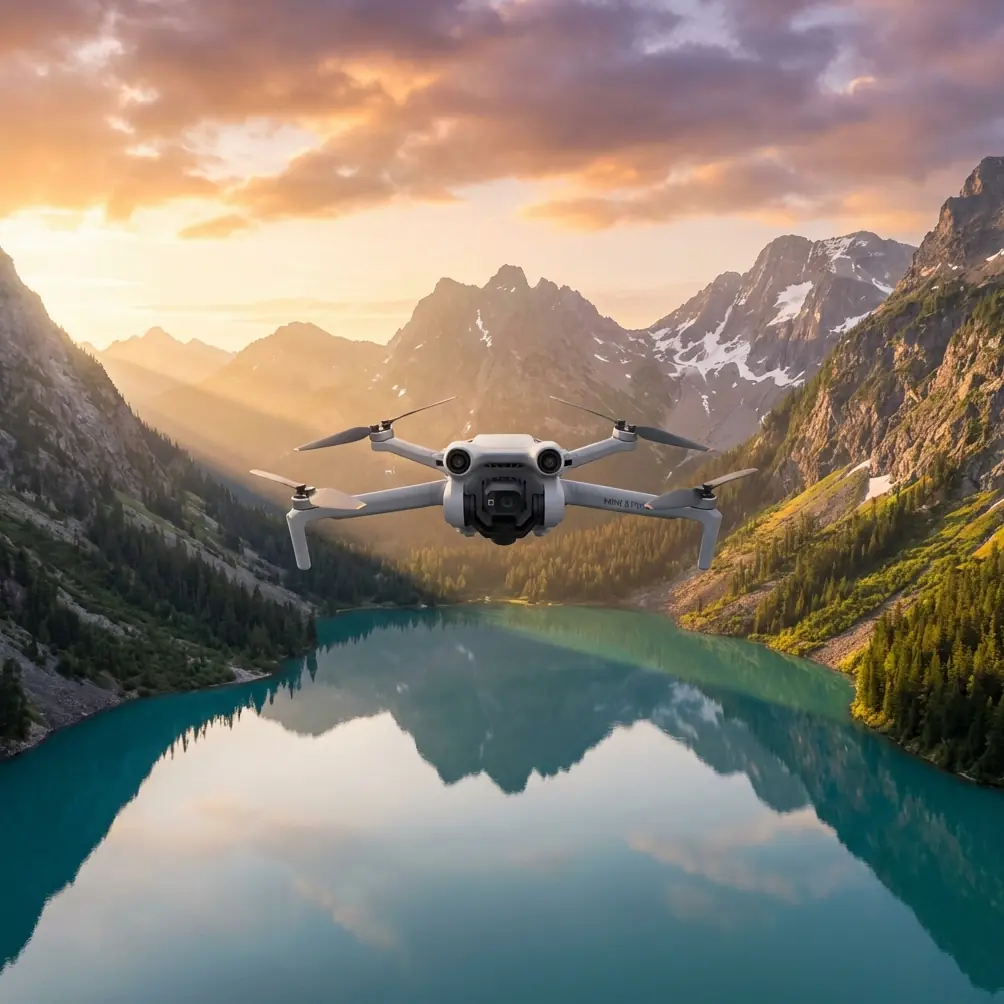
Air 3S Coastal Filming Guide: Extreme Temperature Tips
META: Master Air 3S coastal filming in extreme temperatures. Expert tips for battery management, camera settings, and capturing stunning shoreline footage safely.
TL;DR
- Pre-warm batteries to 25°C minimum before cold coastal flights to prevent mid-air shutdowns
- Use D-Log color profile to capture maximum dynamic range in high-contrast beach environments
- ActiveTrack 5.0 handles complex wave patterns and moving subjects with remarkable precision
- Limit flight sessions to 20-minute intervals in temperatures below 5°C or above 40°C
Why Coastal Filming Demands Special Preparation
Salt air corrodes electronics. Extreme temperatures drain batteries unpredictably. Wind gusts near cliffs can exceed 40 km/h without warning. The Air 3S handles these challenges better than any drone in its class—but only when you prepare correctly.
I learned this lesson filming the Scottish Highlands coastline last December. My first battery dropped from 78% to critical in under six minutes because I launched with cells at 8°C. That single mistake cost me golden hour footage I'd traveled 400 miles to capture.
This guide shares everything I've learned about maximizing Air 3S performance in coastal extremes.
Understanding Air 3S Temperature Limits
The Air 3S operates within a certified range of -10°C to 40°C, but optimal performance sits between 20°C and 30°C. Outside this sweet spot, you'll notice reduced flight times, sluggish controls, and potential camera issues.
Cold Weather Impacts
Battery chemistry slows dramatically in cold conditions. Lithium-polymer cells lose approximately 10-15% capacity for every 10°C drop below room temperature.
Signs your Air 3S is struggling in cold:
- Voltage warnings appear earlier than expected
- Gimbal movements become jerky or delayed
- Return-to-home triggers unexpectedly
- Video feed shows increased latency
- Motor response feels less crisp
Hot Weather Challenges
Heat creates different problems. Processors throttle to prevent damage, batteries swell under stress, and thermal expansion affects gimbal calibration.
Warning signs in extreme heat:
- Overheating alerts on controller screen
- Reduced maximum transmission range
- Color accuracy shifts in footage
- Automatic landing protocols engage
- Battery refuses full charge cycles
Battery Management: The Foundation of Coastal Success
Expert Insight: I carry batteries in an insulated cooler bag with hand warmers during winter shoots and frozen gel packs during summer sessions. This simple habit has saved countless shoots and extended my usable flight time by 30-40% in extreme conditions.
Pre-Flight Battery Protocol
Never launch with batteries outside the 20-30°C optimal range. Here's my exact preparation routine:
For Cold Conditions (Below 15°C):
- Store batteries against your body during transport
- Use chemical hand warmers wrapped around cells
- Power on the drone 5 minutes before launch
- Hover at 2 meters for 60 seconds to warm motors
- Monitor voltage closely during first 3 minutes
For Hot Conditions (Above 35°C):
- Keep batteries in shade until launch moment
- Never charge in direct sunlight
- Allow 15-minute cool-down between flights
- Reduce maximum speed settings to lower heat generation
- Land immediately if temperature warnings appear
Rotation Strategy for Extended Shoots
Coastal filming often requires multiple flights to capture tide changes, weather shifts, and varying light conditions. I use a three-battery rotation system:
- Battery A: Currently flying
- Battery B: Warming or cooling to optimal temperature
- Battery C: Charging in vehicle
This rotation provides nearly continuous shooting capability for sessions lasting several hours.
Camera Settings for Coastal Environments
The Air 3S 1-inch CMOS sensor captures exceptional detail, but coastal conditions demand specific configurations.
D-Log Profile for Maximum Flexibility
Beaches present extreme dynamic range challenges. Bright sand reflects intense light while shadowed cliffs absorb it. D-Log captures 12+ stops of dynamic range, preserving detail in both extremes.
Recommended D-Log settings for coastal work:
- ISO: 100-400 (never exceed 800)
- Shutter Speed: Double your frame rate (1/50 for 25fps)
- White Balance: Manual at 5600K for consistency
- Sharpness: -1 (add in post-production)
- Contrast: -2 (preserve highlight detail)
Hyperlapse Techniques for Tidal Movements
The Air 3S Hyperlapse modes transform hours of tidal movement into mesmerizing sequences. Coastal subjects that work brilliantly:
- Tide pools filling and draining
- Shadow patterns moving across cliff faces
- Cloud formations building over headlands
- Boat traffic in harbors
- Beach crowds throughout the day
Set intervals between 2-5 seconds for smooth results. Longer intervals create jumpier footage but compress more time.
Pro Tip: Enable obstacle avoidance even during stationary Hyperlapse captures. I've had curious seabirds investigate my hovering drone mid-sequence—the avoidance system prevented a collision that would have ruined a 3-hour capture.
Mastering Subject Tracking on Coastlines
ActiveTrack 5.0 and QuickShots transform complex coastal filming into manageable operations.
ActiveTrack Configuration
The Air 3S subject tracking handles challenging coastal scenarios:
- Surfers moving through breaking waves
- Kayakers navigating rocky passages
- Runners on uneven beach terrain
- Wildlife moving along shorelines
For best results:
- Select subjects with high contrast against backgrounds
- Avoid tracking during extreme backlighting
- Set obstacle avoidance to Bypass mode for fluid movement
- Maintain minimum 5-meter distance from subjects
- Pre-plan escape routes for tracking failures
QuickShots for Consistent Results
When conditions deteriorate or time runs short, QuickShots deliver professional results automatically:
| QuickShot Mode | Best Coastal Use | Duration |
|---|---|---|
| Dronie | Reveal shots from beach subjects | 15-30 sec |
| Helix | Lighthouse and rock formation orbits | 20-40 sec |
| Rocket | Cliff-top dramatic reveals | 10-20 sec |
| Boomerang | Surfer and kayaker action | 15-25 sec |
| Asteroid | Wide bay panoramic reveals | 25-35 sec |
Technical Comparison: Air 3S vs. Coastal Conditions
| Feature | Specification | Coastal Benefit |
|---|---|---|
| Wind Resistance | 12 m/s (Level 5) | Handles typical coastal gusts |
| Operating Temp | -10°C to 40°C | Covers most filming conditions |
| Max Flight Time | 46 minutes | Extended coastal coverage |
| Obstacle Sensing | Omnidirectional | Protection from cliffs and birds |
| Video Resolution | 4K/60fps HDR | Captures wave motion smoothly |
| Transmission Range | 20 km | Maintains signal over water |
| Sensor Size | 1-inch CMOS | Low-light cliff shadow detail |
| Color Profiles | D-Log, HLG, Normal | Flexible post-production options |
Common Mistakes to Avoid
Ignoring Salt Air Exposure
Salt crystallizes on sensors, motors, and gimbal mechanisms. After every coastal session:
- Wipe all surfaces with a slightly damp microfiber cloth
- Use compressed air on motor vents
- Clean lens with proper optical wipes
- Store in sealed containers with silica gel packets
Launching Too Close to Water
The Air 3S downward sensors struggle with reflective water surfaces. Always launch from:
- Stable, dry ground at least 10 meters from waterline
- Elevated positions when possible
- Areas with clear visual references for sensors
Underestimating Weather Changes
Coastal weather shifts rapidly. Check forecasts from multiple sources and watch for:
- Incoming fog banks
- Building cumulus clouds indicating updrafts
- Sudden wind direction changes
- Temperature drops signaling frontal passages
Forgetting Spare Propellers
Salt and sand accelerate propeller wear. Carry at least two complete sets of spare propellers for extended coastal shoots.
Neglecting Controller Temperature
Your controller suffers in extremes too. Screen visibility drops in bright sun, and batteries drain faster in cold. Use a sunshade in summer and keep the controller warm between flights in winter.
Frequently Asked Questions
Can I fly the Air 3S directly over ocean water?
Yes, but with significant precautions. Maintain altitude above 30 meters to ensure reliable GPS and sensor function. Water reflections can confuse downward sensors, potentially causing erratic behavior. Always keep the drone within comfortable glide distance of shore, and never fly over water in winds exceeding 8 m/s. The Air 3S lacks flotation capability—a water landing means total loss.
How do I prevent lens fogging when moving between temperature extremes?
Temperature transitions cause condensation on lens elements and inside the camera housing. Before launching in humid coastal conditions, allow the drone to acclimatize for 15-20 minutes in ambient conditions. Store the drone in a sealed bag with silica gel packets when moving between air-conditioned vehicles and outdoor environments. If fogging occurs, do not launch—moisture inside the camera can cause permanent damage.
What's the best time of day for coastal Air 3S filming?
Golden hour provides the most flattering light, but coastal filming offers unique opportunities throughout the day. Early morning captures mist and calm waters. Midday works for underwater visibility shots where you need light penetration. Late afternoon creates dramatic long shadows on cliff faces. Blue hour after sunset produces moody, cinematic footage. Avoid harsh midday sun for subject-focused work, as the Air 3S sensor struggles with extreme contrast ratios exceeding 14 stops.
Bringing It All Together
Coastal filming with the Air 3S rewards preparation and punishes shortcuts. The drone's capabilities—from omnidirectional obstacle avoidance to advanced subject tracking—shine brightest when you've addressed the environmental challenges before they become problems.
Start with battery management. Build consistent pre-flight routines. Learn your specific coastal location's weather patterns. The footage you'll capture makes every preparation step worthwhile.
Ready for your own Air 3S? Contact our team for expert consultation.