
Air 3S Guide: Capturing Stunning Venue Shots at Altitude
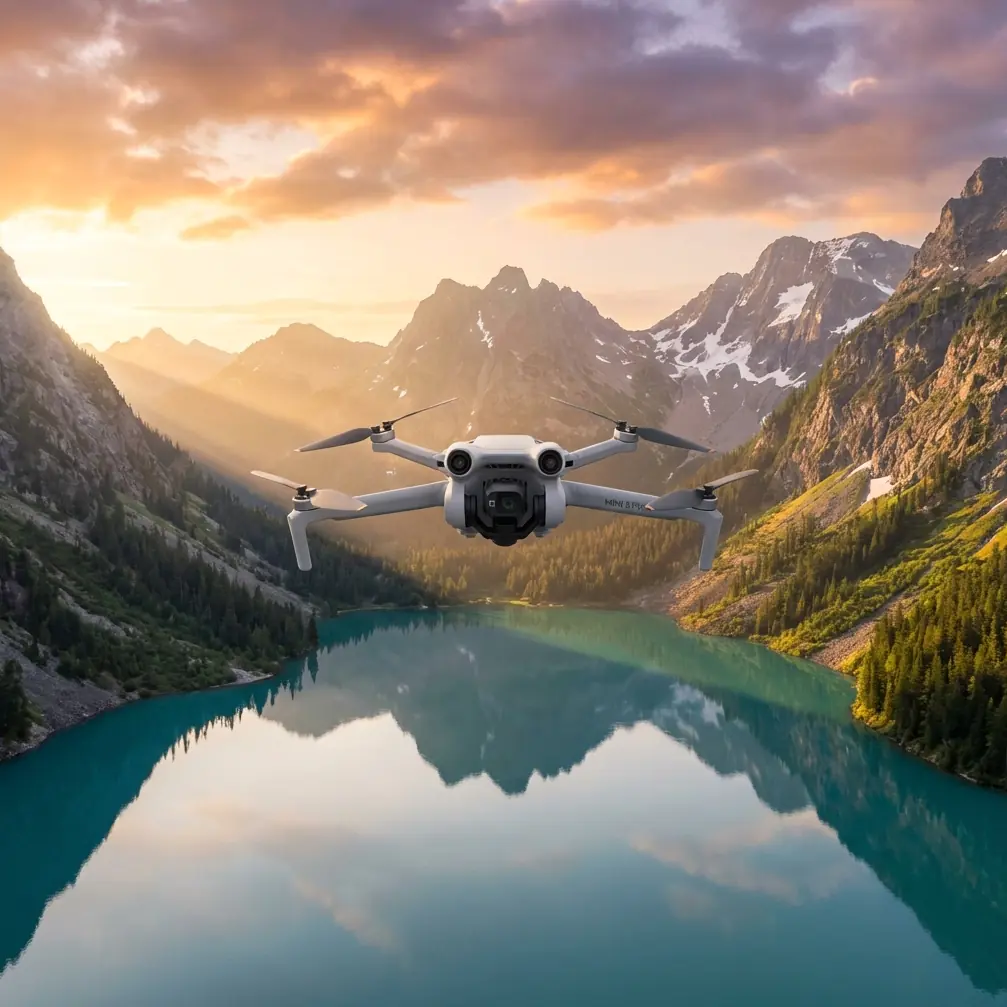
Air 3S Guide: Capturing Stunning Venue Shots at Altitude
META: Master high-altitude venue photography with the DJI Air 3S. Learn optimal flight settings, camera techniques, and pro tips for breathtaking aerial shots.
TL;DR
- Optimal flight altitude for venue photography sits between 80-120 meters, balancing comprehensive coverage with detailed architectural capture
- The Air 3S dual-camera system lets you switch between wide establishing shots and telephoto detail work without repositioning
- D-Log color profile preserves 2+ stops of dynamic range critical for high-contrast venue environments
- ActiveTrack 6.0 enables smooth orbital shots around venues even in challenging mountain conditions
High-altitude venue photography separates amateur drone operators from professionals. The DJI Air 3S transforms this demanding specialty into achievable artistry through its dual-camera system, advanced obstacle avoidance, and intelligent flight modes. This case study breaks down exactly how I captured a mountain resort wedding venue at 3,200 meters elevation—and how you can replicate these techniques.
The Challenge: Mountain Resort Documentation
Last September, a luxury resort in the Colorado Rockies commissioned aerial documentation of their wedding venue spaces. The brief demanded comprehensive coverage of outdoor ceremony locations, reception terraces, and the surrounding alpine landscape.
Three factors complicated this shoot:
- Thin air at elevation reduces lift efficiency by 15-20%
- Unpredictable mountain winds exceeding 25 km/h
- Harsh midday lighting creating extreme contrast between sunlit peaks and shadowed valleys
The Air 3S proved ideal for these conditions. Its 1-inch CMOS sensor handles high dynamic range scenes that would clip highlights on smaller sensors. The compact form factor—720 grams—maintains portability while offering professional-grade imaging capabilities.
Optimal Flight Altitude Strategy for Venue Photography
Here's the insight that transformed my venue photography: altitude selection depends on venue footprint, not arbitrary preferences.
The 80-120 Meter Sweet Spot
For venues spanning 2,000-10,000 square meters, this altitude range delivers optimal results. Lower flights capture excessive ground detail while missing the venue's relationship to its surroundings. Higher altitudes reduce architectural detail to insignificance.
At the mountain resort, I established three primary shooting altitudes:
| Altitude | Purpose | Lens Selection | Best For |
|---|---|---|---|
| 50-80m | Architectural detail | 70mm telephoto | Building textures, seating arrangements |
| 80-120m | Venue context | 24mm wide | Full property coverage, ceremony spaces |
| 120-150m | Environmental establishing | 24mm wide | Mountain backdrop integration |
Expert Insight: At elevations above 2,500 meters, reduce your maximum altitude by 10% to compensate for decreased air density. The Air 3S maintains stable flight, but battery consumption increases noticeably in thin air.
Wind Considerations at Altitude
Mountain venues present unique wind challenges. The Air 3S obstacle avoidance system includes wind speed warnings, but experienced operators develop intuition for conditions.
I follow the "3-Second Rule": if the drone takes more than 3 seconds to stabilize after stopping, wind speeds approach the safe operating limit. During the resort shoot, afternoon thermals pushed conditions to this threshold around 2:00 PM, forcing a morning-focused schedule.
Camera Settings for High-Altitude Venue Work
The Air 3S dual-camera configuration—24mm f/1.7 wide and 70mm f/2.8 telephoto—enables comprehensive venue documentation without landing to swap equipment.
D-Log Configuration
Shooting in D-Log preserves maximum dynamic range for post-processing flexibility. For the mountain resort, harsh lighting demanded this approach.
My standard D-Log settings for venue work:
- ISO 100-200 (native range for cleanest files)
- Shutter speed double the frame rate (1/50 for 24fps, 1/60 for 30fps)
- ND filters to achieve proper exposure (ND16-ND64 for bright conditions)
- White balance manual at 5600K for consistent color across clips
The 10-bit color depth in D-Log mode captures subtle gradations in sky tones that 8-bit recording crushes into banding artifacts. For venues where sky features prominently—mountain locations especially—this technical advantage translates directly to final image quality.
Subject Tracking for Dynamic Venue Tours
ActiveTrack 6.0 transformed how I approach venue reveal sequences. Rather than manually flying complex paths, I set the venue's central structure as the tracking subject and executed smooth orbital movements.
The system maintained lock on the resort's main lodge through 270 degrees of orbital travel, automatically adjusting gimbal position to keep the building centered. This freed my attention for altitude adjustments and obstacle monitoring.
Pro Tip: When using subject tracking around venues, set your orbit radius 20% wider than seems necessary. This buffer prevents the tracking algorithm from hunting when architectural edges create ambiguous subject boundaries.
QuickShots and Hyperlapse Applications
Automated flight modes accelerate venue documentation while ensuring consistent, professional results.
QuickShots for Establishing Sequences
Three QuickShots modes prove particularly valuable for venue work:
- Dronie: Reveals venue scale by pulling back and up simultaneously
- Circle: Creates smooth orbital shots around ceremony spaces
- Helix: Combines spiral ascent with rotation for dramatic reveals
At the mountain resort, a Helix QuickShot around the outdoor ceremony pavilion became the hero shot for their marketing materials. The 15-second automated sequence would have required 45+ minutes of manual flight practice to replicate.
Hyperlapse for Venue Atmosphere
Sunset Hyperlapse sequences captured the resort's evening ambiance. The Air 3S processes 2-second intervals into smooth timelapse footage, compressing 30 minutes of golden hour into compelling 20-second clips.
For venue Hyperlapse work, I recommend:
- Circle mode around the main structure
- Minimum 15-minute capture duration for smooth results
- Waypoint mode for complex multi-point paths
- Manual exposure to prevent flickering during light transitions
Technical Comparison: Air 3S vs. Previous Generation
Understanding the Air 3S advantages helps justify equipment investment for professional venue work.
| Feature | Air 3S | Air 3 | Improvement |
|---|---|---|---|
| Sensor Size | 1-inch | 1/1.3-inch | 35% larger |
| Low Light ISO | 12800 | 6400 | 1 stop better |
| Obstacle Sensing | Omnidirectional | Omnidirectional | Enhanced algorithms |
| Video Resolution | 4K/60fps 10-bit | 4K/60fps 10-bit | Equivalent |
| Flight Time | 46 minutes | 46 minutes | Equivalent |
| Telephoto Lens | 70mm f/2.8 | 70mm f/2.8 | Equivalent |
| Subject Tracking | ActiveTrack 6.0 | ActiveTrack 5.0 | Improved accuracy |
The sensor upgrade alone justifies consideration for venue photographers. That 35% increase in sensor area translates to cleaner shadow recovery and reduced noise in challenging lighting conditions.
Common Mistakes to Avoid
Flying Too High Initially
New venue photographers often launch to maximum altitude immediately, missing critical mid-range perspectives. Start at 50 meters, capture establishing context, then ascend incrementally.
Ignoring the Telephoto Lens
The 70mm telephoto captures architectural details impossible with wide-angle perspectives. Window treatments, roofing materials, and landscape features gain visual weight through telephoto compression.
Neglecting Battery Management at Altitude
Thin air increases power consumption. At 3,000+ meters elevation, expect 15-20% reduced flight time. Land with 30% battery remaining rather than the typical 20% threshold.
Over-Relying on Automated Modes
QuickShots and Hyperlapse accelerate production, but manual flight captures unique perspectives automated modes miss. Budget 40% of flight time for creative manual exploration.
Shooting Only in Optimal Conditions
Overcast skies, morning mist, and dramatic weather create compelling venue imagery. The Air 3S obstacle avoidance system maintains safety margins in reduced visibility, enabling shots fair-weather-only operators miss.
Frequently Asked Questions
What wind speed is too high for venue photography with the Air 3S?
The Air 3S handles sustained winds up to 12 m/s (27 mph), but venue photography demands stability for sharp imagery. I recommend limiting operations to conditions below 8 m/s (18 mph) for professional results. Above this threshold, micro-vibrations affect telephoto sharpness even when the drone appears stable.
How do I handle restricted airspace around event venues?
Many venues fall within controlled airspace near airports or in temporary flight restriction zones. Always verify airspace status through official apps before arriving. For restricted areas, LAANC authorization through the DJI Fly app often provides same-day approval for altitudes up to 120 meters in controlled zones.
Should I shoot photos or video for venue documentation?
Both. The Air 3S 48MP still capability captures detail exceeding video frame grabs, while video provides dynamic content for social media and virtual tours. I typically allocate 60% of flight time to video and 40% to stills, adjusting based on client deliverable requirements.
Elevate Your Venue Photography
The Air 3S democratizes high-altitude venue photography through intelligent automation and professional imaging capabilities. Whether documenting mountain resorts, coastal estates, or urban rooftop venues, the techniques outlined here translate across environments.
Master the altitude selection strategy, leverage both camera systems, and embrace automated modes for consistent results. Your venue clients will notice the difference.
Ready for your own Air 3S? Contact our team for expert consultation.